Notion Push Notification Not Coming or Delayed? Causes and Fixes (iOS/Android/Desktop)
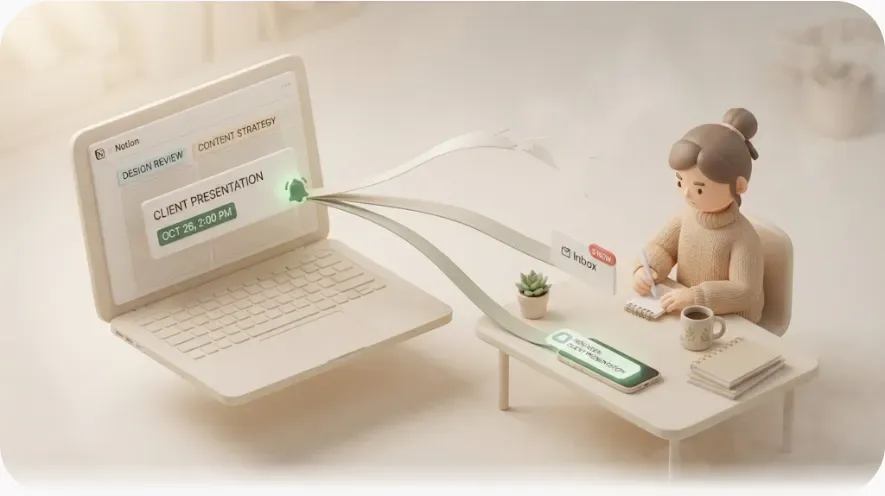
You set a reminder, tagged a teammate, and… nothing buzzed. Then, minutes later, the push finally lands — long after the moment mattered. If Notion push notifications are not coming, or arriving so late they're useless, the cause is almost always a specific device setting or a piece of Notion's push design working exactly as intended.
This guide is for anyone who relies on Notion to remember deadlines and mentions and keeps getting burned by silence. You'll get a device-by-device checklist (iOS, Android, desktop, and browser) you can run in a few minutes, an explanation of why Notion push feels delayed on purpose, and — because a checklist only fixes half the problem — the one structural limit no setting can touch: push only helps if you open the app, and it never reaches anyone who isn't in your workspace.
TL;DR
- Most "Notion push notification not coming" cases are one of five things: OS notification permission off, the desktop app not running, a Focus/Do Not Disturb or battery-saver block, push notifications disabled in Notion's own settings, or Notion's built-in mobile delay suppressing a push you'd have seen anyway.
- Notion's mobile push behaves like a fallback for when you're away — it can wait a few minutes and often won't arrive if you're already active or viewing the page. This looks like it's by design rather than a bug, though Notion doesn't publish the exact rule.
- Desktop push only fires while the installed desktop app is running; a browser tab is not the same thing.
- Two limits no setting fixes: you only benefit if you eventually open Notion, and push never reaches a client or contractor who has no Notion account.
- Reaching those people needs an outbound email layer. Kapsel is one solo-built tool made for that gap.
Start here: the 5 checks that fix most cases
Before diving into any one device, run this list top to bottom. It clears the large majority of "my push didn't come" reports in a few minutes, without guessing.
| # | Check | Where to look | Why it matters |
|---|---|---|---|
| 1 | OS notification permission for Notion is granted | Phone/computer system settings | If the OS blocks Notion, no in-app setting can override it |
| 2 | Desktop app is actually running | Notion desktop app | Desktop push needs the app open in the background |
| 3 | No Focus / Do Not Disturb / battery-saver block | Device system settings | These silence or delay push even when Notion is set up right |
| 4 | Push is enabled in Notion's notification settings | Settings → Notifications | Per-account toggles can quietly switch off after a reinstall |
| 5 | You waited past Notion's mobile push delay | (behavior, not a setting) | A "missing" push was often suppressed because you were active |
If nothing here resolves it, the device-specific steps below get more precise. Work them in order for whichever device is failing.
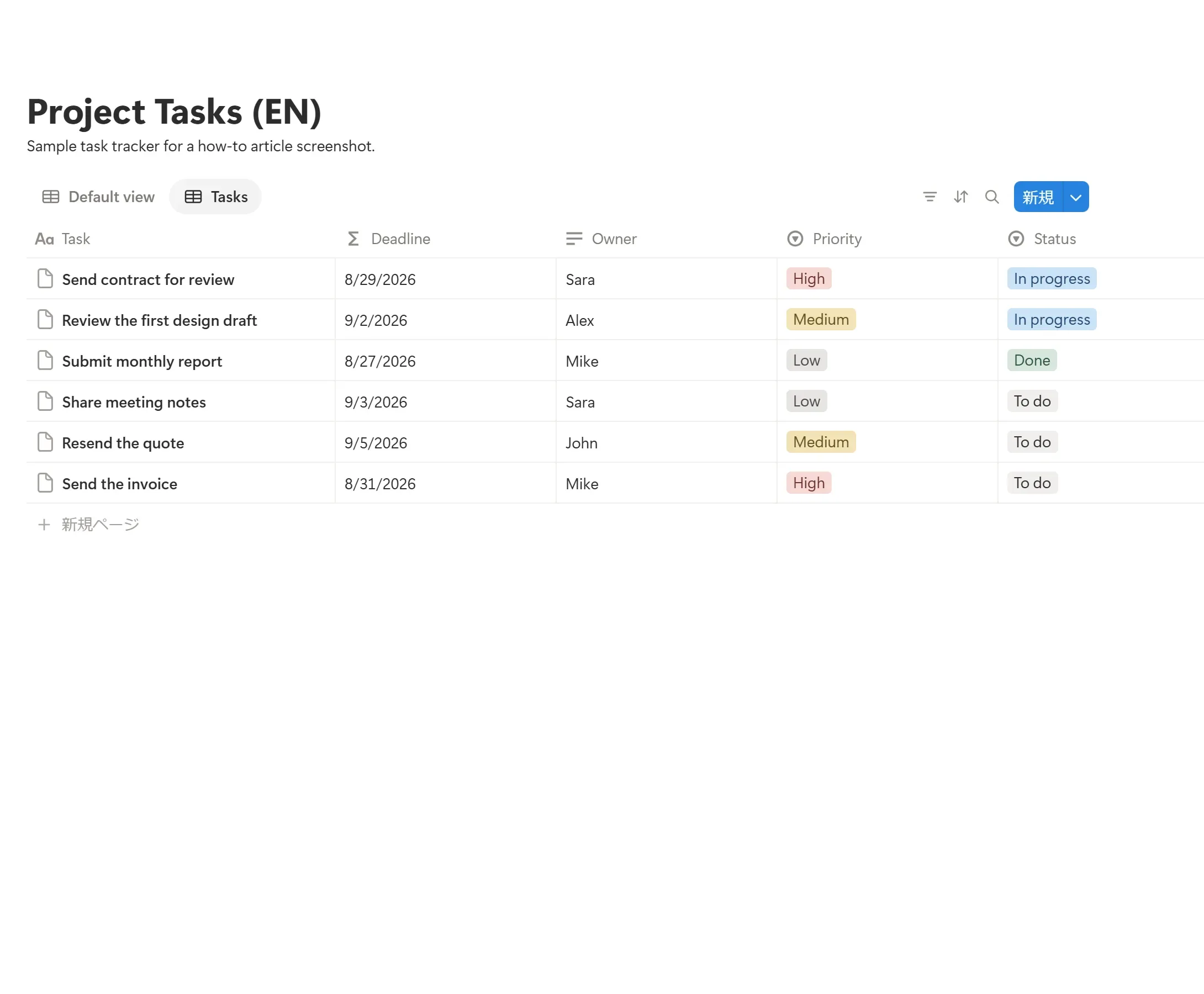
Why Notion push feels delayed (often looks like it's by design)
Before you change anything, it helps to know how Notion push tends to behave — because a lot of "not coming" reports are actually Notion doing what it appears to be built to do, not a malfunction.
Notion's mobile push behaves like a fallback for when you're away from Notion, not an instant buzz for everything. Based on how it plays out in practice (Notion doesn't publish the exact logic):
- If you haven't seen a mention or update, Notion appears to wait a short while before pushing it to your phone, rather than firing the instant it happens.
- If you open the relevant page — or Notion detects you as active — within that window, the push often doesn't arrive at all, as if Notion treats the page view as "already seen."
- Viewing the page where the trigger happened seems to count as "seen," so the notification can be marked read before it ever buzzes.
The practical upshot: a mention that "never pushed" was often either caught inside this delay window or seen because you had Notion open already. None of this is officially documented as a fixed rule, so treat it as an observed pattern rather than a guarantee — Notion's own help center is the source of record if behavior changes.
Knowing this can save you from chasing a "bug" that may just be expected behavior, so you can spend your time on the settings that actually do block push.
iPhone / iPad (iOS): fix push not coming
On iOS the block is usually at the operating-system level, above Notion. Work through these in order and stop when push returns.
- Grant notification permission. Settings → Notifications → Notion → turn on Allow Notifications, plus Lock Screen, Notification Center, and Banners. If Notion isn't in the list, open the app once and accept the prompt.
- Turn off Focus / Do Not Disturb. Control Center → check no Focus mode is active. If you use Focus, add Notion as an Allowed app so its push isn't silenced.
- Disable Low Power Mode. Settings → Battery. Low Power Mode throttles background activity and can delay or drop push. Turn it off to test.
- Allow Background App Refresh. Settings → General → Background App Refresh → enable it for Notion so it can fetch in the background.
- Check in-app push settings. In Notion, tap ••• → Settings → My notifications and confirm mobile push is on for the events you care about.
- Reinstall as a last resort. If push is stuck, delete and reinstall Notion, then re-grant the permission prompt. This clears a stale push token.
Getting the OS permission and Focus exceptions right is what turns "silent phone" into "reminders that actually reach you on the go."
Android: fix push not coming
Android has more aggressive battery management, so most Android push failures trace back to power settings restricting Notion in the background.
- Allow notifications for Notion. Settings → Apps → Notion → Notifications → enable, and check the individual notification categories/channels aren't switched off.
- Remove battery restrictions. Settings → Apps → Notion → Battery → set to Unrestricted (wording varies by manufacturer — Samsung, Xiaomi, OPPO, and others each add their own "battery optimization" or "auto-start" layer that can kill background push).
- Turn off Do Not Disturb / Bedtime. Check the quick-settings tile and Digital Wellbeing schedules aren't silencing push.
- Disable Data Saver for Notion. Settings → Network → Data Saver → allow unrestricted data for Notion so it can receive push over mobile data.
- Check in-app push settings. In Notion, tap ••• → Settings → My notifications and confirm push is enabled.
- Update the app. Push-reliability regressions are sometimes fixed in newer builds; update Notion from the Play Store.
On many Android phones, marking Notion Unrestricted for battery is the one change most likely to resolve chronic delays — so start there if the OS permission already looks correct.
Desktop app & browser: fix push not coming
Desktop is where the most common misunderstanding lives, so it's worth being precise about which "Notion" generates the push.
The desktop app must be running
Notion's desktop push is generated by the installed desktop application. If the app is fully quit — not just the window closed, but the process ended — desktop push won't fire.
⚠️ A browser tab is not the same as the installed desktop app for push. If you rely on desktop notifications, install the Notion desktop app and keep it running in the background.
Steps:
- Install and keep the desktop app open. Let it run in the background (menu bar / system tray), not just when you're actively in it.
- Grant OS notification permission. On macOS: System Settings → Notifications → Notion → Allow Notifications. On Windows: Settings → System → Notifications → enable Notion.
- Turn off Focus / Do Not Disturb. macOS Focus and Windows Focus Assist / Do Not Disturb both hide banners. Add Notion as an allowed app if you use them.
- Check in-app settings. Settings → Notifications and confirm desktop push is enabled.
Browser notifications are separate
If you live in the browser, Notion can request browser push permission, but it's a different channel with its own gotchas:
- The browser (and the OS) must both allow notifications for notion.so.
- Notifications generally require the browser to be running.
- This is less reliable than the installed desktop app for background delivery.
For most people who want dependable desktop push, the installed app plus a granted OS permission is the combination that works — the browser path is a fallback, not the primary one.
Still nothing? Check Notion's own notification settings
If every device is configured correctly and push still isn't coming, confirm the problem isn't inside Notion's account-level settings. These are per-account, not per-workspace, and can quietly toggle off.
- Open Settings → Notifications (desktop) or ••• → Settings → My notifications (mobile).
- Confirm the notification types you care about are on: mentions, comments, reminders, and access requests.
- Confirm the mobile push and email channel toggles aren't switched off.
- If you want reminders before a due date, they have to live on the Date property with a "Remind" offset — a date with no offset displays the date but never notifies anyone. (Full walkthrough: how to set reminders in Notion.)
For a broader troubleshooting pass across every native channel — inbox, desktop, mobile, and email — see why Notion notifications aren't working. If you're deciding which channel to lean on in the first place, Notion notification methods compares them side by side.
The two walls no setting can fix
Here's the part device checklists never mention. Even with every toggle perfect, Notion push has two structural limits — and they're the reason reminders still get missed.
Wall 1: push only helps if you eventually open Notion. A push is a nudge to come look. If you're heads-down, on another device, or simply not checking your phone, the deadline still passes. Push improves the odds you'll notice; it doesn't guarantee anyone acts.
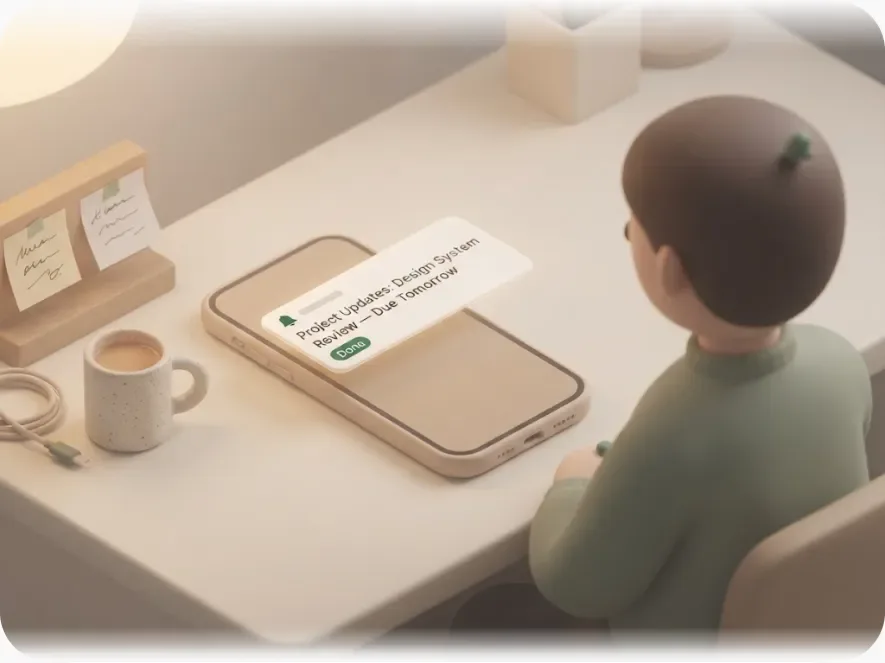
Wall 2: push never reaches people outside your workspace. Notion notifications are access-scoped. A notification can only be delivered to an account that can see the page. A client, contractor, freelancer, or vendor who doesn't use Notion has no inbox, no device token, and no address for Notion to route to. No setting changes that, because it isn't a setting — the recipient simply isn't a Notion user.
This is why sharing a page as a guest or turning on publish to web doesn't really solve external outreach: a guest still needs an account and a login, and a public link is pull, not push — it never notifies anyone. For the details of that gap, see Notion external share notifications.
Closing the gap: outbound email for the people push can't reach
Fixing your device settings makes push arrive reliably for you and your teammates. But if the deadline depends on someone outside Notion — a client sending assets, a customer paying an invoice — no push setting will ever reach them, and no amount of "open the app more often" fixes work that lives outside your team.
That narrow gap is what a dedicated outbound tool exists to fill: getting Notion deadlines in front of people who aren't in your workspace, over a channel they already check, without asking them to log in.
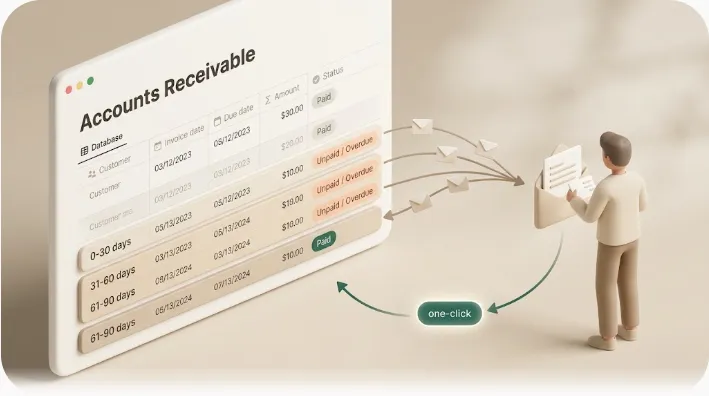
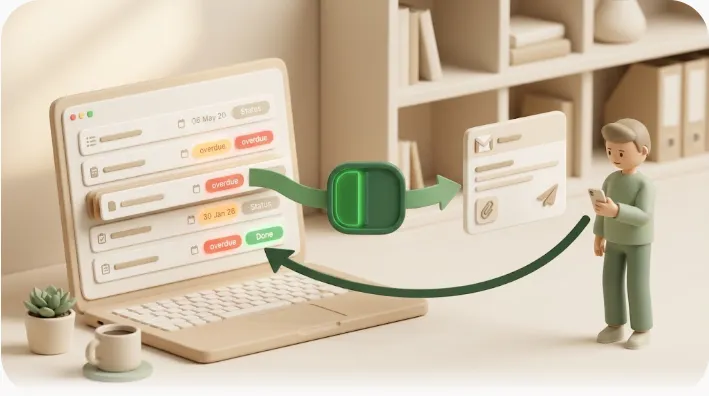
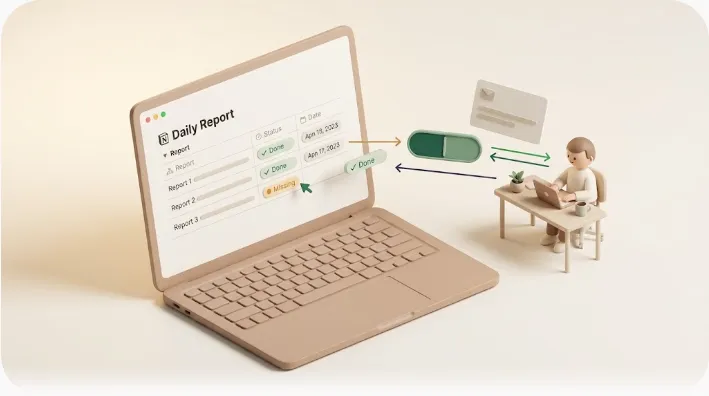
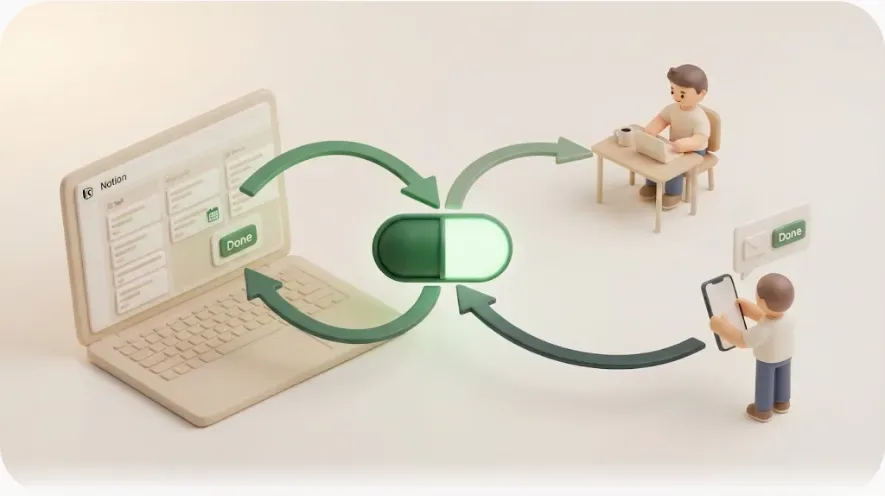
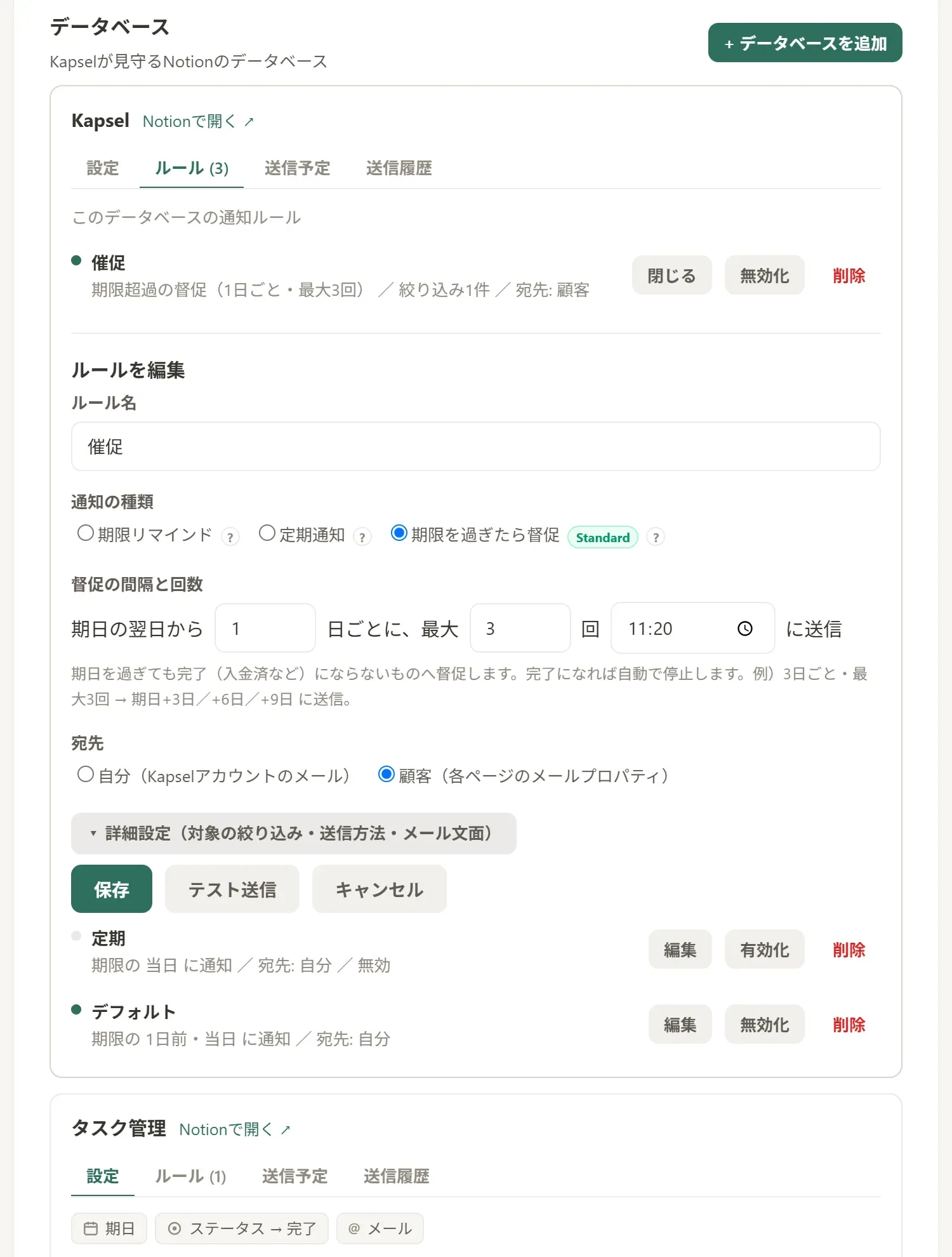
Kapsel started as one developer's way to stop manually chasing overdue clients in Notion, and it's built to cover exactly that gap: it watches your database's due dates, assignees, and statuses and automatically sends email reminders — including to people who don't use Notion — with a one-click link that writes the recipient's response back into your Notion status. A few things that follow from that design:
- No account for the recipient. It delivers over plain email, so a client or contractor doesn't need Notion, an invite, or a login — the reminder just lands in their inbox.
- Two-way, not one-way. Push tells a person something; Kapsel lets them reply. A one-click confirm updates the Notion status without them opening the app, so you stop chasing "did you see it?"
- It won't send an awkward nudge. It never emails about items already marked done or paid — the exact failure that makes people afraid to automate reminders. (See Notion email reminders for how the email channel works.)
- Built for repeating work. Overdue follow-ups, target filtering, and recurring digests cover ongoing client and freelancer cases that one-off push can't. (For repeating needs specifically, see Notion recurring reminders.)
If you're weighing this against Notion's built-in options and where they run out, Notion automation limits and Notion deadline tracking lay out the tradeoffs honestly. Kapsel plans (USD, per month): Free ($0), Standard ($12), and Pro ($29). Pro adds multiple Notion workspaces and sender branding (company name, signature, logo).
Quick checklist you can run right now
Work top to bottom and stop when push starts arriving:
- OS notification permission for Notion is granted (iOS Settings → Notifications; Android app notifications; macOS/Windows notification settings).
- Focus / Do Not Disturb / battery-saver aren't silencing or delaying Notion.
- On mobile, battery is Unrestricted (Android) and Low Power Mode is off (iOS).
- The desktop app is running — not just a browser tab — if you rely on desktop push.
- Push is enabled in Settings → Notifications (per-account, so re-check after a reinstall).
- You waited past the mobile push delay and didn't already have the page open.
- The recipient is a workspace member with page access. If they're not, no setting will deliver push — you need an outbound email layer instead.
FAQ
Why is my Notion push notification not coming through? The usual causes are the OS notification permission being off for Notion, the desktop app not running (desktop push needs it open), a Focus/Do Not Disturb or battery-saver block, push disabled in Settings → Notifications, or Notion's mobile push being suppressed because you were active or already viewing the page. Work through them in that order; most cases resolve in a few minutes.
Why are my Notion push notifications delayed? Notion's mobile push behaves like a fallback for when you're away: it can wait a short while before firing rather than buzzing instantly, and it often doesn't arrive at all if you open the page or Notion detects you as active in that window. Notion doesn't publish the exact rule, so treat this as an observed pattern rather than a documented guarantee. On Android, aggressive battery optimization is a second common cause of delay — setting Notion to Unrestricted for battery usually helps.
Why do Notion push notifications not work on my iPhone? Check Settings → Notifications → Notion and allow notifications, turn off any active Focus mode (or add Notion as an allowed app), disable Low Power Mode, and enable Background App Refresh for Notion. If push is still stuck, delete and reinstall the app to refresh its push token, then accept the permission prompt again.
Why do Notion push notifications not work on Android? Android battery management is the most common culprit: set Notion to Unrestricted under battery settings and disable any manufacturer auto-start/optimization layer (Samsung, Xiaomi, OPPO, etc.). Also confirm app notifications and their categories are on, Do Not Disturb isn't active, and Data Saver isn't blocking Notion in the background.
Do Notion desktop notifications work if the app is closed? No. Desktop push is generated by the installed desktop application, so it only fires while that app is running in the background — a browser tab is a separate, less reliable channel. Keep the Notion desktop app open and grant it OS notification permission for dependable desktop push.
Can Notion send a push notification to someone who doesn't have a Notion account? No. Notion notifications are access-scoped and can only reach an account with access to the page, so a client, contractor, or vendor without Notion gets nothing — and a guest still needs to accept an invite, create an account, and log in. To reach people outside your workspace, route the reminder over email with a dedicated tool such as Kapsel, which emails them directly without a login.
Notes
Published 2026-09-02. Kapsel features and pricing (Free $0 / Standard $12 / Pro $29 per month, USD) are current as of writing and may change. For Notion's own push behavior, always check the official Notion help center, as timing details can change.