What Notion Automations Can (and Can't) Do — the Honest Limits

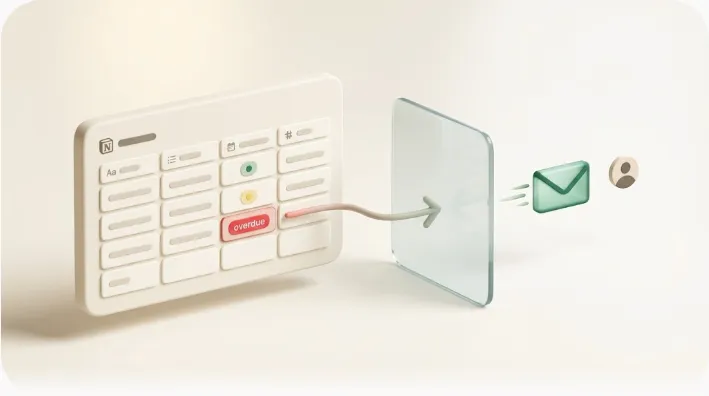
You set up a Notion automation to notify the person who owns an overdue task. It fires perfectly. And then the task stays overdue — because the person who owns it barely opens Notion, or is a client who never had an account in the first place. The automation did its job. The notification just landed somewhere no one was looking.
TL;DR
- Notion automations run on a simple trigger → action model, split across database automations, buttons, and recurring templates.
- They're great for updating properties, timestamping status changes, and pinging people who live inside Notion.
- They cannot reach anyone without a Notion account — external clients and infrequent teammates are structurally excluded — and a native notification fires once with no automatic re-nudge.
- Zapier and Make widen the apps you can touch, but every link in the chain still routes through a logged-in account. To reach someone with no account anywhere, you need email — which is exactly the gap Kapsel fills alongside native automations.
This article is the honest map of that boundary: what Notion automations can do, what they can't, and how to decide — straight from the tables — whether native automation is enough for your situation or whether you need something to carry the message past Notion's edge. If you want the step-by-step setup instead, that lives in our full Notion automation tutorial; here we stay decision-first.
What a Notion automation actually is (in one paragraph)
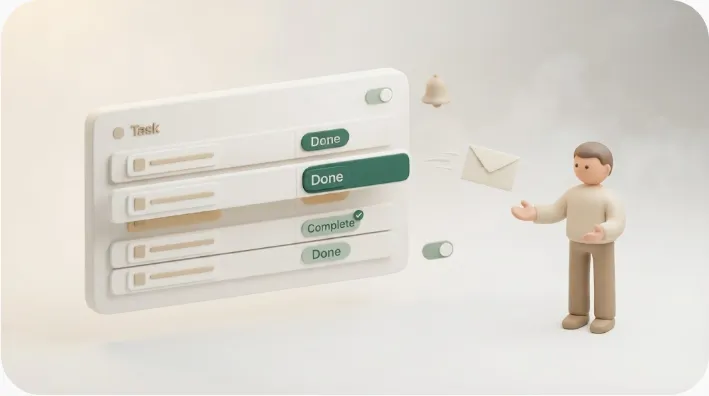
A Notion automation is an if-this-then-that rule that lives inside a database: a trigger (an event, like a Status changing to "Done") fires an action (like setting a "Completed on" date). Two close cousins share the same logic — buttons, which run actions on a manual click instead of an event, and recurring templates, which spawn a fresh page on a schedule so repeating work re-appears on its own. That's the whole model — and knowing which of the three you're dealing with is what lets you predict what it will (and won't) do before you build it. For how to build each one click-by-click, see the full Notion automation tutorial, and if you're still setting up the underlying table, start with Notion databases. From here on, we focus on capabilities and limits, not setup.
What Notion automations CAN do
Within a workspace, native automations remove a surprising amount of manual upkeep — the "I forgot to update the field" kind of drift. Here's what each mechanism actually handles, so you can tell at a glance whether your task is covered natively.
| Feature | What it does | Where it lives |
|---|---|---|
| Update a property automatically | Set a field when a trigger fires (e.g. stamp "Completed on" when Status → Done) | Database automation |
| Timestamp a status change | Record when something moved stages, with no manual entry | Database automation |
| Notify a person in Notion | Send an in-app / Slack notification to a workspace member on a change | Database automation |
| Run several actions at once | One click updates fields, adds a page, and moves the item together | Button |
| Add a page to another database | Push a new row into a related table from a click | Button |
| Recreate repeating work | Spawn a fresh copy of a template on a schedule (daily / weekly / monthly) | Recurring template |
| Pre-fill dynamic dates | New pages open with dates set relative to "today" | Recurring template |
The benefit is consistency: fields that used to depend on someone remembering now update themselves, which keeps your views, filters, and rollups trustworthy.
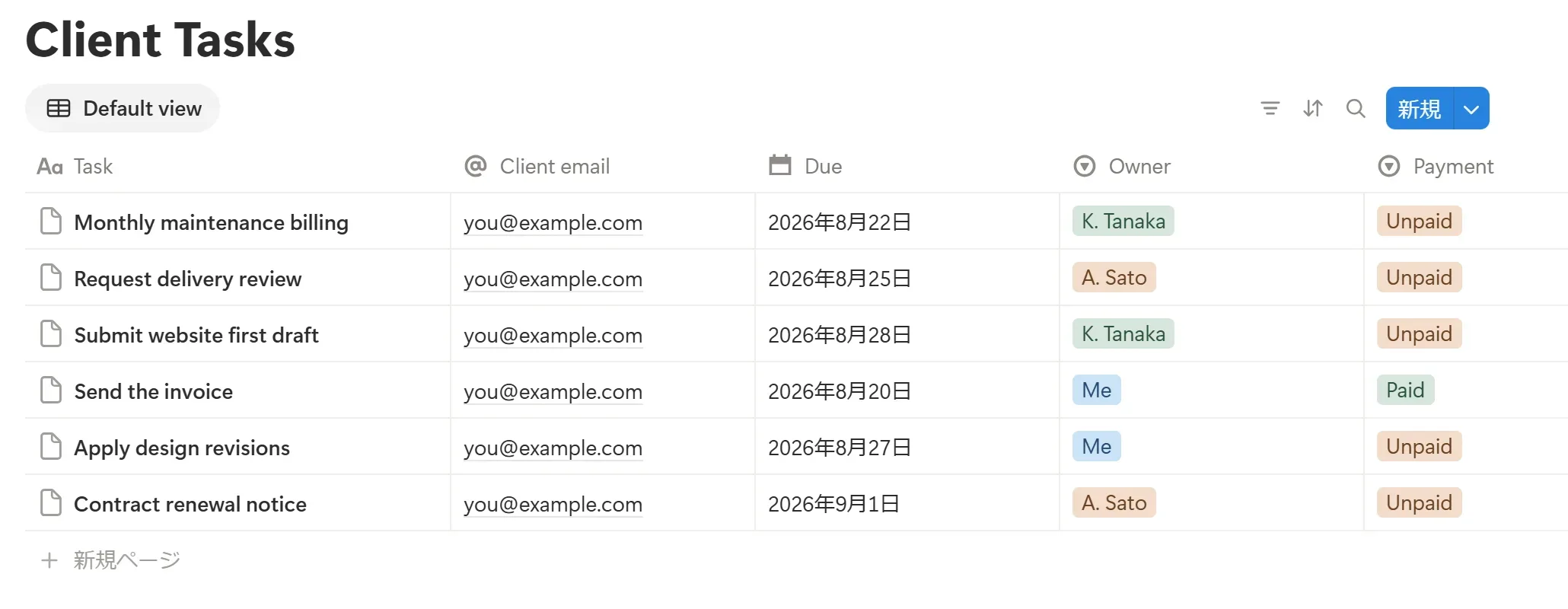
↑ Automations fire on changes to properties like these — Status, Due, Owner, Payment — inside a Notion database.
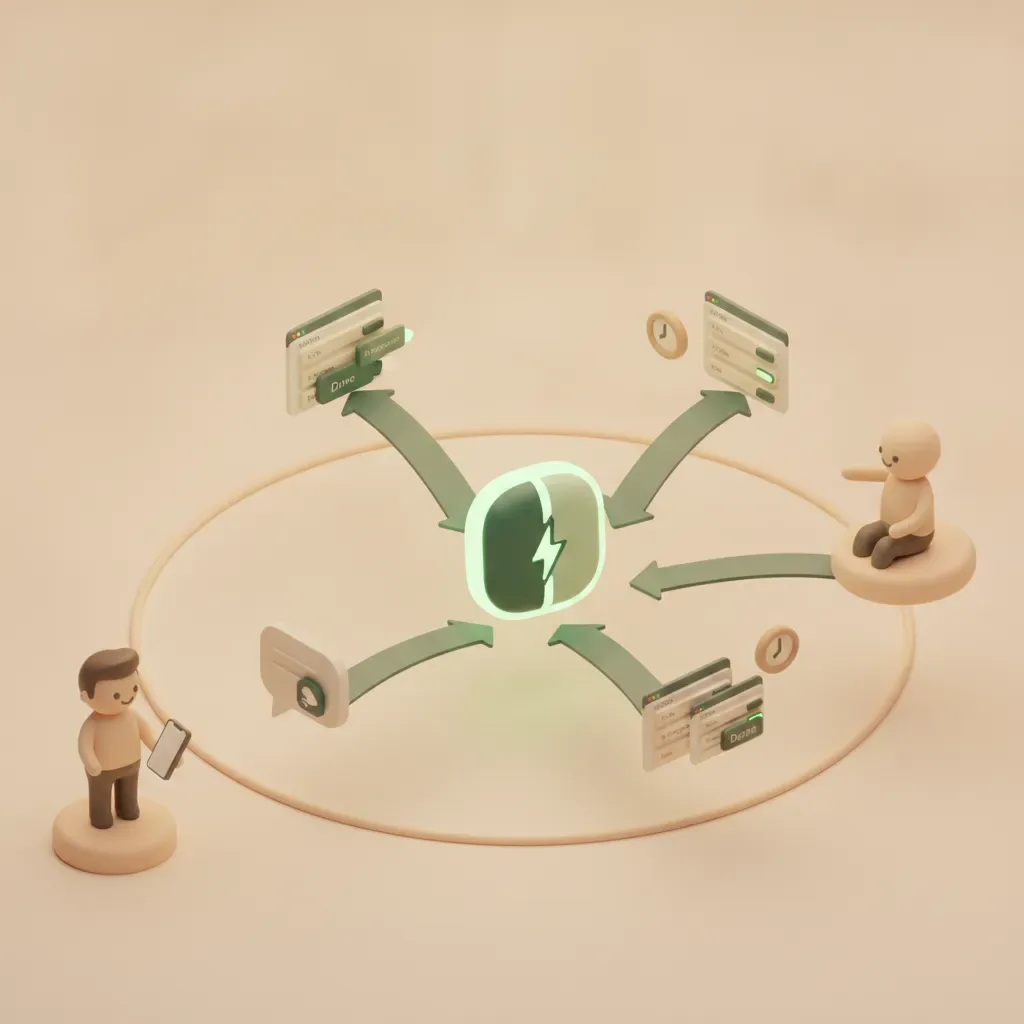
Buttons vs database automations vs recurring templates — what triggers what
The three mechanisms look similar but start from different places:
- Database automation — starts from an event (a property changes, a page is added). It runs on its own, no human in the loop.
- Button — starts from a manual click. Nothing happens until a person presses it, which makes buttons ideal for "do this whole sequence now" shortcuts.
- Recurring template — starts from a schedule, re-materializing a page so recurring tasks don't rely on memory. (For patterns here, see recurring tasks in Notion.)
One nuance worth flagging honestly: whether one automation can chain into another — for example, a button that creates a page which then trips that database's own automation — behaves inconsistently across sources and Notion versions. Don't design a fragile cascade around it; treat cross-triggering as "not guaranteed" and verify the specific behavior in your own workspace before relying on it.
What Notion automations CANNOT do — the limits you'll actually hit
The capabilities above all share one boundary: they operate inside Notion, for people who are inside Notion. Here are the limits you'll run into in real work, and why each one matters.
| Limitation | Why it matters |
|---|---|
| Notifications reach only Notion account holders | Clients and vendors with no account never see them — the most common "why didn't they get it?" case |
| The recipient must have notifications enabled | A teammate who muted Notion or rarely logs in effectively receives nothing |
| A notification fires once | If the item is still overdue tomorrow, nothing re-nudges automatically |
| No email to outside parties | Native automations don't send an external email to a non-member |
| Full database automations may require a paid plan | Some scheduling/template behavior is available on free, but the exact scope shifts — check Notion's current help |
| Cross-database and cross-app logic is limited | Native rules mostly stay within one database; spanning apps needs a connector |
On plan availability specifically: native full database automations may require a paid Notion plan, while some template and recurring behavior is available on free workspaces — but the precise tier rules and any execution limits differ between sources and change over time. Rather than quoting a number that may already be stale, check Notion's official help for the current scope before you commit a workflow to a plan.
Who never gets the notification
This is the limit that quietly breaks the most workflows, so it's worth stating plainly:
Native Notion notifications only reach people who (a) have a Notion account and (b) have notifications enabled. That's it. An external client with no account is not "hard to reach" — they are structurally outside the system; there is no setting that delivers a native notification to them. An infrequent teammate who muted Notion is, in practice, in the same position. And because a native notification fires once, an item that's still overdue the next day gets no second, automatic nudge. Building a formula to compute "days remaining" or an overdue flag doesn't change this — the value only shows up for whoever opens the page, so you hit the same wall (how to calculate days until due and overdue flags with Notion formulas, and their limit).
The diagram below draws the boundary. Native notifications reach everyone on the left. Everyone on the right — the people your deadline actually depends on most often — is reachable only by bridging out to email.
If your notifications aren't landing even for people who do have accounts, that's usually a settings or permissions issue — walk through why Notion notifications aren't working. For the external side specifically, see external share notifications and how teams handle client updates without a Notion account.
Notion automations vs. Zapier / Make — when native isn't enough
When a native rule can't span the apps you need, the usual next step is a connector like Zapier or Make. They genuinely widen the surface — but they don't erase the account requirement. This table shows where each option actually helps.
| Need | Native Notion | Zapier / Make |
|---|---|---|
| Update a property on a change | Yes | Yes (usually overkill) |
| Notify a member inside Notion | Yes | Yes |
| Push data to another app (Sheets, CRM) | Limited | Yes — this is the core use |
| Send an email from a workflow | No | Yes, via a connected email account |
| Reach someone with no account anywhere | No | No — every step still routes through a logged-in account |
| Re-nudge automatically while overdue | No | Possible, but you build and maintain the logic yourself |
The key distinction: Zapier and Make widen the range of apps you can automate, but every link in the chain still passes through a connected account with its own login. They can send an email, but the workflow itself is operated by accounts you own. They don't change the fundamental reach problem — there's still no path to a recipient who has no account anywhere in the chain and simply needs a message in their inbox. If a connector is where you're headed, we compare the tradeoffs in Notion reminders with Zapier.
Closing the external-reach gap — how Kapsel fits alongside native automations
Native automations keep your database tidy. Connectors move data between apps. Neither delivers a reminder to a person who isn't a Notion (or connected-app) user — and that person is often the whole point of the deadline. This is the specific, narrow gap Kapsel is built to close, sitting alongside your native automations rather than replacing them.
What Kapsel does — implemented features only:
- Watches a database's due date, owner, and status and sends reminders on your schedule, so you're not manually checking who's overdue.
- Emails those reminders to people outside Notion — the recipient needs no account and no login, which is what makes external clients and infrequent teammates reachable at all.
- Lets the recipient write the status back to Notion with one click from the email, so the update lands in your board without them ever opening Notion.
- Never sends once an item is marked complete or paid, which removes the fear of dunning someone who already delivered.
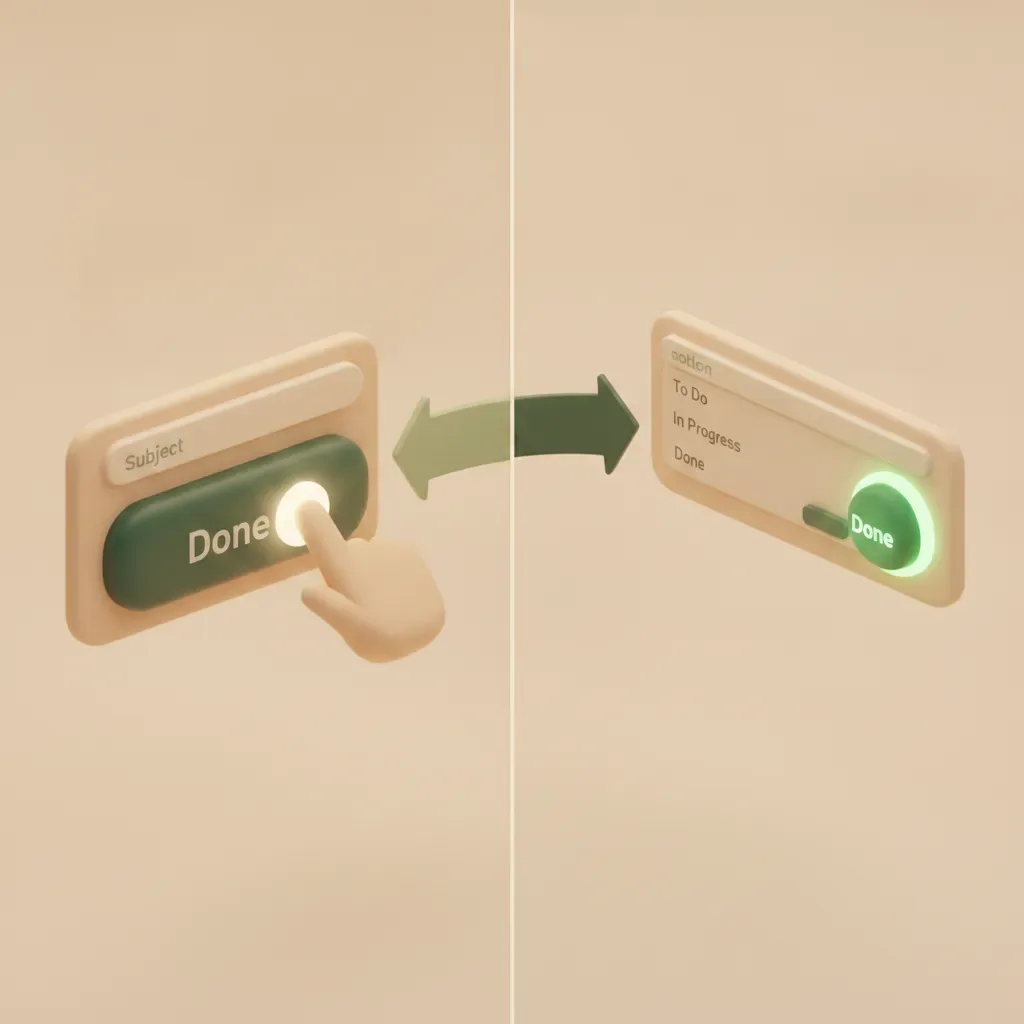
Keep your native automation for the in-Notion housekeeping; let Kapsel carry the message across the boundary the diagram above draws. For where it fits among other options, see Notion reminder automation tools, and for the mechanics of the emails themselves, Notion email reminders.
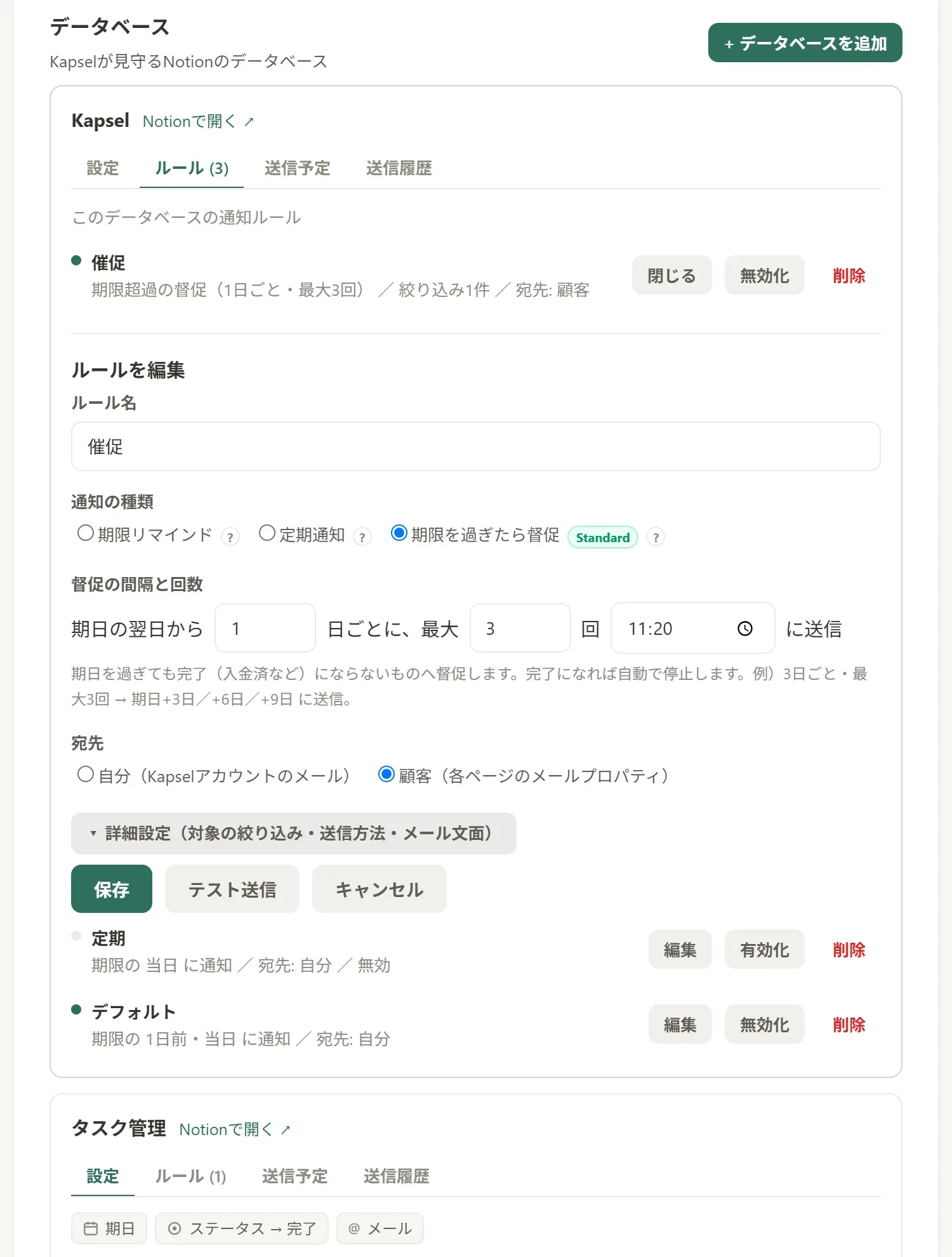
↑ A Kapsel rule: set the audience to the customer (their page email property) to reach people outside Notion, and it auto-stops once the item is marked complete/paid. (Kapsel's app UI is in Japanese.)
FAQ
What can Notion automations do? Update properties automatically, timestamp status changes, run multi-step actions from a button, notify members inside Notion, and recreate repeating work with recurring templates — all on a trigger → action model within a database.
What can't they do? Reach anyone without a Notion account, guarantee delivery to a member who has notifications off, send an external email, or re-nudge automatically when something stays overdue. Complex cross-database or cross-app logic also falls outside native rules.
Can a Notion automation notify someone without a Notion account? No. Native notifications only reach people who have a Notion account with notifications enabled. Reaching an external client requires bridging out to email — for example, with a tool like Kapsel.
Do I need a paid plan? Native full database automations may require a paid Notion plan, while some template and recurring behavior is available on free workspaces. Because the exact tier rules and limits shift over time, check Notion's official help for the current scope.
Can one automation trigger another? This behaves inconsistently across sources and Notion versions, so treat it as not guaranteed. If you're tempted to chain automations, verify the specific behavior in your own workspace first rather than relying on it.
Does a recurring template trigger an automation? Also uncertain and version-dependent — don't assume a newly spawned template page will trip a database automation. Test it directly before building on that assumption.
Should I use Zapier or Make instead? Use them when you need to move data between apps native rules can't reach. But remember they still route through connected accounts with logins; they don't deliver to someone who has no account anywhere in the chain.
Why isn't a notification reaching someone? Usually a settings, permissions, or account issue — the person may have notifications off, lack access, or have no account at all. Work through why Notion notifications aren't working to isolate it.
Bottom line
Notion automations are strong at what they're designed for: keeping your workspace consistent and nudging the people who already live inside it. Their limit is equally clear — a native notification reaches only account holders with notifications on, it fires once, and it never leaves Notion. Zapier and Make broaden the apps you can touch but not the reach past a login. So the decision is simple: if the people your deadlines depend on are all inside Notion, native automation is enough. If some of them aren't — clients, vendors, teammates who rarely log in — you need an email bridge alongside your automations. That's the seam Kapsel is built for.
You can try it free at getkapsel.com — it watches your Notion due dates and emails reminders to people outside Notion, with a one-click status write-back and nothing sent once an item is done.