How to Get Notified When a Notion Status Changes (Internally with Slack, Externally by Email)
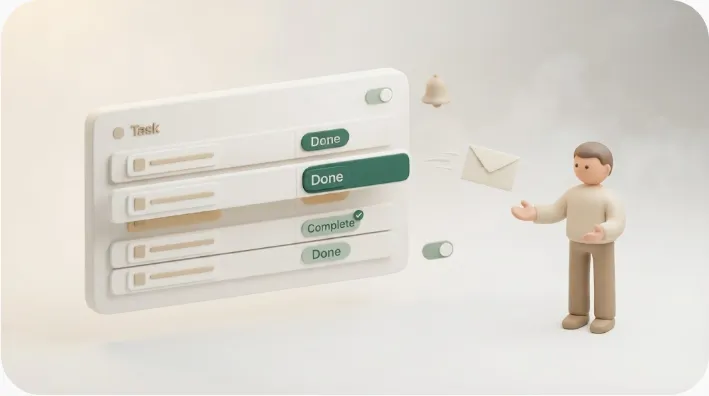
"Ping me when a task moves to In review." "Let the team know the moment a project flips to Done." Wanting a notification the instant a Notion status changes is one of the most common automation requests — and the good news is that for people inside your workspace, Notion does this natively with database automations. This guide shows you exactly how to build that, then covers the part most how-to posts skip: the status-change notification Notion sends never reaches a client or vendor who doesn't use Notion — and what to do when that's exactly who needs to know.
TL;DR
- Notion's database automations let you trigger on a status property change and, as an action, post to a Slack channel or notify a workspace member — automatically, the moment the status flips.
- You can scope it tightly: fire only when the status becomes a specific value (e.g. only on
Done, ignoring every other option), so you don't drown in noise.- The catch: those notifications only reach people inside your workspace or your team's Slack. A client without a Notion account won't get an email, and in-app notifications only surface when the person actually opens Notion. Full database automations — including the "notify a member" action — require a paid Notion plan, though per Notion's 2026 change, free workspaces can create a bare Slack-notification-only automation.
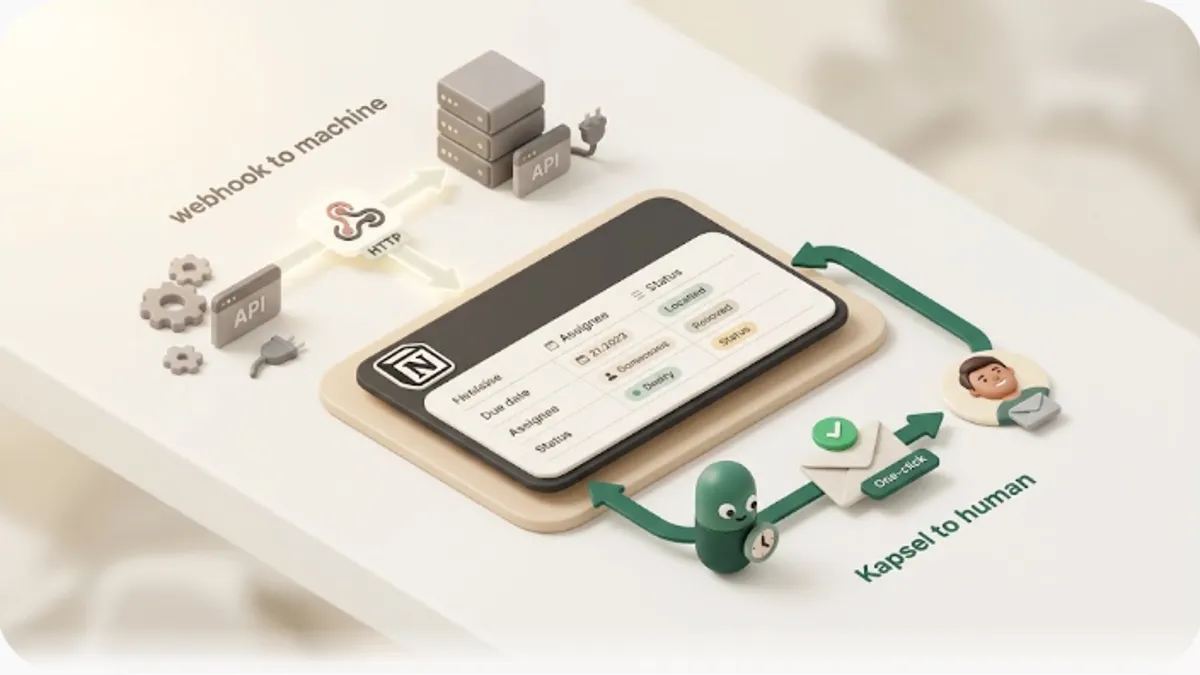
- Kapsel is a Notion notification tool that watches your database's statuses, due dates, and assignees, emails the people a status concerns — including external contacts with no Notion account — and writes the status back to Notion on their one click. It never sends to a row you've marked done or paid.
By the end you'll be able to set up status-change notifications for your team, and you'll know how to handle the step beyond that: telling an outside client or vendor that something changed. If notifications already feel unreliable, why Notion notifications don't show up is a useful companion read.
Notion's built-in way to notify on a status change (database automations)
The thing to know first: Notion has database automations that run when a property changes. When a status (a Select or Status property) is edited, you can have Notion automatically run an action — most usefully, a notification.
The two actions that matter here are:
- Send a Slack notification — post a message to a chosen Slack channel, with the task name, assignee, status, and other properties pulled in. If your team lives in Slack, this is the most practical choice.
- Notify a workspace member — an in-app Notion notification to a specific person.
One important detail up front: full database automations are a paid Notion feature (Plus plan and above) — that includes the "notify a member" action. The one carve-out: per Notion's 2026 change, free workspaces can create a bare Slack-notification-only automation (the status trigger plus the Slack action, nothing else). Add another action or combine triggers and you're back to needing a paid plan. (Plan details change, so confirm the current tiers in Notion's own documentation.)
The right tool depends entirely on who needs to know. Teammates or a team Slack channel? Notion's native automation is plenty. An external contact who doesn't use Notion? You'll need something more, covered below. Deciding this first saves a lot of fiddling.
Steps: notify Slack or a member when the status changes
You build this from the database's automation panel. The steps are independent, so read whichever you need. For the full picture of Slack wiring, see how to connect Notion and Slack for reminders.
- Open the automation panel. Click the ••• menu at the top right of your database, choose Automations, then New automation.
- Pick the trigger. Under Add trigger, target your status property specifically rather than "any property edited" — that keeps the automation from firing on unrelated edits.
- Scope it to the right values. For a status with several options, choose which values should fire the notification. Check only
Done(and uncheck the rest) and you get a ping only when something is completed. Narrow it to the handful of states that actually matter in your workflow —In review,Needs action, and so on. - Add the notification action. Under Add action, choose Send Slack notification and pick the destination channel, or choose to notify a member. In the Slack message, insert properties like task name, assignee, and status so the message says what changed, whose it is, and how at a glance.
- Watch several changes at once. You can add more triggers to the same automation — for example, "moved to Done" and "due date changed." Start with a single status value and add more as your workflow settles.
The honest limit: none of this reaches people outside your workspace
Here's what the setup-only guides leave out. Notion's native automation is genuinely useful, but it has a hard boundary on who it can reach:
- It only reaches your workspace or your Slack. Both the Slack message and the member notification go to people inside your team. A client, vendor, or external partner without a Notion account can't be emailed automatically when a status changes.
- In-app notifications depend on someone opening Notion. A member notification only surfaces when that person actually opens Notion. For anyone who isn't in the app all day, it piles up unseen — a structural weakness covered in why Notion notifications don't reach people.
- Most of it requires a paid plan. As noted, full database automations — including "notify a member" — are a paid Notion feature; only a bare Slack-notification automation is free, per Notion's 2026 change.
So internal status-sharing is fully handled by Notion. But "email an outside contact when a status changes" is the one thing the native tools can't automate. For the full map of what Notion automation can and can't do, see the limits of Notion automation.
How to notify external people when a status changes
"Email the client when the deliverable flips to Done." "Chase the customer while the invoice is still Unpaid." You often need to tell someone outside Notion that a status changed — and that's where a tool that watches Notion and sends email comes in.
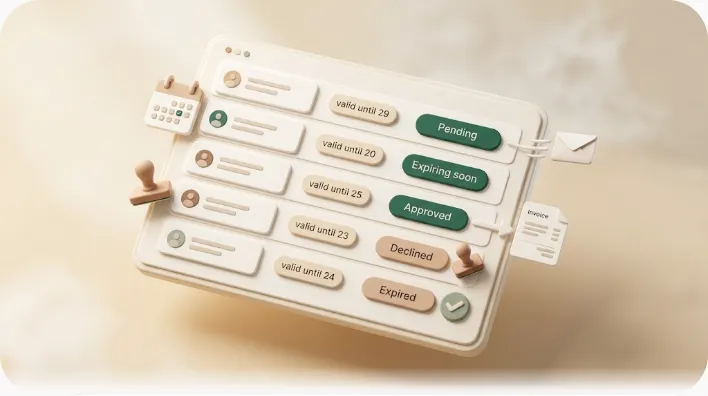
Kapsel is a Notion notification tool that watches your database's statuses, due dates, and assignees, and emails only the rows that match a state you choose — using the address in a recipient-email property. Set a target like "rows where status is Needs action" or "rows past due and still Unpaid," and the external contact gets a plain email: no Notion account, no login, no guest invite. Each email carries a one-click confirmation that writes the result back into Notion's status, so you track everything from your database. For nudging specific owners rather than external contacts, how to remind assignees in Notion is a good companion.
Notion's "status change → Slack" is for your team; Kapsel's "watch the status → email outsiders" is for everyone else. They aren't competitors — they split the job: Slack for internal, Kapsel for external.
Never notify someone who's already done — the safety design
The worst failure in any status-driven notification is pinging someone whose part is already finished — "I already paid / already sent it, why am I getting chased?" One of those breaks trust. Kapsel reads the status you point it at and never sends to a row marked done, paid, or complete. Change the status to Done and that row drops out of the target automatically. It's target filtering — "only send to rows currently in this state" — so the rule holds without a human remembering to check before every send (the one habit that matters: update the status once the work is actually finished).
Pricing: Free, Standard, and Pro
Kapsel has a free plan you can use to test the whole loop before paying anything.
| Plan | Price (USD / month) | Good for |
|---|---|---|
| Free | $0 | Trying status-driven notifications on a single workspace |
| Standard | $12 | Solo operators and freelancers running reminders regularly |
| Pro | $29 | Multiple Notion workspaces and sender branding (company name, signature, logo) |
Start on Free, connect your workspace, and send a status-driven notification to yourself first to watch the full loop — email out, one-click confirm, status back in Notion — before rolling it out to clients. The Free plan stays free.
Try Kapsel free. Kapsel watches your Notion statuses and due dates, then sends automatic email notifications — including to people without a Notion account — with one-click write-back, and it never emails a row marked done. Free plan, no credit card required. → Start with Kapsel
FAQ
Can Notion notify me when a status changes?
Yes. Use a database automation with a trigger of "status property edited" and an action of "send a Slack notification" or "notify a member," and Notion will alert you automatically when the status changes. Note that database automations are a paid Notion feature (Plus plan and above).
Can I notify only when it changes to a specific status?
Yes. For a status with multiple options, you choose which values should fire the notification. Check only Done and uncheck the rest, for example, and the notification fires only when a row becomes Done.
How do I send a Notion status change to Slack?
In the database's automations, set the trigger to the status property being edited and add the Send Slack notification action, then choose the destination channel. You can insert properties like task name, assignee, and status into the message. See connecting Notion and Slack for the full setup.
How do I notify an external client who doesn't use Notion?
Notion's native notifications only reach Slack or members inside your workspace — they can't email someone without a Notion account. To reach external people, use a tool like Kapsel that reads a recipient-email property from your database and sends a plain email. The recipient needs no Notion account and can confirm with one click. See how to reach people who don't use Notion.
Can I set up status-change notifications on Notion's free plan?
Partly. Per Notion's 2026 change, free workspaces can create a bare Slack-notification automation (status changes → post to a Slack channel). Notifying a workspace member, or combining the Slack action with another trigger or action, counts as a full automation and requires a paid plan (Plus and above). Plan details change, so confirm the current tiers in Notion's documentation.
Will someone who already finished still get notified?
No, not with Kapsel. It reads the status you target and never sends to rows marked done, paid, or complete. Updating the status removes that row from the target automatically, so a finished contact won't be pinged by mistake.
What if people don't notice in-app notifications?
In-app and @mention notifications in Notion only surface when the person opens Notion, so anyone who isn't in the app all day can miss them. A channel that lands in their inbox — email — is more reliable for those people. See why Notion notifications get missed for the fuller picture.
Notes
Published 2026-10-02. The behavior of Notion database automations described here — triggers on property edits, Slack and member notification actions, per-value scoping, and plan availability (full automations require a paid plan; Notion's 2026 change made bare Slack-notification automations available on free workspaces) — is based on the general capabilities documented in Notion's Help Center (notion.so/help); Notion's product and plans change, so verify current behavior and tiers in its documentation. Kapsel features and pricing are as implemented at the time of writing: Kapsel watches Notion statuses, due dates, and assignees and sends email notifications to recipients who do not need a Notion account; a one-click confirmation in each email writes the status back to Notion, and notifications are never sent to rows marked done, paid, or complete. Kapsel also supports target filtering, scheduled sends, overdue follow-ups, a send log, and merge variables; the Pro plan adds multiple Notion workspaces and sender branding. Pricing referenced: Free $0, Standard $12, and Pro $29 per month (USD).