Notion Webhooks: The 2 Ways to Send One, and Why Neither Reaches a Person
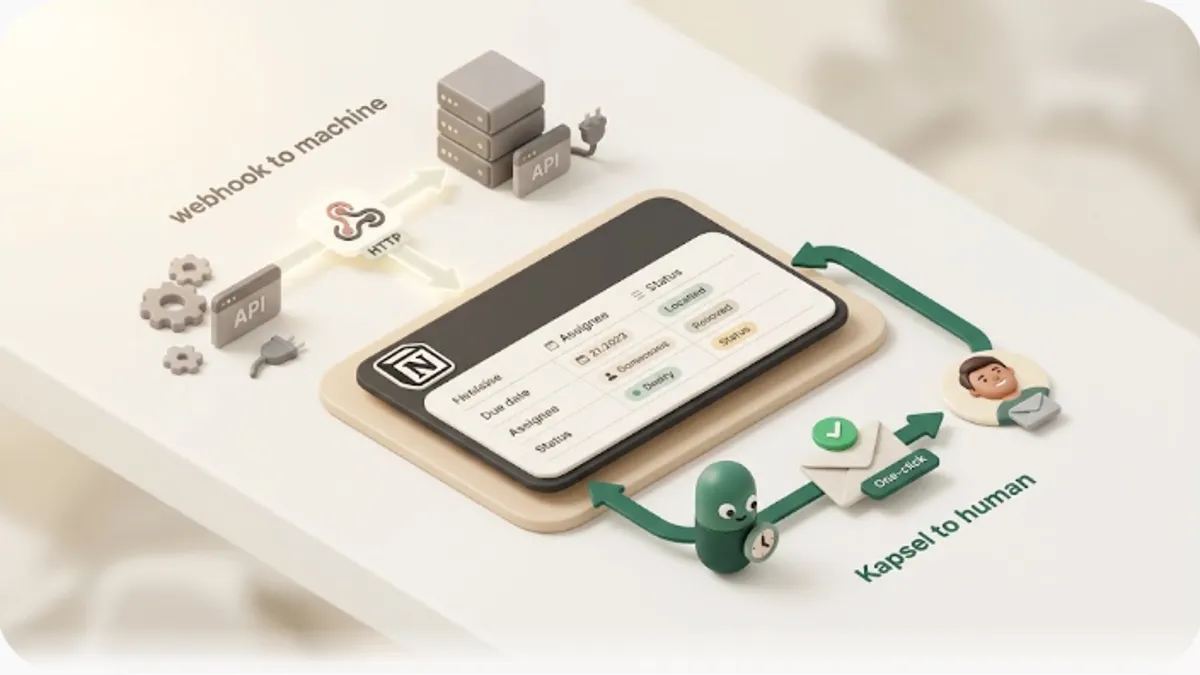
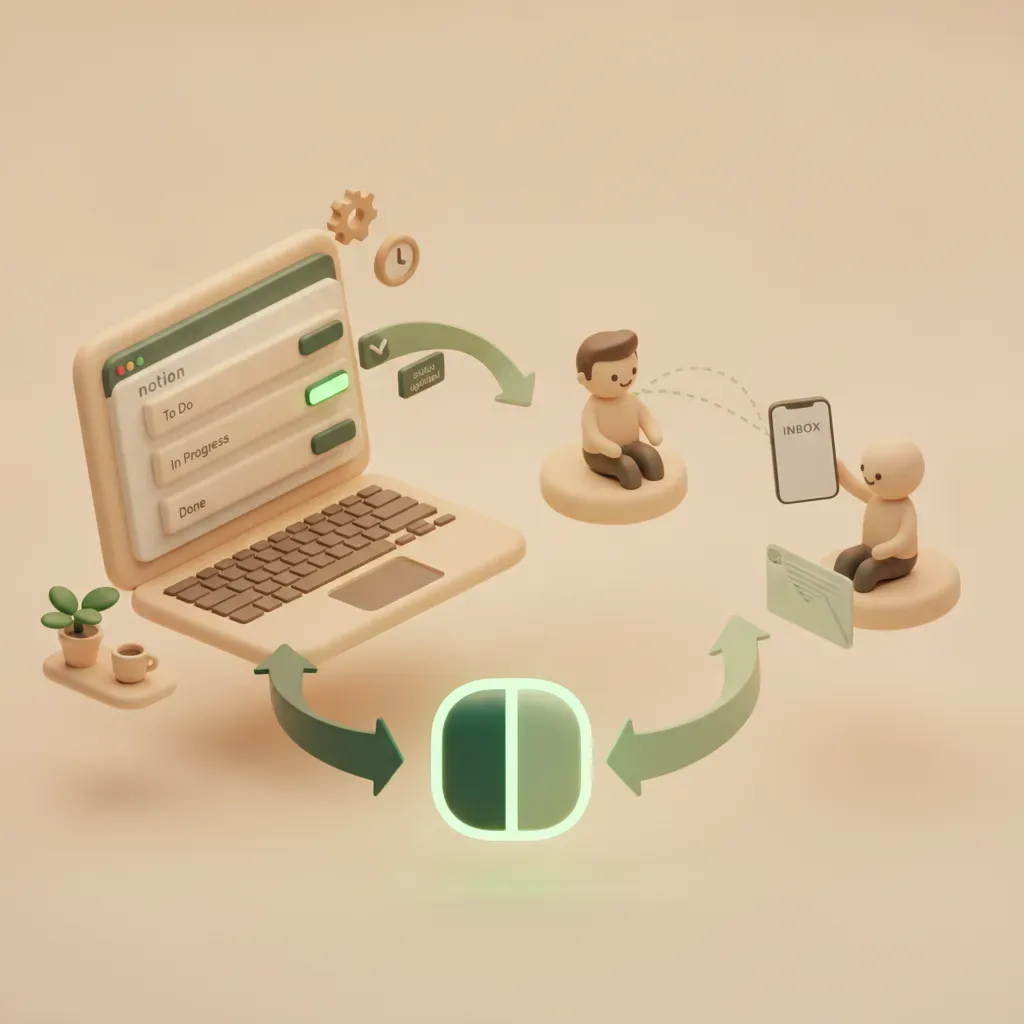
Search "Notion webhook" and the guides seem to contradict each other. One says "set it up from the database ⋯ menu"; another says "create a subscription in the developer settings." Both are right — because Notion has two different things called a webhook: a no-code automation action, and a developer-facing API subscription. This guide separates them first, then walks the setup, pricing, and best-fit case for each in one comparison table.
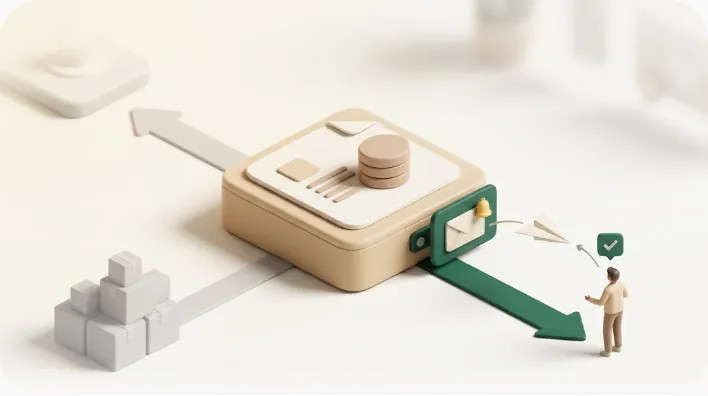
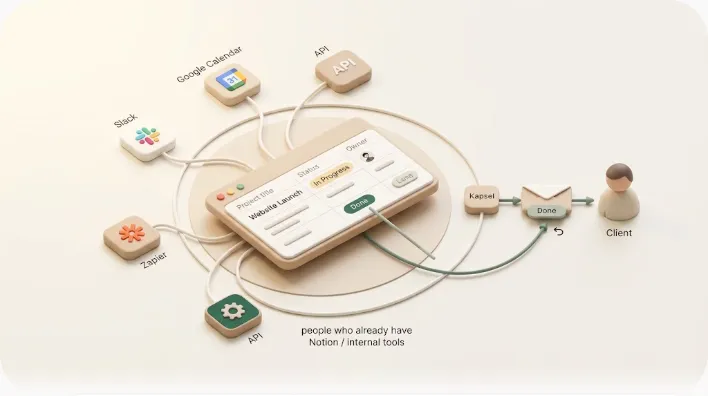
Then it names the thing most guides skip: a webhook talks to a machine, not to a person — and definitely not to someone who has no Notion account. We'll show where that line sits and how to cross it.
TL;DR
- Notion has two webhooks: ① the no-code "Send webhook" action (a database automation fires a request to an external URL on a trigger) and ② API webhook subscriptions (a developer stands up a public endpoint to receive change events).
- Both need a receiving endpoint you provide. A webhook only means something once something on the other end catches and processes it. Notion alone doesn't finish the job.
- The no-code action needs a paid plan (free plans can only create Slack-notification automations). The API is "free" but costs developer time and hosting to run the receiver.
- What a webhook can't do is deliver to a person — especially one with no Notion account — on its own. Closing that one gap without building a receiver is what a notification service like Kapsel is for. No exaggeration; we'll place it honestly.
Short answer: a webhook notifies a system, not a human
Here's the whole thing up front. A Notion webhook is a way to tell an external system that something happened in Notion — it does not, by itself, email or message a person. Only when there's a receiver on the other end (a server or automation tool that catches the webhook and does something) do you get a real result like a Slack ping or an update in another app.
Match the tool to the goal:
- No code; fire an external service (Make/Zapier/your own receiver) on an update → the "Send webhook" automation action (paid plan)
- A custom app that reacts in real time to Notion changes (pages, comments, etc.) → API webhook subscriptions (developers)
- Actually deliver to a person, especially someone with no Notion account → a webhook alone won't do it; you need a receiver you build, or a notification service
Below: the two webhooks side by side, then each setup with its gotchas, then how to reach an actual person.
The two Notion webhooks at a glance
Same word, entirely different tools — different audience, different place to set them up. Use this table to confirm which one you're actually looking for before you start.
| ① Send webhook (automation) | ② API webhook (subscription) | |
|---|---|---|
| Who it's for | No-code operators automating a workflow | Developers building an integration |
| Direction | Notion → external (outbound) | External ← Notion (inbound / subscribe) |
| Where to set up | Database → "Automations" tab | Developer page → integration connection → "Webhooks" tab |
| Trigger | Property change, new page, etc. | Change events on pages, databases, comments, etc. |
| What you need | A destination webhook URL (a receiver) | A public HTTPS endpoint (no localhost) + verification |
| Pricing gotcha | Paid plan required (free = Slack only) | API is free; costs dev time + hosting for the receiver |
| Typical use | On approval → Slack DM via Make / push to HubSpot / trigger a post | Detect Notion changes to sync your own app |
The important row is the last shared truth: both need something on the other end to receive the webhook. That's exactly where people who confuse "webhook" with "notification" get stuck.
Method ①: the no-code "Send webhook" action (database automation)
This is the one you can use without writing code. Notion's database automations include a "Send webhook" action that fires an HTTP request to a URL you choose whenever a trigger fires — say, a row's status flips to "Approved." You can wire "on approval → Slack DM via Make" or "status change → push to HubSpot" entirely from the GUI.
How to set it up
- Open the database, then ⋯ (top right) → "Automations" (or the lightning icon in some views).
- Create a new automation and set the trigger (e.g., when Status becomes Approved).
- For the action, choose "Send webhook" and paste the destination webhook URL (you can pick which properties to send).
- On the receiving side (Make/Zapier/your own server), catch that request and produce the actual result — a Slack message, an email, whatever.
The clicks take a few minutes. Step 4 — standing up the receiver — is the real work. Skip it and the webhook is "firing but nothing happens."
Pricing and permission gotcha
Database automations require a paid plan (Plus or above). On a free plan, the only automation you can create is a Slack notification — you can't create a webhook action (existing automations bundled in templates may run, but you often can't edit them). If your plan was "do this for free," that assumption breaks here, so check first.
Heads-up: the "Send webhook" action's job ends at sending. What happens next — who gets notified, and how — is on the receiver you build. Most "I turned on the webhook and nobody got anything" cases are a missing receiver, or a receiver that never handles the human-notification step.
Method ②: API webhook subscriptions — for developers
If you already run a custom integration and want it to react in real time when something changes in Notion, this is the API webhook (subscription). You can receive changes to pages, databases, data sources, and comments as events.
Setup and the parts that trip people up
- On the developer page, pick your connection (integration), then "Webhooks" tab → + Create a subscription.
- Register a public HTTPS (SSL) endpoint URL. localhost isn't reachable — you need a public server.
- Clear the verification handshake: the first POST has no signature and carries a
verification_tokenin the body. Capture it, paste it into the Notion UI, and the subscription activates. - Choose the event types you want. Comment events (e.g.,
comment.created) won't arrive unless your connection has the matching capability enabled.
Two design facts matter. First, an event is a signal that something changed — it doesn't include the new content itself; if you need the content, call the Notion API after the event. Second, you're responsible for building, hosting, and monitoring the receiver. "The API is free" doesn't make running it free.
What a webhook can't do: reach a person — especially an external one
The pattern by now is clear: Notion webhooks are strong at system-to-system messaging and hand off the "notify a human" part to whatever you build downstream. These cases, in particular, don't fall out of webhooks cleanly:
- Reaching someone with no Notion account (a client, a vendor, a student) with no login required
- Making it two-way — the recipient clicks a button in an email and the Notion status changes
- Reliably enforcing "don't send once it's done or paid" every time
Build it with webhooks and you own the whole chain: send the webhook → build a receiver → decide the recipient → compose the email → send it → catch the reply → update Notion. It can be done, but it's heavy unless that plumbing is your actual job.
Here's the difference in scope:
Update in Notion → send webhook → 🖥️ receiver (your server / Make / Zapier) → …you still build the "notify a person" part yourself
※ No receiver = you send but nothing happens
Notification service (Kapsel)
Watches Notion's due date / assignee / status → 📧 emails the recipient (external, no Notion needed) → ✅ their one click writes the status back to Notion
※ Doesn't send once done or paid. No receiver to build.
Closing that one job — reaching a person, especially an external one, without building a receiver — is what Kapsel does. Instead of firing your database off to a webhook somewhere, it watches Notion's due dates, assignees, and statuses, emails even people with no Notion account (no login), and lets the recipient write the status back to Notion with one click. And it doesn't send once something is done or paid. The free plan ($0) covers 20 emails/month across yourself and outside recipients, so you can confirm a message actually lands before you ever build a receiver (real use starts at Standard $12/mo for 500 emails).
This doesn't retire webhooks. Use a webhook to connect systems; use a notification service to reach people — split by role, and you don't end up maintaining plumbing you never wanted.
Which one do you want? A quick map
| What you want | Pick |
|---|---|
| Fire an update to an external service, no code | ① Send webhook (paid plan) |
| A custom app reacting to Notion changes in real time | ② API webhook subscription (developers) |
| Just notify a team in Slack | Start with the Notion × Slack connection (free automation) |
| Email someone with no Notion account | A notification service (Kapsel) |
| Update a Notion status when the recipient clicks (two-way) | Build a receiver, or Kapsel |
FAQ
Are Notion webhooks free?
The no-code "Send webhook" action (database automations) requires a paid plan (Plus or above). On a free plan the only automation you can create is a Slack notification — you can't create a webhook action. The developer API webhook (subscription) uses the API, which is free, but you still need to build and host a public server to receive events. Keep "can do it for free" separate from "can keep it running in production."
What's the difference between "Send webhook" and an "API webhook"?
Direction and audience are reversed. "Send webhook" is Notion → external (outbound) and is set by no-code operators from a database automation. An "API webhook" (subscription) is external ← Notion (inbound) and is set by developers in the connection's "Webhooks" tab with a public endpoint. Want to push updates out? The former. Want your own app to receive Notion changes? The latter.
I set up a webhook but nobody received anything. Why?
Because a webhook only sends data to a receiving endpoint. Without a server or automation tool (Make/Zapier, etc.) catching and processing it, sending does nothing visible. And even with a receiver, unless that receiver handles the "notify a person" step, no email or message reaches anyone. If reaching a person is the actual goal, a notification service is the shorter path.
Can a webhook notify someone who has no Notion account?
Not on its own. A webhook is system-to-system, so reaching an external person means building a receiver that decides the recipient and sends the email. Kapsel watches Notion's due dates, assignees, and statuses, emails even people with no Notion account (no login), and lets the recipient write the status back to Notion with one click. It doesn't send once something is done or paid.
Can I build the two-way "click updates Notion status" flow with a webhook?
You can, but it's a lot of work. You'd host a form or webhook receiver behind the button and update the status via the Notion API — all of it yours to build and maintain. Having that two-way flow (recipient's click → Notion update) as a built-in feature is what a dedicated notification service is for.