Sharing a Notion Page Externally vs. Actually Notifying People: Guest Invite, Public Link, and Form Compared
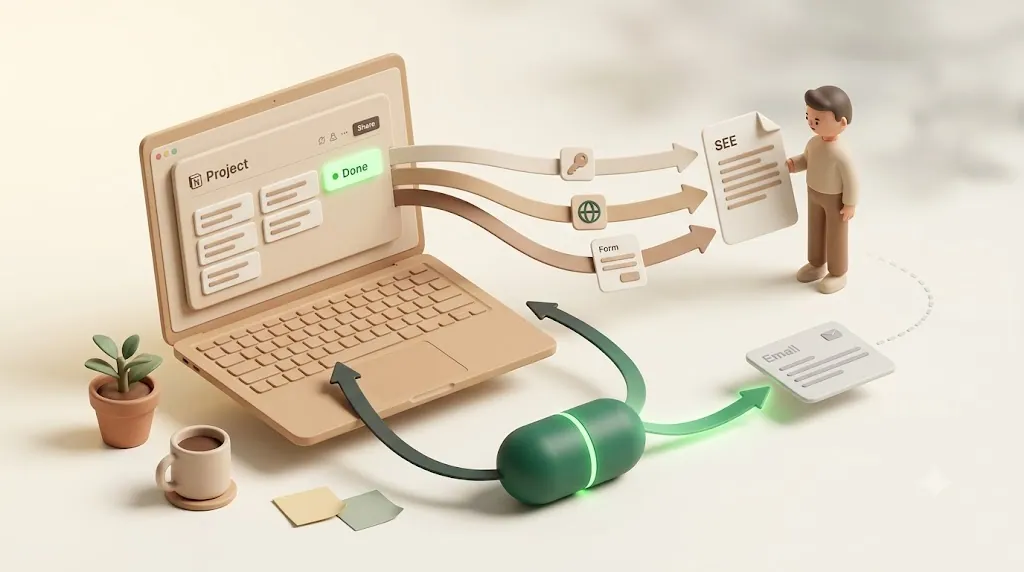
If you manage client or vendor work in Notion, you've probably lived this exact moment: you shared the page, the client can open it, and the deadline still slipped past without anyone outside your workspace hearing a word about it. That's not a settings mistake — sharing and notifying are two different things, and Notion only does the first one for people outside your workspace. This article compares the three common ways to share a Notion page or database externally and shows what it actually takes to alert people who don't use Notion when a due date arrives or a status changes.
TL;DR
- Guest invites, public "anyone with the link" pages, and forms all grant access to view, comment, edit, or submit — none of them proactively notify an external person when a due date arrives or a status changes.
- Notion's built-in reminders only reach people who already have an account, have access to the page, and open Notion — which usually excludes clients and vendors.
- A couple of third-party tools patch part of the gap (Send.co tracks page views; Notion-to-Calendar pushes dates into a calendar app), but both are one-directional and partial.
- Kapsel watches due date, assignee, and status and emails the person directly — no Notion account needed — with a one-click confirm that writes the status back to Notion.
Sharing a Notion Page Isn't the Same as Notifying Someone
Most guides on sharing Notion externally — Notion's own help docs, popular walkthroughs like the Thomas Frank sharing guide, and tutorials such as the landmarklabs guest-invite post — do a thorough job of explaining how to grant access. They tend to stop at the moment the person can open the page. What happens after that — whether anyone is ever alerted when a due date lands or a status flips — is rarely addressed. That's the gap this article is about.
What "share" actually does
Sharing grants someone access. In Notion, that means the person can open a page or database and, depending on the permission level you pick, view it, comment on it, or edit it. Access is passive: the content sits there, and the person sees it if and when they choose to open it.
What "notify" actually means
Notifying is proactive. It means a message goes out to the person — ideally to a channel they already check, like email — to tell them something happened or is about to: a due date is approaching, a status changed, they were assigned. A real notification reaches the person without requiring them to open Notion and go looking. The same gap shows up wherever the person you need to reach isn't in your workspace — a client, a vendor, or a job candidate whose recruiting pipeline you're tracking in Notion.
💡 A useful test: if the only way the person learns about a deadline is by opening the page themselves, you've shared but not notified.
The Three Ways People Share a Notion Page or Database Externally
There are three common patterns for getting Notion content in front of someone outside your workspace. Each is good at what it does. None of them is a notification channel.

Guest invites — email plus a permission level, but no ongoing alerts
A guest invite is the most direct method. You open a page or database, enter the person's email, and choose a permission level:
- Full access — view, edit, comment, and share with others
- Can edit — view, edit, and comment on content
- Can comment — view and leave comments
- Can view — read-only
Picking the narrowest level that still lets someone do their job keeps you from either over-sharing your workspace or under-sharing what they actually need. The person accepts the invite and joins as a guest on that specific page (and its subpages), without becoming a full member of your workspace. This is the standard approach for clients, contractors, and freelancers — every major sharing guide highlights this exact use case — because it scopes access to just the pages they need.
What a guest invite does not do is enroll that person in any kind of proactive alert. Granting edit access to a project tracker doesn't mean the guest hears about it when a task's due date arrives or its status moves to "In review."
Public "anyone with the link" pages and published Notion Sites — open access, silent going forward
The second pattern is a public link. Toggle on Share to web (or publish a Notion Site) and anyone with the URL can open the page in a browser — no invite, no account. You can optionally set the link to expire after a period of time.
Public links are ideal for read-only reference material: a project brief, a public roadmap, a knowledge base. But a public link is a one-time hand-off. Once you send the URL, nothing else goes out. If a date on that page changes next week, the recipient has no way to know unless they happen to reopen the link.
Notion forms — great for collecting input, not for pushing updates out
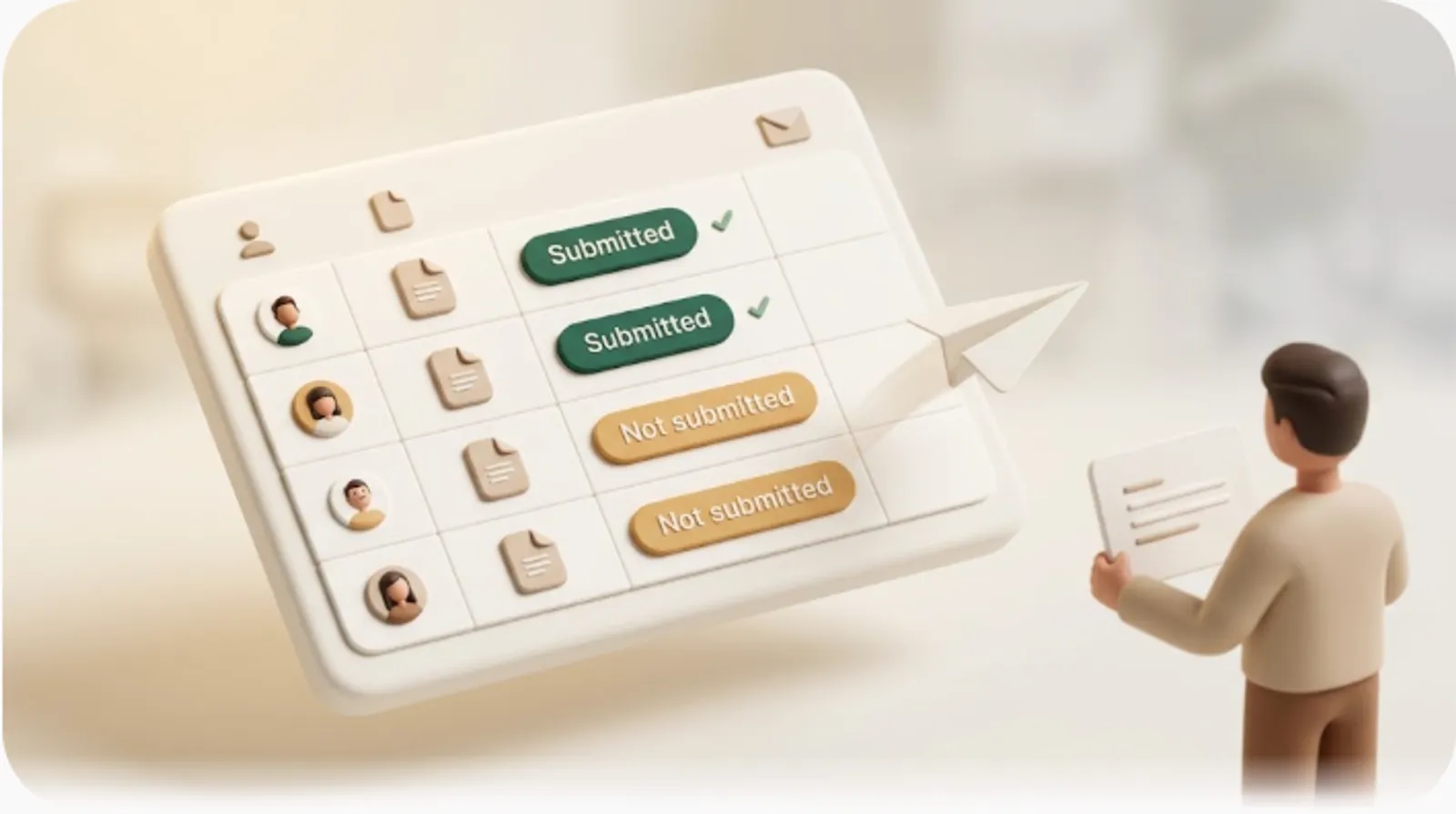
Forms are the third way teams involve people outside Notion, and they're almost never mentioned in "how to share" guides. A Notion form lets outside people submit information that lands as new rows in a database — intake requests, feedback, sign-ups (a common setup for a customer support tracker). A form only records who did respond, though — to see who still hasn't submitted and chase only them, see how to track document submissions in Notion.
The key thing to understand is direction. A form is pure input collection: information flows in, from the outside person to your database. It is not an outbound channel. A form can't tell a submitter that the request they filed last week just changed status, because the form's job ends the moment they hit submit.
Why None of These Actually Notify Non-Notion People
Each of the three methods hits the same wall from a slightly different angle. Understanding why makes the fix obvious.

Guests still need a Notion account for anything beyond read-only viewing
Here's a detail most readers underestimate: a guest or public-link viewer doesn't strictly need a Notion account just to view read-only content. But the moment they want to comment or edit, they need an account. And more importantly, being a guest doesn't add someone to any notification loop. Many people assume a guest invite turns the recipient into a full participant who'll be pinged like a teammate — it doesn't. It grants access to a page, nothing more.
Notion's built-in reminders only reach people who already open Notion
Notion does have real reminders — date-property reminders and @remind mentions. But they route through Notion's own channels: in-app notifications, mobile push, the red badge, and email only if the recipient has turned that on in their account settings. Every one of those assumes the recipient has an account, has access to the page, and actually opens Notion. That's a reasonable assumption for a teammate and a poor one for a client who's never installed the app.
Public links and forms are one-directional
Public links push content out once; forms pull content in. Neither watches your data over time, and neither sends a fresh message when something changes. There's no trigger, no "a date just arrived" event, no follow-up. Sharing is a snapshot; notifying is a stream — and none of these methods produce a stream.
Share Method vs. What It Actually Does
This is the comparison the sharing guides never lay out. It's the clearest way to see where the gap lives.
| Method | Grants access? | Notifies on due date? | Notifies on status change? | Requires a Notion account? | Writes back to Notion? |
|---|---|---|---|---|---|
| Guest invite | Yes (view → full) | No | No | Only to comment/edit | No |
| Public link / Notion Site | Yes (view) | No | No | No | No |
| Notion form | Collects input only | No | No | No | Adds a new row on submit |
| Native Notion reminder | — | Yes, but only to people with account + access who open Notion | Via @mention, same limitation |
Yes | N/A |
| Dedicated email reminder (e.g. Kapsel) | — | Yes, by email | Yes, by email | No | Yes (one-click confirm) |
⚠️ Notice that every "share" method reads No down the notify columns. Sharing was never designed to alert anyone — that's not a flaw in how you set it up, it's what sharing is.
Closing the Gap: Actually Notifying Clients and Vendors Who Don't Use Notion
If sharing grants access and native reminders stay inside the workspace, what actually reaches an outside person on time? A few tools try, with different scopes.
What it takes — something that watches the database, not the page views
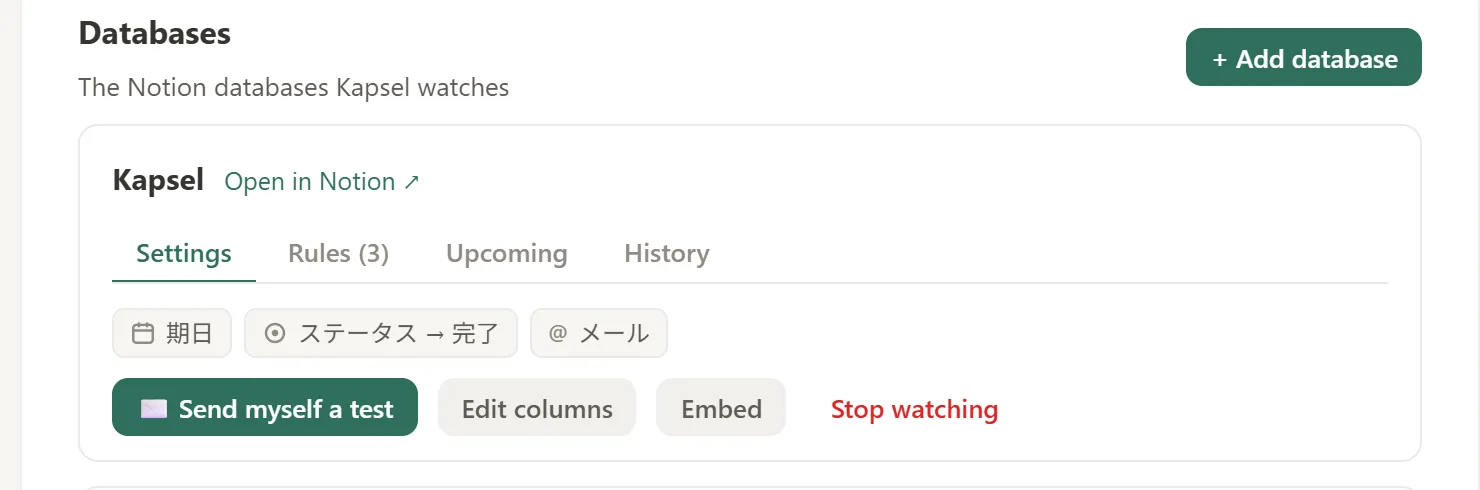
The missing capability is a layer that watches the database itself — the due-date, assignee, and status properties — and sends a message out when those values change. That's a different job from page-view tracking, which is what a couple of third-party tools focus on instead:
- Send.co adds view tracking to a shared link — who opened it and when. Useful for visibility, but it reports on page opens, not due dates, status, or assignee changes.
- Notion-to-Calendar converts a database into an iCal feed, so dates appear in a calendar app the recipient already uses. Helpful, but it's one-way (dates flow out, nothing flows back) and it only handles dates — not status or assignee changes.
Both are partial by design. Neither closes the loop, and neither covers the full set of triggers a deadline actually involves.
How Kapsel fills this specific gap
Kapsel is a Notion notification tool that watches your database's due dates, assignees, and statuses and automatically sends email reminders — including to people who don't use Notion — with a one-click link that writes their confirmation back to Notion. It's an independent, solo-built product focused on one job: getting Notion deadlines in front of the right person, whether or not they have an account.

Because it reaches people by email with no login required, the recipient never needs to open Notion — the reminder comes to a channel they already check. That also means no Slack workspace to join and no guest invite to accept: some Notion notification tools route alerts through Slack, which just adds a second app an outside client or vendor has to sign up for. Kapsel skips that step entirely — the only thing the recipient needs is an email address they already check. Beyond the core watch-and-email behavior, Kapsel covers overdue follow-ups, target filtering (so you only remind the relevant rows), recurring digests, a send log, and merge fields for personalizing each message. Together, that's what lets you hand off deadline follow-up instead of manually emailing each client or vendor yourself. See the guide for the full setup.
The rule that matters once alerts are automated
Automated outbound alerts introduce a failure mode nobody in the sharing guides talks about: continuing to nag someone about something that's already finished. Sending a payment reminder to a client who already paid, or a deadline nudge on a task already marked done, is worse than sending nothing.
💡 Kapsel never sends to items that are already completed or already paid. That safeguard is the difference between a reminder system people trust and one they mute.
One-click confirm writes the status back to Notion
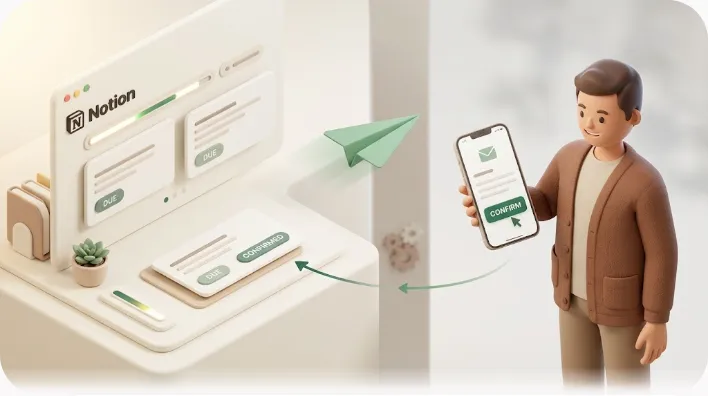
The last piece is the return trip. When the recipient gets a Kapsel email, they can confirm or mark something done with one click — and that action writes the status back to Notion automatically. No account, no login. This two-way write-back is the genuine differentiator: neither the sharing methods nor the adjacent tools let an outside person's action update your Notion database. With Kapsel, the loop actually closes.
When Sharing Is Enough vs. When You Need Notifications Too
Sharing and notifying solve different problems, and most client- or vendor-facing workflows end up needing both. The right choice comes down to whether someone needs occasional access to review a page or ongoing awareness of deadlines and changes.
They solve different problems — and most teams need both
Sharing and notifying aren't competitors; they cover different needs. Use sharing when someone needs occasional access to review or reference a page. Use notifications when someone needs ongoing awareness of deadlines and changes without babysitting Notion. A client who checks a shared roadmap once a month is a sharing case. A vendor who has to hit a delivery date is a notification case. Most agencies and freelance workflows involve both at once.
| Situation | What you need |
|---|---|
| Client wants to browse the project workspace | Guest invite or public link |
| Collecting intake or feedback from outside people | Notion form |
| Making sure a vendor hears about a due date | Outbound email notification |
| Letting a client confirm delivery without an account | Two-way reminder with write-back |
Matching the tool to the situation up front saves you from over-notifying a client who only wants occasional access, and from under-notifying a vendor who has to hit a date.
Where to go next
The concrete "how to send" mechanics live in a companion article — see how to send automatic email reminders from Notion for the step-by-step setup. If your need is less about single deadlines and more about keeping a client informed as work progresses, sharing ongoing progress updates with clients covers that pattern. And if you're weighing this against Zapier, Make, or other automation routes first, the comparison of Notion reminder automation tools walks through the trade-offs. For a side-by-side of every route — public link, DIY automation, a notification SaaS, and a two-way tool — see notifying clients and vendors who don't use Notion.
To get started, connect a database and pick which rows to watch:
- Sign up and connect your Notion workspace.
- Choose the database and the due-date, assignee, and status properties to watch.
- Set who gets emailed and when (including overdue follow-ups and recurring digests).
- Turn it on — recipients confirm with one click, and Notion updates itself.
Try Kapsel free. Kapsel watches your Notion due dates, assignees, and status, then sends automatic email reminders — including to people without a Notion account — and lets recipients confirm in one click, writing the status back to Notion. Free plan, no credit card required. → Start with Kapsel
FAQ
Does Notion notify someone when I share a page with them?
Notion can send an invite email when you add a guest, but that's a one-time "you've been given access" message — not an ongoing notification. After that, the person isn't alerted about due dates, status changes, or assignments unless they have a Notion account, have the page open, and have notifications configured. Public links and forms send no notification at all.
Can I share a Notion page with someone who doesn't have a Notion account?
Yes, for viewing. A public "anyone with the link" page or Notion Site can be opened by anyone with the URL, and a guest invited to a page can view read-only content without an account. However, an account is required to comment or edit, and either way the person isn't added to any notification loop.
How do I send Notion reminders to people outside my workspace?
Notion's own reminders don't reach people without an account, so this requires a tool that watches your database and emails people directly. Kapsel does this — it monitors due dates, assignees, and statuses and sends email reminders to anyone, no Notion account needed. See how to send email reminders from Notion for the walkthrough.
Does a Notion guest get notified when a due date changes?
No. Being a guest grants access to a page but doesn't enroll the person in date-based reminders. Notion's date-property reminders and @remind mentions route through in-app, push, and (optionally) email channels that assume an active account — a guest who doesn't open Notion won't hear about a changed due date.
What's the difference between a Notion guest and someone with a public link?
A guest is invited by email to a specific page and given a permission level (view, comment, edit, or full access), and their access is tied to their account. A public-link viewer just has a URL and typically gets read-only, anonymous access with no invite. Guests can be granted higher permissions; public links are best for open, read-only sharing.
Can Notion forms send email notifications to the person who filled them out?
No. A Notion form's job is to collect input — submissions land as new rows in your database. It's a one-directional intake channel, so it can't send outbound updates to the submitter afterward, such as telling them their request changed status. For that you'd need a separate notification layer.
How do I get notified when someone updates a shared Notion page?
Inside Notion, you can turn on page or database notifications and get alerts through Notion's channels — but that only works for account holders who open Notion. To get an email when a watched property changes, or to notify an outside collaborator automatically, you need a tool that watches the database and sends the alert out, like Kapsel.
Can clients update a Notion task status without a Notion account?
Not through Notion directly — editing requires an account. Kapsel works around this with one-click confirmation: the client clicks a link in the reminder email, and that action writes the status back to Notion automatically, no account or login needed. This two-way write-back is what lets an outside person's action update your database.
Try It
If you share Notion work with clients or vendors and keep hitting the gap between "they can see it" and "they actually heard about it," Kapsel is built for exactly that. It watches your due dates, assignees, and statuses and emails the right person — no Notion account required — with one-click confirm that updates Notion for you.
- Explore what Kapsel does and how it fits your workflow.
- Compare plans on the pricing page — Free is $0, Standard is $12/month, and Pro ($29/month) adds multiple workspaces and sender branding.
- Follow the setup guide to connect your first database.
Notes
Published 2026-08-05 (updated 2026-08-27). Feature descriptions and pricing (Free $0, Standard $12/month, Pro $29/month) are current as of the writing date and may change over time.