How to Chase an Unsigned Contract Without Sounding Pushy (and Get Notion to Help)
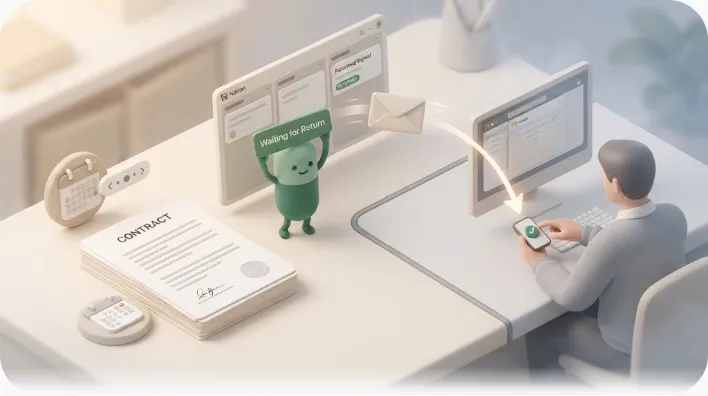
You sent the contract, the client said "looks good," and then the signature never came. If you want the fix in one line: a short, warm follow-up every 3–5 business days usually works, because an unsigned contract is almost never a "no"—it is a distracted inbox. This article gives you the copy to send and, separately, a way to stop remembering to send it by hand.
TL;DR
- Wait ~2–3 business days after sending, then follow up every 3–5 business days. Stop after 2–3 attempts with a graceful "permission to pause" email.
- Keep each email to 2–4 sentences, name the specific document and date, assume distraction (not disinterest), and end with one clear next step.
- E-signature tools (DocuSign, Dropbox Sign) auto-remind the signer; a plain PDF-by-email contract has no reminder at all—that is where follow-ups and automation matter most.
- The overlooked half of the problem is status: where you track "signed vs. not" and whether the reminder can even reach someone outside your tools.
Why the contract is still unsigned (it's rarely "no")
A contract that stalls after verbal agreement is usually blocked by process, not reluctance. Treating silence as rejection leads to a pushy tone; treating it as a logistics problem leads to a helpful one—which gets signed faster.
The common blockers, in rough order of frequency:
- It got buried. Your email slid under forty newer ones. The client fully intends to sign and has simply lost the thread.
- Internal sign-off. The person you emailed cannot sign alone and is waiting on a manager, finance, or a partner.
- Legal or procurement review. Larger counterparties route contracts through a queue that runs on its own clock.
- Signing-link trouble. The e-signature link expired, bounced to spam, or opened on a phone and got abandoned.
💡 Naming the likely blocker in your follow-up is a low-risk way to re-open a thread without blame. "Is this waiting on anyone else on your side?" gives the client a frictionless, face-saving reason to reply.
Track signature status in Notion first — a property beats your memory
Before you write a single follow-up, decide where "did they sign yet?" actually lives. Most advice treats chasing as an inbox-and-memory problem; it is really a status-tracking problem. If you are juggling more than two or three contracts, the question "who hasn't signed?" should be answerable from a board at a glance, not reconstructed from your sent folder.
Notion is well suited to this because a contract is just a database row with a date and a status. (For the general pattern, see deadline tracking in Notion and the reusable status-tracker setup.)
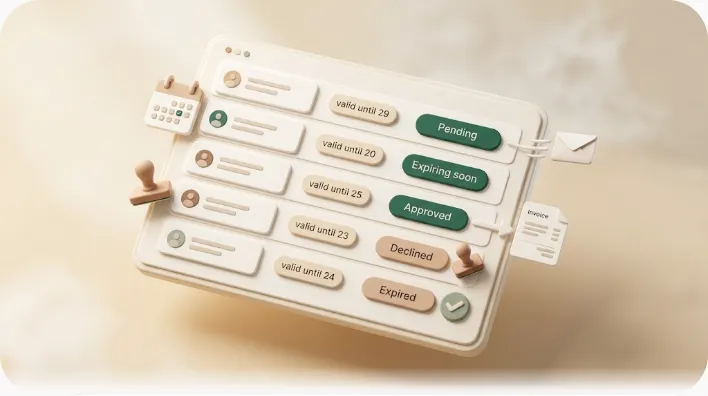
The statuses to use (Sent → Viewed/Pending → Signed/Returned)
A four-value status is enough for almost everyone:
| Status | Meaning | Your next action |
|---|---|---|
| Sent | Contract delivered, awaiting any response | Wait 2–3 business days |
| Viewed / Pending | They opened it or replied, no signature yet | Follow up on cadence |
| Signed / Returned | Executed copy received | Stop chasing; file it |
| Stalled / Paused | Silent after 2–3 attempts | Park it; set a revisit date |
Add a "Sent date" property and a "Last nudge" date. Those two dates are all you need to know exactly when the next follow-up is due.
The status flow at a glance
Why Notion's own reminders never reach the client or vendor
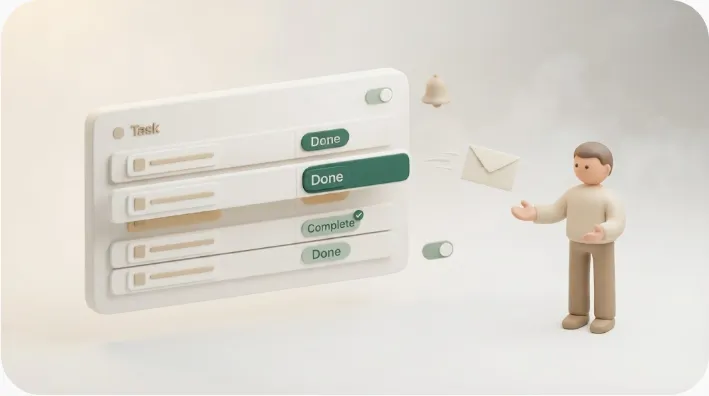
Here is the trap even careful trackers fall into: you set a Notion reminder on the contract row, feel covered, and nothing reaches the client. This is not a bug—it is how Notion is designed.
@mentions and Notion reminders only fire for people with a Notion account
Notion's @reminder and @mention notifications are delivered inside Notion—through the app's notification inbox, and by email only to workspace members who have an account and notifications enabled. They are built for your internal team, not for outside parties. A full explainer lives in why Notion notifications don't reach outsiders.
The client isn't in your workspace — so the reminder never leaves your screen
Your client almost certainly is not a member of your Notion workspace, and you would not want to add them just to chase a signature. So the "reminder" you set only ever pings you. The same limitation applies to most tools: your CRM, e-signature app, or project tracker can only nudge a counterparty who is logged into that tool. If the signer isn't a user, your tool does not fire the email for you—you still send it by hand.
⚠️ This is the real reason contract-chasing stays manual. The gap is not "when to send"—it's that none of your internal tools can send to the client on your behalf.
How long to wait before the first nudge (and between each one)
Cadence is about respecting a realistic decision cycle without going cold. The reliable default:
- First nudge: 2–3 business days after sending (give it a full business cycle before assuming it's stuck).
- Between follow-ups: 3–5 business days each.
- Total attempts: 2–3 before you switch to a graceful close.
E-signature vs. paper/PDF-by-email — different waiting rules
Whether you need to chase at all depends on how you sent the contract:
| E-signature (DocuSign, Dropbox Sign, HelloSign) | Plain PDF / paper by email | |
|---|---|---|
| Auto-reminders | Yes—the platform nudges the signer on a schedule you set | None—nothing happens unless you send it |
| Your job | Let 1–2 auto-reminders run, then follow up personally if still silent | Own the entire cadence yourself |
| Status visibility | Platform shows Sent / Viewed / Signed | You only know what your inbox tells you |
💡 If you use e-signature, turn on its built-in reminders first—they cover the mechanical nudges. Reserve your personal follow-up for when the automated ones have clearly been ignored.
The 3-stage follow-up email templates (friendly / specific / final)
Keep every stage to 2–4 sentences. Reference the exact document and date. End with one unambiguous next step—never "let me know."
Stage 1 — the friendly check-in (~2–3 business days after sending)
Warm, zero pressure, assumes it was simply missed.
Subject: Quick check — [Project] agreement

Hi [Name],

Just making sure the [Project] agreement I sent on [date] landed okay—
inboxes have a way of swallowing these.

Whenever you have two minutes, you can sign it here: [link].
Happy to answer anything before you do.

Best,
[You]
Stage 2 — the specific nudge (~4–5 business days after Stage 1)
Now name a likely blocker so the client has an easy reason to reply.
Subject: Re: [Project] agreement — anything holding it up?

Hi [Name],

Circling back on the [Project] agreement from [date]. Is it waiting on
anyone else on your side—legal, finance, or a second approver? If the
signing link is giving you trouble, I can resend it or send a PDF instead.

Could you let me know by [specific day] so we can keep the [start date] on track?

Thanks,
[You]
Stage 3 — the final, low-pressure close-the-loop email
After 2–3 silent attempts, give the client permission to pause. This often gets a reply quickly, because it removes pressure.
Subject: Should I close this out for now?

Hi [Name],

I don't want to keep cluttering your inbox, so this is my last note on
the [Project] agreement. If the timing has shifted, no problem at all—
just reply "pause" and I'll set it aside until you're ready.

If you're still good to go, the link is here: [link].

All the best,
[You]
Tone do's and don'ts at each stage
| Stage | Do | Don't |
|---|---|---|
| 1 — Friendly | Assume it was missed; keep it light | Reference "urgency" or deadlines yet |
| 2 — Specific | Name a blocker; give one dated next step | Pile on multiple questions or guilt |
| 3 — Final | Offer a graceful "pause"; stay warm | Sound wounded, passive-aggressive, or desperate |
| Every stage | One clear CTA; reference the exact doc/date | End with vague "let me know" |
Across all three: assume distraction, not disinterest. Shorter emails get read; a two-line nudge outperforms a paragraph of justification.
Automating the outside email and the one-click write-back to Notion
Everything above still runs on your memory and your sent folder. If your contracts already live in Notion, the chasing can run from that status instead—reaching the client directly and updating the row when they respond.
Kapsel is a tool that watches a Notion database's dates, assignees, and status and sends automatic email reminders—including to people outside your workspace who do not use Notion. For the related "waiting on a quote before it's even signed" case, see sales follow-up reminders; for the distinct "already signed, now renewing" case, see contract renewal reminders.
How the reminder reaches someone who has never opened Notion
Kapsel reads the client's email from a property on the contract row and sends a real email on your cadence. The recipient needs no Notion account and no login—they get an ordinary email. That closes the exact gap in the section above: the reminder finally leaves your screen and lands in the client's inbox.
How "signed/returned" gets back into Notion with one click (no re-entry)
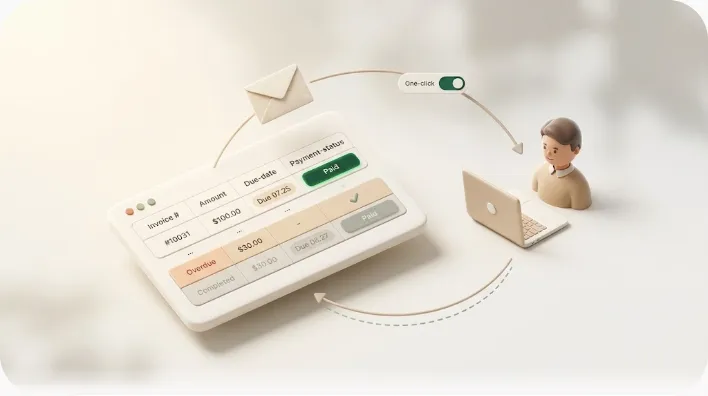
The email can carry a one-click action. When the client confirms—or you mark it received—the response writes back to the contract's status in Notion automatically. Nothing gets re-keyed, so the board stays close to what actually happened instead of waiting on you to update it by hand. Most contract-chasing advice stops at reminder templates and leaves status updates fully manual on both ends.
Why it stops automatically once the status is Signed/Returned
Kapsel never sends to rows already marked done—so once a contract is Signed/Returned, the chasing stops on its own. The same safeguard that keeps it from emailing a client who has already paid means no awkward "please sign" landing after the ink is dry. Overdue chasing, audience filtering, recurring sends, send logs, and merge variables are all included; Pro adds multiple workspaces and sender branding (company name, signature, logo). See the pricing page for current figures (Free $0 / Standard $12 / Pro $29). Once the contract becomes an invoice, the same pattern carries over to payment reminder templates.
Frequently Asked Questions
How do you politely ask someone to sign a contract?
Keep it short, warm, and specific: reference the exact document and the date you sent it, assume it was simply missed, and give one clear next step (the signing link plus a date). Avoid pressure language on the first nudge—"just making sure this landed okay" works better than anything that implies they're late.
How long should you wait before following up on an unsigned contract?
Wait about 2–3 business days after sending before the first nudge, which gives the recipient a full business cycle to act. After that, leave 3–5 business days between each follow-up so you stay visible without crowding their inbox.
What do you say when a client hasn't signed a contract?
Name a likely blocker so they have an easy, blame-free way to respond: "Is this waiting on legal or a second approver?" or "If the signing link isn't working, I can resend it." Pair that with one dated next step rather than an open-ended "let me know."
How many follow-up emails should you send before giving up?
Two to three is the usual ceiling. After that, send a graceful "permission to pause" email that lets the client reply "pause" without friction—then park the contract with a revisit date instead of continuing to chase.
Is it rude to follow up on a contract?
No—following up on something both sides already agreed to is expected and professional, as long as the tone stays collaborative rather than accusatory. Rudeness comes from implying bad faith; assuming distraction and keeping each email brief keeps it well within normal etiquette.
How do you remind a vendor to return a signed contract?
The same cadence and tone apply as with a client: a friendly check-in, then a specific nudge that names a possible internal hold-up, then a final close-the-loop email. With vendors, explicitly offering to resend the document or accept a scanned PDF often clears the blocker without an extra round of back-and-forth.
What's the difference between following up on an e-signature vs. a paper/PDF contract?
E-signature platforms (DocuSign, Dropbox Sign, HelloSign) auto-remind the signer on a schedule, so you can let one or two automated nudges run before stepping in personally. A plain PDF or paper contract sent by email has no built-in reminder at all—you own the entire follow-up cadence yourself, which is where templates and automation matter most.
How do you track contract status in Notion?
Use a database with a status property (Sent → Viewed/Pending → Signed/Returned → Stalled) plus a "Sent date" and "Last nudge" date. That turns "who hasn't signed?" into a filtered view you can read at a glance instead of reconstructing it from your sent folder.
How do you send a reminder to someone who doesn't use Notion?
Notion's own @mentions and reminders only reach workspace members who have an account, so they can't nudge an outside client. A tool like Kapsel reads the recipient's email from the contract row and sends an ordinary email—no Notion account or login required on their end.
What's a good subject line for a contract follow-up email?
Short and specific beats clever. "Quick check — [Project] agreement," "Re: [Project] agreement — anything holding it up?" and "Should I close this out for now?" each match a stage of the cadence and tell the reader exactly what the email is about before they open it.
Notes & sources
Published 2026-10-05. Primary references: Notion's official help documentation on notifications, reminders, and database properties; the published behavior of major e-signature platforms (DocuSign, Dropbox Sign, HelloSign) regarding automated signer reminders. Timing and tone guidance reflects common professional follow-up practice. Kapsel's features and pricing are described as of the publish date and may change—see the official pricing page for current figures.