Track Contract, Subscription, and License Renewals in Notion (and Get Reminded Before They Lapse or Auto-Renew)
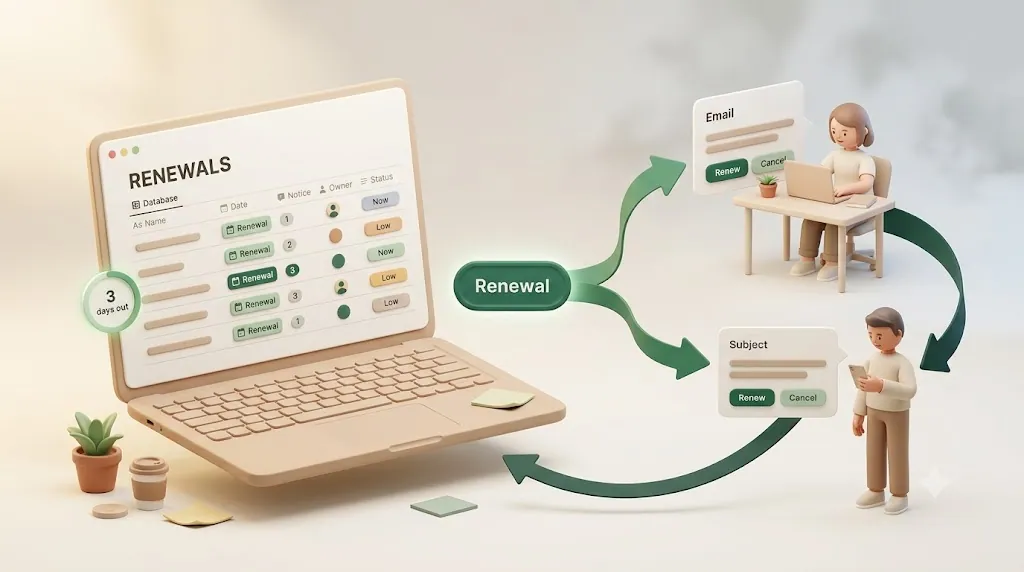
Renewal dates are a special kind of deadline: miss one and money moves on its own. An auto-renewing SaaS plan charges the card before anyone decides whether to keep it, and an expired domain, SSL certificate, business license, or insurance policy creates an outage or a coverage gap the moment it lapses. Notion is a good place to store those dates — but storing a date and being alerted in time to act on it are two different jobs.
This is a how-to guide for building a renewal-tracking system in Notion and wiring up an alert that actually fires ahead of the date — to yourself and your team, and to an outside client or vendor who doesn't use Notion. It covers the database structure, what Notion's native reminders can and can't do, the range of tools that can send the alert, and the pitfalls that cause renewal reminders to get missed in practice. (If instead you're chasing a contract that was sent but never signed or returned — the stage before renewal — see how to chase an unsigned contract. And if you want to track the bills you actually owe — vendor invoices, rent, subscriptions — and get reminded before each due date, see how to track bills you owe in Notion.)
TL;DR
- Build one renewals database with four fields that drive everything: Renewal date, Notice period (days out), Owner, and Status. The same structure covers contracts, SaaS subscriptions, licenses, domains, and retainers.
- Notice period is not the renewal date. It's how many days before the date you need to be reminded (a week, 30 days, 90 days) so you can act before the renewal auto-commits.
- Notion's native reminders reach only workspace members who open Notion — there's no reliable email, no cross-workspace reach, and no way to notify an outside client or vendor.
- Several tools can add the alert layer (Zapier, Make, n8n, Google Apps Script, a calendar sync, or a purpose-built notifier). Pick based on who needs the reminder and whether it must reach people outside Notion.
Why renewal dates slip through the cracks in Notion
A task deadline that slips is annoying. A renewal deadline that slips has a direct cost, and that's what makes this category worth handling deliberately.
- Auto-renewals charge before you decide. Most SaaS plans and many contracts renew automatically. If the reminder arrives on the renewal date, the charge has often already gone through — you needed the heads-up before the commit, not on the day of it.
- A lapse causes an outage or a gap. A domain that expires takes a website or email with it. An expired TLS certificate triggers browser security warnings. A lapsed license, insurance policy, or professional certification is a compliance or coverage gap. These don't wait for you to notice.
- The date lives in Notion, but the reminder doesn't leave Notion. You can put the renewal date in a database and even attach a native reminder to it — but that reminder is delivered inside Notion. It reaches the person who set it, and only if they open Notion around that time.
⚠️ The core problem with renewals in Notion isn't storing the date — it's delivery. The person who needs to act (an owner who's heads-down elsewhere, or a client/vendor who has no Notion account at all) may never see the reminder in time.
Structure a renewals database in Notion
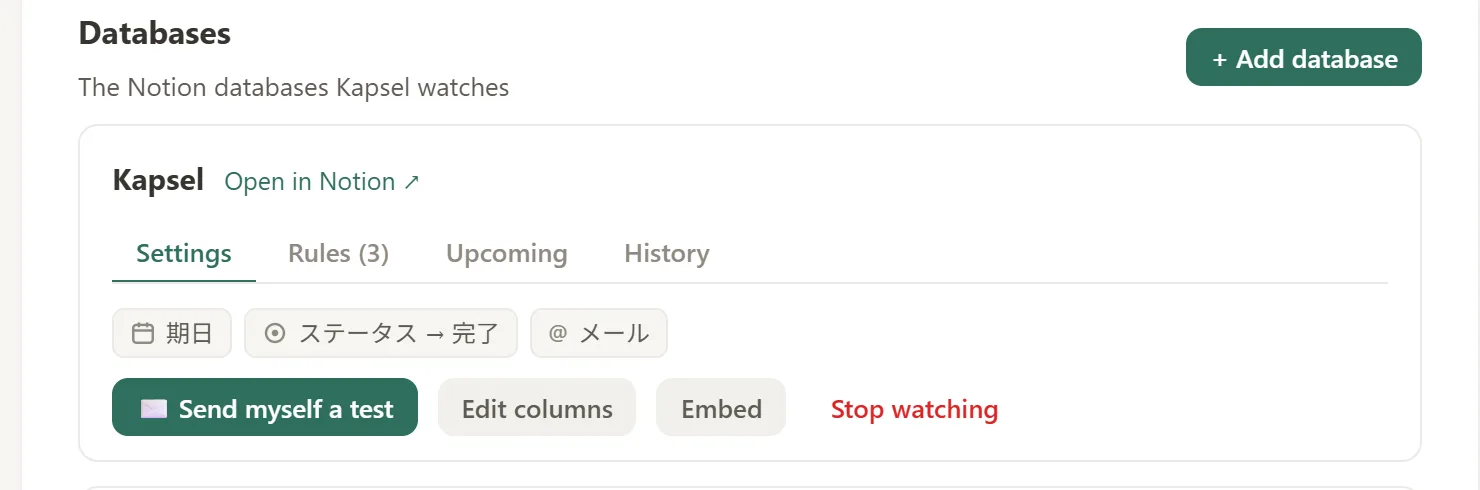
Before any reminder can fire, the data has to be structured so a reminder rule has something to read. A dedicated renewals database (separate from your general task tracker) with four properties is enough to drive every alert in this guide.
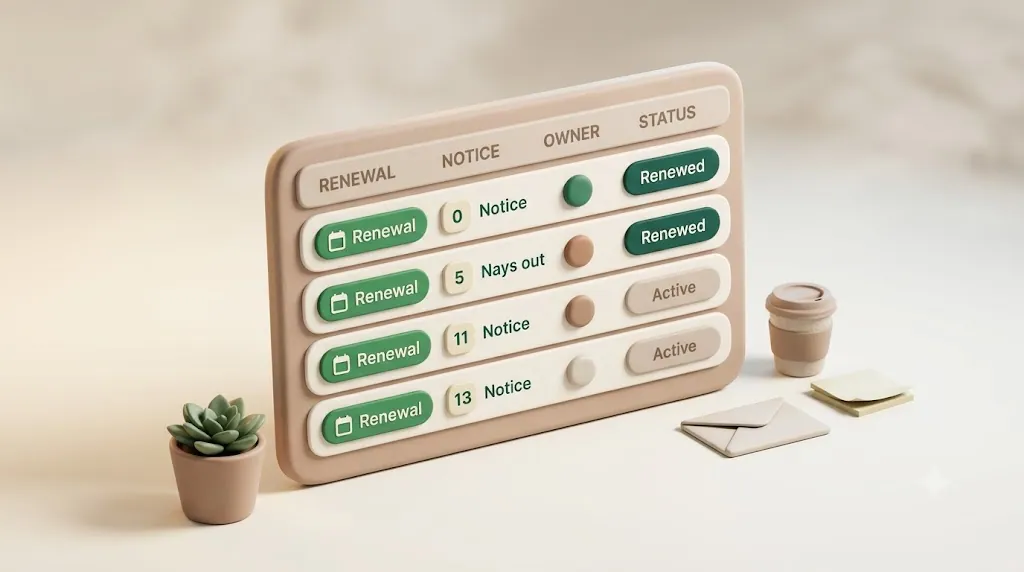
| Field | Property type | What it holds | How it feeds the reminder |
|---|---|---|---|
| Renewal date | Date | The day the contract renews or the item expires | The anchor date the reminder counts backward from |
| Notice period (days out) | Number (or Select) | How many days before the date you need warning | Determines when the reminder fires (date minus N days) |
| Owner | Person, or Text/Email | Who is responsible for deciding | Determines who gets notified |
| Status | Status or Select | Where the record stands (e.g., Active / Renewing / Renewed / Canceled) | Determines whether a reminder should still go out |
💡 Each field answers one question: when is it due, how far ahead to warn, who acts, and whether it's still open. A reminder rule that reads all four is far more reliable than one that only knows the date.
Why notice period is a separate field from renewal date
The single most common renewal mistake is treating the renewal date as the reminder date. They are not the same.
- Renewal date = the day the thing renews or expires.
- Notice period = the last window in which you can still act before it auto-commits — expressed as a lead time, e.g. "remind me 30 days out."
In contracts, the notice period is often a literal clause: a "60-day notice to cancel" means the last date you can act is 60 days before renewal, not on the renewal day. If your reminder fires on the renewal date, you've already missed the window. Storing notice period as its own number lets each record carry its own lead time — 7 days for a cheap monthly SaaS tool, 90 days for an enterprise contract with a long notice clause.
💡 Common lead times to standardize on: 7 days (about a week) for low-stakes monthly subscriptions, 30 days (a month) for annual plans and domains, 60–90 days for contracts and retainers with formal notice clauses.
One structure covers contracts, SaaS subscriptions, licenses, domains, and retainers
You don't need a separate system per category. All of these are "a date, a lead time, an owner, and a status," so they fit one database — add a Type select field (Contract / Subscription / License / Domain / Retainer) if you want to filter or group by category.
| Type | Renewal date is… | Typical notice period |
|---|---|---|
| SaaS subscription | Auto-renew / billing date | 7–30 days |
| Contract / retainer | Auto-renewal date | 30–90 days (per notice clause) |
| Domain | Expiration date | 30 days |
| License / certification | Expiration date | 30–60 days |
| Insurance policy | Renewal date | 30 days |
What Notion's native reminders can and can't do
Notion has real reminder features. Knowing exactly where they stop is what tells you whether you need to add anything.
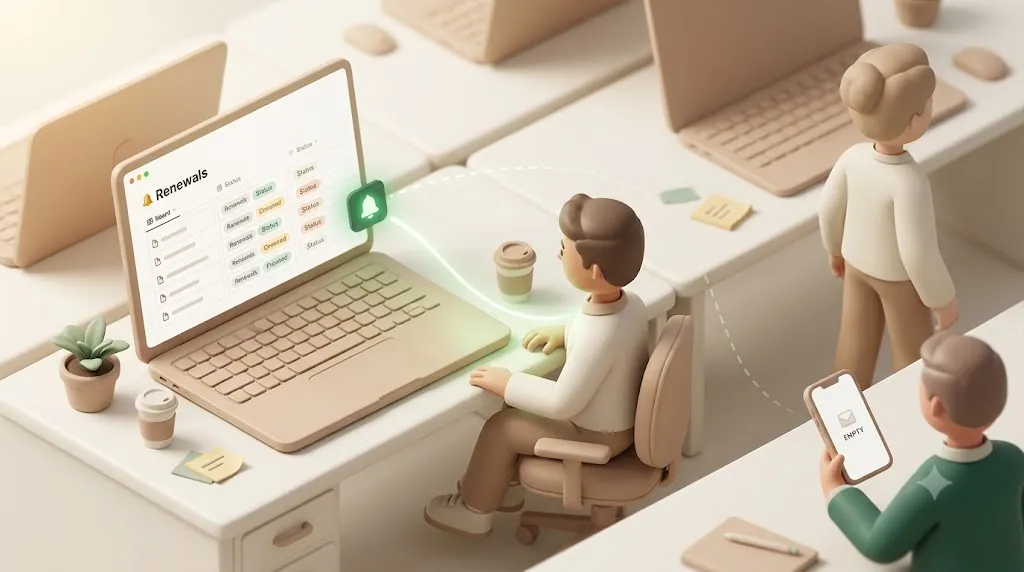
Native mechanics:
@remindinline tags. Type@remindon a page and pick a time; Notion pings you then. This lives in page content, not on a database property, so it doesn't scale across a table of renewals.- Date-property notifications. On a date value in a database, open it and choose Remind → On the day / 1 day before / 2 days before / 1 week before / a custom offset. This is the closest native fit for a renewals database.
- Per-user notification settings. Whether any of the above actually reaches a person depends on their own notification settings and which channel they check — in-app inbox, desktop push, mobile push, with email only as a fallback when Notion isn't open anywhere.
The catch:
⚠️ Notion reminders are delivered through Notion. They reach workspace members who open the app around the reminder time. There is no reliable email, no cross-workspace delivery, and no way to notify anyone who doesn't have a Notion account — including the client, vendor, landlord, or external approver who often owns the actual decision.
There's also no native concept of notice period as a rule. You can pick "1 week before" manually per date, but you can't have Notion read a per-record "days out" number and fire accordingly, and you can't have it stop once a record is marked renewed.
Getting a real alert to yourself and your team ahead of the date
If the people who need the reminder are all inside your workspace, the goal is simply: fire an email (or a durable notification) notice-period days before the renewal date, addressed to the record's Owner. Notion can't do this from a per-record lead time on its own, so this is where an automation layer comes in. Several tools can do this well — choose based on what you already run and how hands-on you want to be.
| Approach | How it sends ahead of the date | Best when |
|---|---|---|
| Zapier / Make | Scheduled scan of the database; sends email/Slack when renewal date − notice period = today |
You want a no-code builder and already use one |
| n8n | Same logic, self-hosted; full control over the schedule and filters | You prefer self-hosting or need custom logic |
| Google Apps Script | A time-driven script queries the Notion API and emails via Gmail | You're comfortable with a little code and want it free |
| Google Calendar sync | Push renewal dates to Calendar and use its native alerts | You live in Calendar and only need to remind yourself |
| Slack reminder | Post to a channel N days out | Your team acts in Slack and everyone is internal |
| Purpose-built notifier | Reads due date / owner / status and emails on a lead time | You want it configured, not built, and may need external reach |
💡 All of these read the same four fields you already built. The differentiator between them is reach (internal only vs. external too) and effort (build-it vs. configure-it), not whether they can count backward from a date.
For the general mechanics of tracking due dates and building filtered "upcoming / overdue" views in Notion — the visibility layer underneath these alerts — see the guide to tracking due dates in Notion rather than duplicating that setup here.
Alerting the client or vendor who doesn't use Notion
Here's the case none of the internal-only options above solve: the renewal that needs an outside person's decision. A client's retainer they need to sign off on before it renews. A vendor contract where the vendor confirms the terms. A domain a client technically owns. A landlord on a lease. Slack, Notion mentions, and Calendar alerts are all internal — they can't reach someone who was never in your workspace, and asking a client to create a Notion account just to get a renewal notice is a non-starter.
Reaching these people requires the reminder to leave Notion entirely and arrive as plain email, with no account or login required on their end. The guide to reaching people who don't use Notion by email covers this pattern in depth.
Two things matter specifically for external renewal notices:
- No account needed. The recipient gets a normal email. They don't sign up for anything.
- A reply path that updates your record. Ideally the recipient can indicate their decision (renew / cancel) directly from the email, and that answer flows back into your Notion status — so you're not chasing a separate confirmation and re-keying it by hand.
This is the gap most renewal guides skip entirely: they treat the reminder as a one-way broadcast and never address the person who actually holds the decision.
Not re-notifying what's already handled
A "remind before" rule is only half the logic. The other half is "stop after." Once a record is marked Renewed or Canceled, reminders about it should stop — and this matters more for renewals than for ordinary tasks.
⚠️ Consider the failure mode: a client already told you they're canceling, and a week later your system emails them "your contract is expiring soon — please renew." That's not a harmless duplicate; it's confusing and unprofessional. Same for a subscription you already renewed or a bill you already paid.
The clean way to handle this is to tie the reminder rule to the Status field: only send when Status is Active or Renewing, never when it's Renewed, Canceled, or Paid. Whatever tool you use, make sure its trigger reads status, not just the date — otherwise the reminder keeps firing on schedule regardless of what already happened. Most naive setups (a Calendar event, a static "remind 30 days before" clause) have no way to know the record already moved on.
One-time renewal vs. recurring renewal reminders
Renewals come in two shapes, and they need different handling:
- One-off deadline. A fixed-term contract that ends on a specific date, or a certification that expires once. You want a single reminder ahead of that date, then it's done.
- Recurring cycle. A subscription that renews every month or year on a cycle. After each renewal, the next date should roll forward automatically so you don't rebuild the record each time.
For the recurring case — rolling the date forward, repeating templates, and scheduled digest reminders on a cadence — see the dedicated guide to recurring and repeating reminders in Notion instead of duplicating that setup here. The key point for renewals: decide up front whether each record is one-off or cyclical, because it changes whether the date (and the reminder) needs to repeat.
Common mistakes that let a renewal slip anyway
A database and a lead-time rule solve the structural problem, but renewal reminders still fail in a few predictable, operational ways:
- The reminder goes to the wrong person. An alert sent to whoever originally created the record, or to a shared inbox nobody actually checks, isn't the same as reaching the person who owns the decision. If the Owner field goes stale — someone changes roles, a client contact moves on — the reminder keeps landing in the wrong inbox while the real decision-maker hears nothing.
- The reminder fires on the day instead of ahead of it. This is the notice-period mistake from earlier, and it's the most common one: by the time a same-day reminder arrives, an auto-renewal has often already billed, or a contract's notice-to-cancel window has already closed.
- There's no escalation when the first reminder gets ignored. A single email sent once, weeks before the deadline, is easy to miss or forget. Without some form of follow-up as the date gets closer — a second nudge, an overdue alert, a check-in — a missed first message just turns into a missed renewal with no second chance to catch it.
The fix for all three is operational, not just structural: keep the Owner field current, set the reminder ahead of the date rather than on it, and make sure whatever sends the alert can follow up if the first one doesn't get a response.
Setting this up with Kapsel
If you'd rather configure the notification layer than build it, one option that fits this exact case is Kapsel.
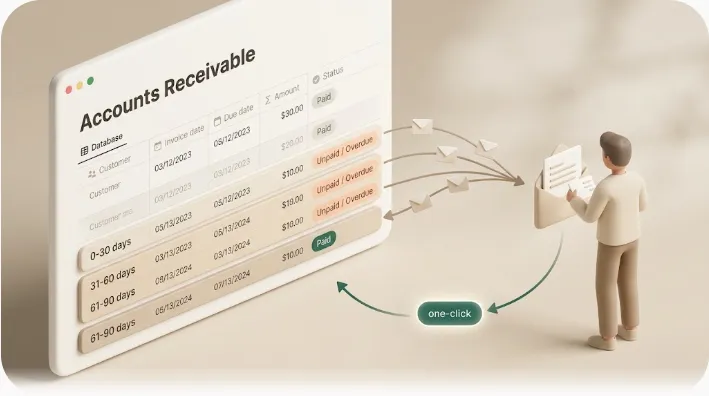
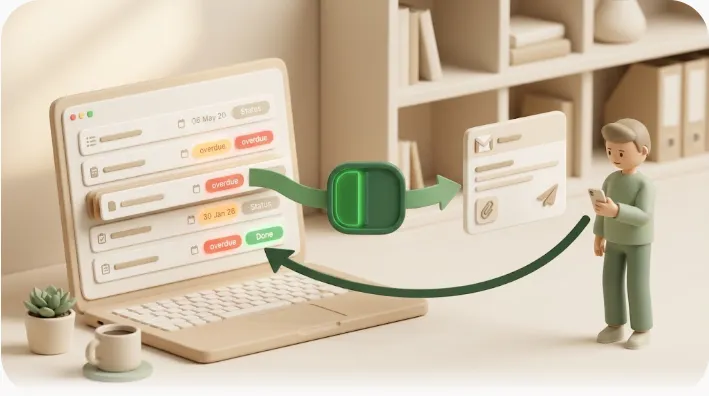
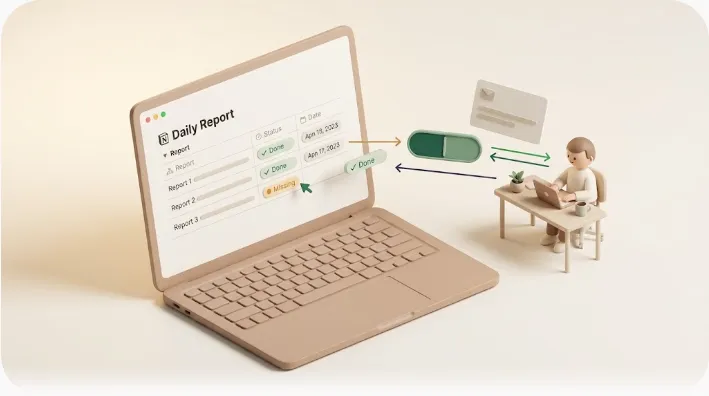
Kapsel is a Notion notification tool that watches your renewal date, owner, and status properties and sends email reminders — including to people who don't have a Notion account — with a one-click reply that writes the decision back into Notion.
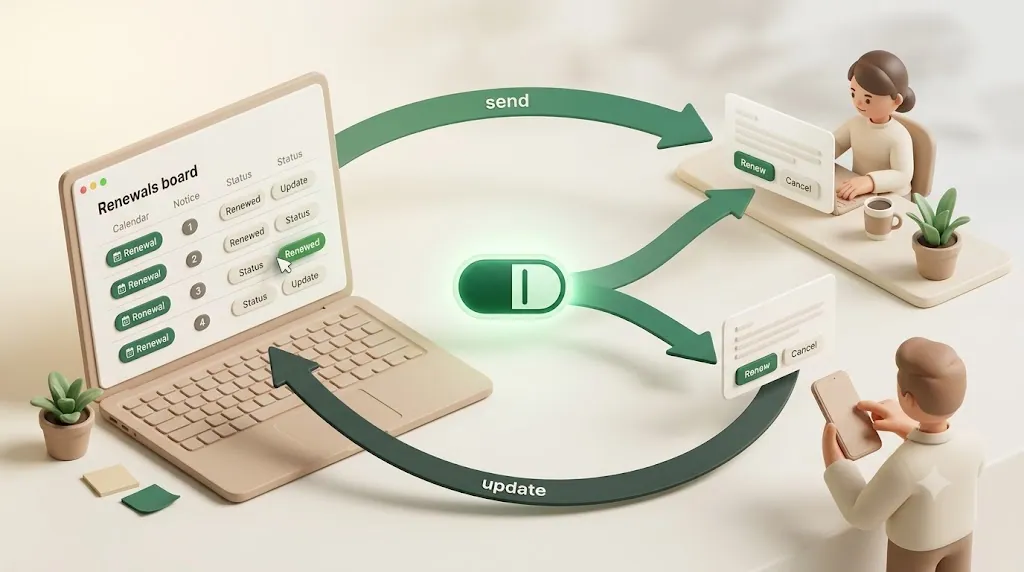
Here's how that maps onto the renewals database above:
- Connect the renewals database and map the fields — point Kapsel at your Renewal date (due date), Owner (assignee), and Status properties.
- Set the lead time so reminders go out ahead of the date based on your notice period, rather than on the renewal day itself.
- Add the external recipient's email as a target when a client or vendor is the one who needs to act — no Notion account required on their end.
- Let status control delivery. Kapsel never sends to items marked completed or paid, so a record marked Renewed or Canceled drops out of the queue automatically.
Once those four are set, a renewal alert is no longer something you have to remember to check for — it arrives on its own, aimed only at records that are still genuinely open.
It also keeps a send log of who was notified and when — useful if you ever need to prove a renewal notice actually went out before a deadline — plus overdue follow-ups, target filtering, and recurring digests. On the Pro plan it adds multiple workspaces and sender branding. Setup steps with visuals are in the guide, and plans start free on the pricing page (Free $0 / Standard $12 / Pro $29 per month).
Try Kapsel free. Kapsel watches your Notion due dates, assignees, and status, then sends automatic email reminders — including to people without a Notion account — and lets recipients confirm in one click, writing the status back to Notion. Free plan, no credit card required. → Start with Kapsel
FAQ
How do I get Notion to remind me before a subscription or contract renews, not just on the renewal date?
Store a notice period (a "days out" number) alongside the renewal date, then have a reminder fire when renewal date minus notice period arrives. Notion's native date reminders offer fixed presets like "1 week before," but they can't read a per-record lead time or send reliable email — so most people drive the "remind ahead" logic with an automation tool (Zapier, Make, n8n, Apps Script) or a purpose-built notifier that reads the database.
What is a notice period and how is it different from a renewal date or expiration date?
The renewal (or expiration) date is the day the thing renews or lapses. The notice period is the last window in which you can still act before it auto-commits — expressed as a lead time, like "60 days before renewal." A contract may auto-renew on December 31 but require 60 days' notice to cancel, meaning your real deadline to decide is November 1. Tracking notice period separately is what keeps the reminder ahead of the point of no return.
Can Notion send a reminder to someone who doesn't have a Notion account, like a client or vendor?
Not natively — every Notion reminder and @mention requires the recipient to be a workspace member. To reach a client or vendor, the reminder has to leave Notion and arrive as plain email that needs no account or login. A tool like Kapsel sends renewal reminders by email to external recipients and can write their reply back into your Notion record.
How many days in advance should I set a renewal reminder for a contract or SaaS subscription?
It depends on how long you'd need to act. Common lead times: about 7 days for low-stakes monthly subscriptions, 30 days for annual plans, domains, and licenses, and 60–90 days for contracts and retainers with formal notice clauses. If a contract states a notice period, match your reminder to it (or set it a little earlier) so you have room to decide before that window closes.
How do I stop getting renewal reminders after a contract has already been renewed or canceled?
Tie the reminder rule to a Status field and only send when the status is still open (e.g., Active or Renewing). Once a record is marked Renewed or Canceled, the rule skips it. Native Notion reminders can't do this on their own; automation tools can if you add the status condition, and some notifiers (like Kapsel) skip completed, canceled, or paid items automatically so a decided renewal drops out of the queue.
Can I track renewal dates for contracts, subscriptions, and licenses in the same Notion database?
Yes. They all share the same shape — a renewal date, a notice period, an owner, and a status — so one database handles all of them. Add a Type select property (Contract / Subscription / License / Domain / Retainer) to filter, group, or apply different default lead times per category.
How do I make sure the right person (owner) gets notified about a specific renewal?
Add an Owner property to each record (a Person property for workspace members, or an email/text field for external people), and make your reminder tool address the notification to that field rather than blasting the whole team. That way the notice for a specific contract goes only to the person responsible for deciding, which is the main defense against the "wrong person got pinged, nobody acted" failure.
Does Notion have a built-in way to notify people outside my workspace about an upcoming renewal?
No. All native notifications are scoped to workspace members, so there's no built-in path to a client, vendor, or approver outside your team. Reaching them requires an external layer that sends email — an automation you build, or a notifier like Kapsel that emails outside recipients and records that the notice was sent.
Notes
Published August 5, 2026. The features and pricing described here are current as of the publish date; product details and plan pricing may change over time, so the pricing page and product overview hold the current specifics.