Payment Reminder Email Templates (Dunning Emails): Copy-Paste Examples for Every Stage
It's been ten days since the invoice's due date, and you've reread the reminder you half-drafted three times without hitting send — too soon feels naggy, too late feels like you don't track your own money, and either way you're dreading the reply that never comes. If you invoice clients directly, as a freelancer or a small agency, that awkward silence is one of the most avoidable parts of the job. This guide gives you the exact wording for every stage — from a friendly early heads-up to a formal final notice — so you're never guessing how firm is too firm. The mistake that costs more than staying silent too long is firing off a reminder after the client has already paid, so we'll cover how to avoid that too.
A payment reminder email — often called a dunning email — is the message a business sends to prompt a client to pay an invoice, either before it's due or after it's gone overdue. The most reliable approach isn't one perfectly worded email but a short sequence of them: a friendly heads-up before the due date, a neutral note on the day, and progressively firmer follow-ups if the invoice stays unpaid. Below, each stage gets a ready-to-use template with merge-field placeholders, so you can reuse or automate them instead of hand-editing every time.
⚠️ This article is general information, not legal advice. Late-fee limits, interest rates, notice requirements, and what a "final demand" must contain vary by country and state. Confirm the current rules for your jurisdiction before relying on any wording here.
TL;DR
- Send a staged sequence, not a single message: a pre-due heads-up, a due-date note, a polite first overdue reminder, a firmer follow-up, and a formal final notice — tone stays warm early and gets more formal only as time passes.
- Every template needs the same core facts: invoice number, amount due, due date, a payment link or instructions, and the client's name.
- Templates below use
{{merge fields}}(like{{client}},{{amount}},{{due_date}}) so you can drop them into a mail-merge or an automation tool and personalize each send automatically.- The biggest risk in automating dunning is a reminder firing after the client already paid. Tie the sequence to a source of truth (a spreadsheet, invoicing software, or a Notion tracker) that suppresses paid rows.
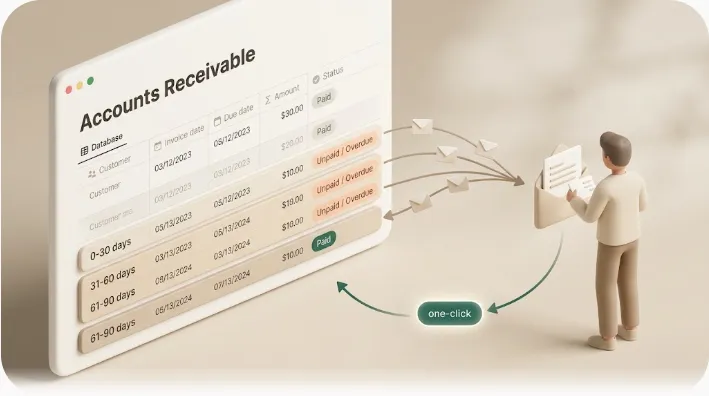
💡 Definition: Kapsel is a Notion notification tool that watches your database's due dates, assignees, and statuses and sends automatic email reminders to people who don't need a Notion account, with a one-click confirmation in each email that writes the status back to Notion — and it never sends to items marked completed or paid.
What a good payment reminder email needs (before the templates)
A reminder only works if it makes paying easy and gives the client no reason to feel defensive. Two things matter more than clever phrasing: including the right facts, and matching the tone to the stage.
It's worth sending them in the first place, even when chasing money feels awkward. Most late invoices are simple oversights, not refusals, and a short, well-timed reminder resolves a surprising number of them before they ever become a real collections problem — which protects your cash flow without a single uncomfortable phone call. Reminders also build a record as they go: if an invoice does need a firmer follow-up or a formal notice later, a documented trail of polite, on-time reminders makes that next step look like consistent policy rather than a sudden escalation.
The non-negotiable fields: invoice number, amount, due date, payment link, client name
Every reminder — even the friendliest one — should be complete enough to act on without the client hunting for the original invoice. At a minimum, include:
| Field | Why it belongs in every reminder |
|---|---|
| Client name | Personalization; confirms the message is for them, not a mass blast |
| Invoice number | Lets the client locate the exact invoice in their own records |
| Amount due | Removes any ambiguity about what's owed |
| Due date (and days overdue, later) | Anchors the reminder to a concrete deadline |
| Payment link or instructions | The single most important field — reduces friction to actually paying |
| A copy of or link to the invoice | Saves a round-trip email asking you to resend it |
💡 The payment link is the field most often left out, and it's the one that costs you money. If a client has to reply and ask "how do I pay again?", you've added days to the cycle. Put the link or instructions in every message.
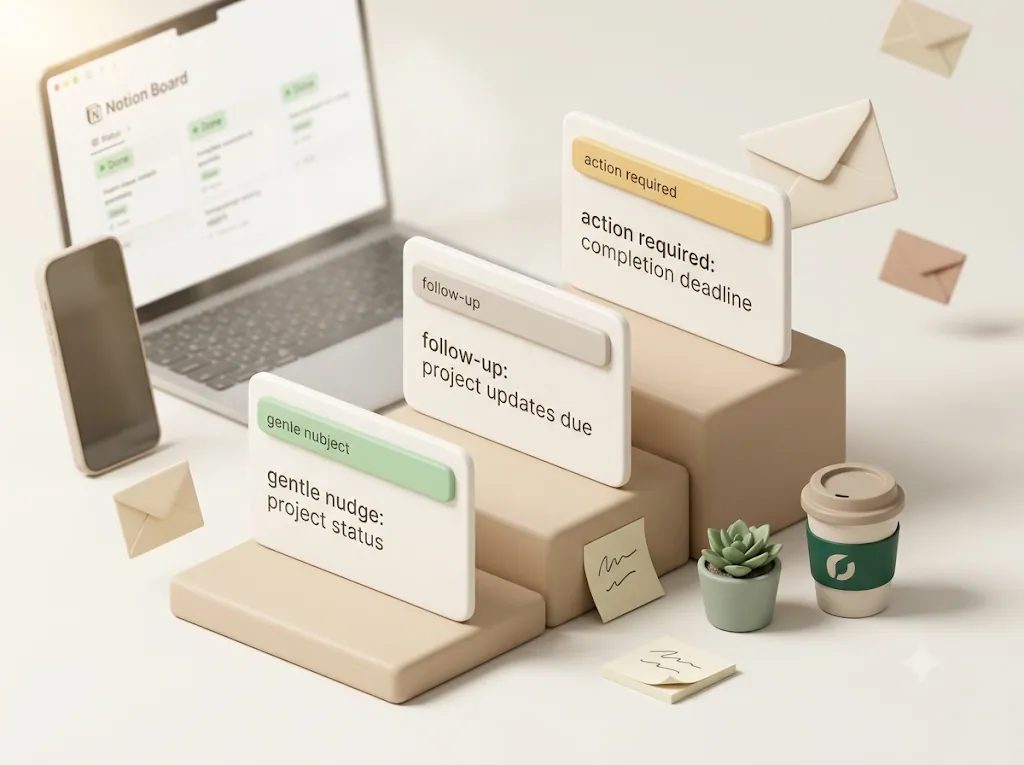
Tone shifts by stage — friendly first, firmer later, never threatening early
Most late invoices are oversights, cash-flow timing, or an email buried in a busy inbox — not refusals. So the early messages should assume good faith. What escalates over the sequence is the clarity and formality of the message, never the hostility. A gentle nudge at day three and a formal notice at day forty-five can share the same facts; only the framing changes.
| Stage | Rough timing | Tone |
|---|---|---|
| Pre-due heads-up | 3–7 days before due | Warm, purely informational |
| Due-date reminder | On the due date | Neutral, matter-of-fact |
| First overdue | ~3–7 days late | Polite, assumes an oversight |
| Firm follow-up | ~14–30 days late | Professional, adds a deadline |
| Final notice | ~45–60+ days late | Formal, unemotional, states consequences |
Matching tone to stage is what lets you chase the money without turning a client's simple oversight into a strained relationship.
⚠️ Day ranges are conventions you adapt to your contract and relationship — not rules. A long-standing retainer client earns a longer leash than a first-time client who has gone quiet.
The templates (copy-paste, stage by stage)
Each template below uses {{double-brace}} merge fields. If you send by hand, replace them once. If you use mail merge or an automation tool, map each field to a column or property so every send is personalized automatically. Common placeholders: {{client}}, {{invoice_number}}, {{amount}}, {{due_date}}, {{days_overdue}}, {{payment_link}}, {{your_name}}, {{business_name}}.
1. Before the due date (friendly heads-up, 3–7 days out)
Tone: warm and purely informational. Timing: 3–7 days before the due date. Goal: put the invoice on the client's radar before it's ever late.
Subject: Heads-up: Invoice {{invoice_number}} is due {{due_date}}

Hi {{client}},

Just a quick, friendly heads-up that Invoice {{invoice_number}} for
{{amount}} is due on {{due_date}}. No action needed if it's already
scheduled — this is just so it doesn't sneak up on you.

You can pay here: {{payment_link}}
(I've also attached a copy of the invoice for reference.)

Thanks so much, and let me know if anything looks off.

{{your_name}}
{{business_name}}
2. On the due date
Tone: neutral and matter-of-fact. Timing: the morning of the due date. Goal: a clear, no-pressure prompt on the day payment is expected.
Subject: Invoice {{invoice_number}} is due today

Hi {{client}},

A quick reminder that Invoice {{invoice_number}} for {{amount}} is due
today, {{due_date}}. If it's already on its way, please disregard.

Pay online here: {{payment_link}}
Prefer another method? Bank details are on the attached invoice.

Thank you!

{{your_name}}
{{business_name}}
3. First overdue (a few days late, still polite)
Tone: polite, assumes an oversight. Timing: ~3–7 days after the due date. Goal: a gentle nudge that makes paying easy and keeps the relationship warm.
Subject: Just checking in on Invoice {{invoice_number}}

Hi {{client}},

I wanted to make sure Invoice {{invoice_number}} for {{amount}} didn't
slip through the cracks — it was due on {{due_date}} and is showing as
unpaid on my end. It's easy to miss a busy week, so no worries if it's
already in progress.

You can settle it here: {{payment_link}}
Happy to resend the invoice in another format if that's easier.

Thanks, and let me know if there's anything you need from me.

{{your_name}}
{{business_name}}
💡 A first overdue reminder should still assume the best. A line like "no worries if it's already in progress" gives an honest client an easy, face-saving path to pay — which is exactly what you want at this stage.
4. Overdue follow-up (1–4 weeks late, firmer)
Tone: professional and direct, adds a concrete new deadline. Timing: ~14–30 days after the due date. Goal: get a commitment and a specific payment date.
Subject: Overdue: Invoice {{invoice_number}} ({{days_overdue}} days past due)

Hi {{client}},

Following up on Invoice {{invoice_number}} for {{amount}}, which was due
on {{due_date}} and is now {{days_overdue}} days overdue. I haven't yet
received payment or a reply, so I wanted to flag it directly.

Could you arrange payment by {{new_deadline}}, or let me know if there's
a problem with the invoice I can help resolve? If a payment date already
exists on your side, just reply with it and I'll note it.

Payment link: {{payment_link}}

Thanks for your attention to this.

{{your_name}}
{{business_name}}
⚠️ Only reference late fees or interest if they were agreed in writing — in your signed contract or on the invoice — before the work started. Whether a late fee is enforceable, and any cap on it, varies by jurisdiction. Don't introduce a charge the client never agreed to.
5. Final notice (45+ days late)
Tone: formal and unemotional. Timing: ~45–60+ days after the due date, after earlier reminders have gone unanswered. Goal: a last, documented request before you escalate to a phone call, a formal demand letter, or collections.
Subject: Final notice — Invoice {{invoice_number}}, {{amount}} outstanding

Dear {{client}},

This is a formal notice regarding Invoice {{invoice_number}} for
{{amount}}, originally due on {{due_date}} and now {{days_overdue}} days
overdue. Despite previous reminders on {{reminder_dates}}, this invoice
remains unpaid.

Please arrange full payment by {{final_deadline}}. If payment or a
response is not received by that date, I will need to consider further
steps to recover the amount owed, in line with our agreement.

Amount due: {{amount}}
Invoice: {{invoice_number}} (copy attached)
Payment: {{payment_link}}

If there is a dispute or difficulty I'm not aware of, please contact me
before {{final_deadline}} so we can resolve it directly.

Regards,
{{your_name}}
{{business_name}}
💡 A final notice is written as much for a future reader — a mediator, a collections agent, a court — as for the client. Keep it factual and free of anger; a calm, well-documented notice is far more persuasive later than a heated one.
Bonus: payment confirmation / thank-you-for-paying
Tone: warm and appreciative. Timing: right after payment clears. Goal: confirm receipt, close the loop, and reinforce a good relationship (especially valuable for on-time payers).
Subject: Payment received — thank you!

Hi {{client}},

Just confirming I've received your payment of {{amount}} for Invoice
{{invoice_number}}. It's all settled on my end — thank you for the
prompt payment, it's genuinely appreciated.

Looking forward to working together again.

{{your_name}}
{{business_name}}
💡 A short thank-you after every payment costs nothing and quietly trains clients that you notice — and appreciate — being paid on time. It also gives on-time payers positive feedback, not just chasers for latecomers.
Why manually sending these breaks down for freelancers and small agencies
Templates solve the "what do I write" problem. They don't solve the "who do I send which one to, and when" problem — and that's where manual dunning quietly falls apart. With a handful of open invoices it's manageable. Across a dozen clients on different due dates and different rungs of the ladder, keeping track of who got the day-3 nudge versus the day-30 follow-up becomes a recurring, error-prone chore. The part that slips is usually the timing, so reminders go out late, in bursts, or not at all.
There are plenty of ways to reduce the manual load, each with trade-offs:
| Approach | Reaches clients with no shared account | Suppresses already-paid items | Setup effort |
|---|---|---|---|
| Manual email + calendar reminders | Yes | Only if you remember to check | Low, but fully manual every time |
| Mail merge (Gmail/Outlook + a sheet) | Yes | You maintain the sheet by hand | Moderate; no automatic scheduling |
| Dedicated AR / invoicing software (e.g., Invoiced, Chaser, Paidnice-style tools) | Yes, if the client is billed through it | Usually built in | Moderate; assumes you bill inside that platform |
| Zapier / Make / n8n / Apps Script | Yes, with an email step | Only if you build the filter | Multi-step, technical, you maintain it |
| Notion + a reminder layer (see below) | Yes — email, no client login | Built in when tied to status | Connect the workspace once |
The right pick usually isn't the most powerful option — it's whichever one already holds your invoice data, since that's the one you'll actually keep using instead of letting it lapse after a busy week.
Dedicated accounts-receivable tools are genuinely good if your invoicing already lives inside them. The gap they share is an assumption: that the payer is a user of your billing platform. Many freelancers and small agencies don't work that way — they track invoices in a general workspace tool like a spreadsheet or Notion, and the client has no account on it at all.
The real risk isn't forgetting to send — it's sending after they've already paid
Ask anyone who's automated dunning what they're actually afraid of, and it's rarely "I'll forget a reminder." It's the opposite: an automated overdue notice landing in the inbox of a client who already paid. It's a genuine trust-breaker — you've effectively accused a paying customer of not paying, and now you're the one apologizing. It's a common failure in manual and half-automated setups: the payment arrives, but nobody updates the tracker, so the scheduled day-30 notice fires anyway.
Most guides address this with "just double-check they haven't paid before each send." That's fine advice that relies on a human remembering to check, every time, across every client — which is exactly what fails on a busy week. The durable fix is systemic: a process that cannot send to an item marked paid or done, whether or not anyone remembers to look. When you're weighing automation, that safeguard matters more than the wording of any single template.
⚠️ "Check first" is a habit, and habits fail under pressure. A hard rule that never contacts a paid or completed item fails safe every time. When you're chasing many invoices at once, prefer the rule over the habit.
How to send these automatically from a Notion invoice tracker
If your invoices live in Notion rather than dedicated AR software, you already have a source of truth for who owes what and when it's due. The missing piece is turning that data into the staged emails above — delivered to clients who don't use Notion, and stopped the moment an invoice is paid.
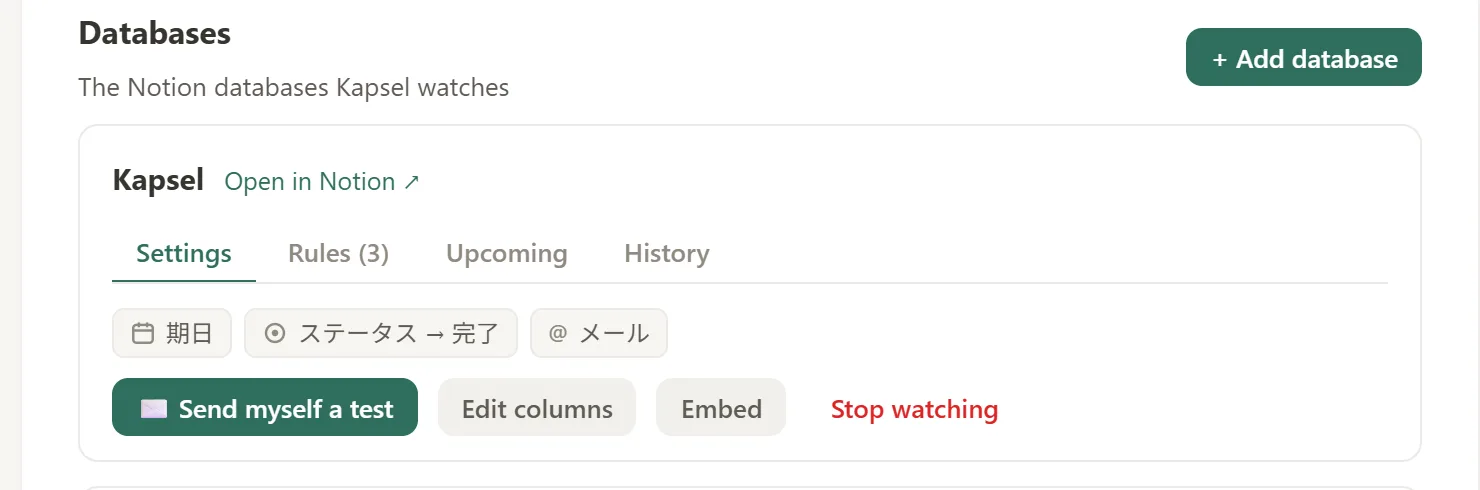
Watch due date, assignee, and status — no separate AR tool
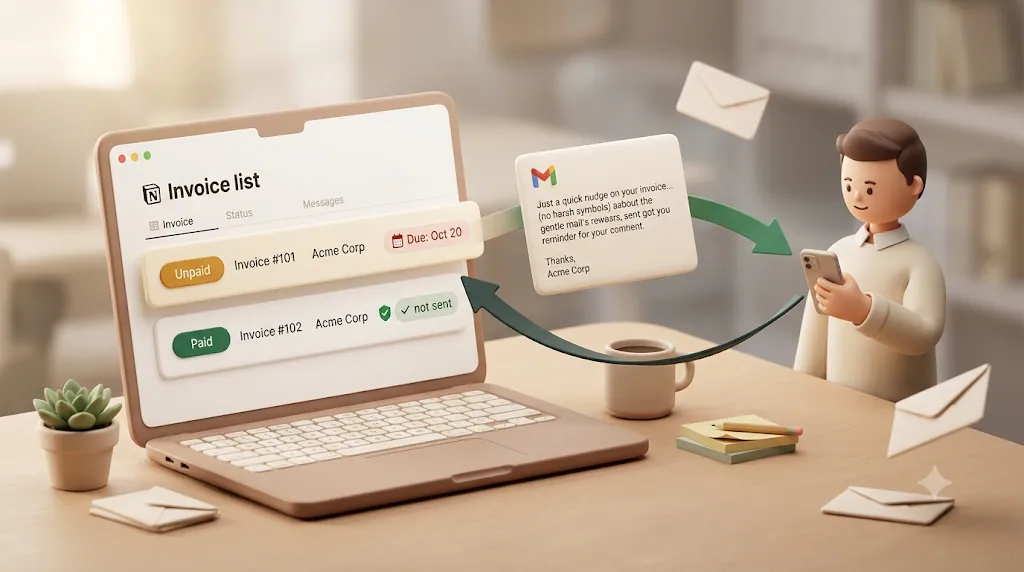
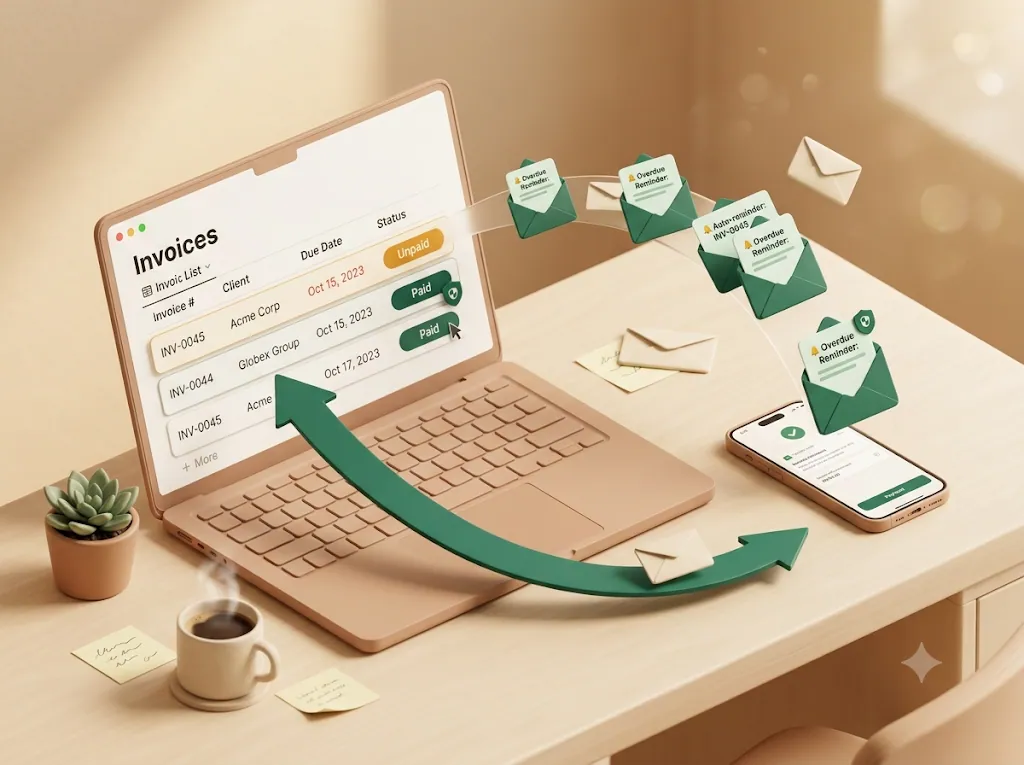
Kapsel is a Notion notification tool that watches your invoice tracker's due date, assignee, and status properties and acts on them automatically. When an invoice passes its due date and is still marked unpaid, it qualifies for a reminder — so nothing depends on you noticing it that morning, and you don't have to migrate your invoicing into a separate platform. Your Notion database stays the single source of truth.
It reaches clients who don't use Notion — email, no login or account
Your clients almost certainly don't live in your Notion workspace, and this is the case generic "send it from your invoicing software" advice skips. Kapsel sends a plain email — no Notion account, no login, no guest invite. This is the same problem covered in more depth in reaching clients who don't use Notion: a reminder only works if it lands in the inbox the client actually reads.
Recipients confirm with one click, writing the status back to Notion
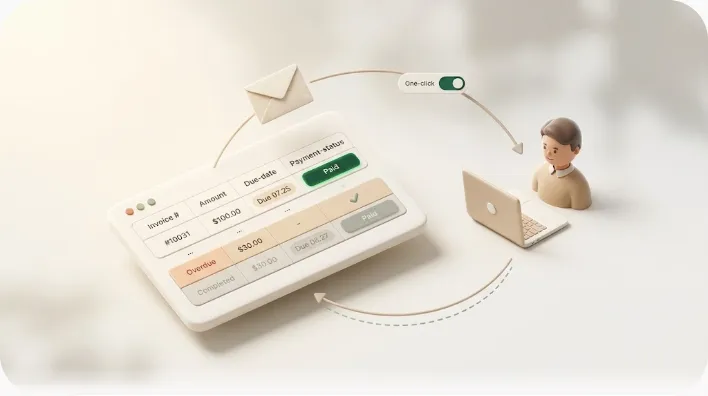
Most reminder setups are one-directional: the email goes out, and you still flip the status to "Paid" by hand — or you make the client log into a portal to confirm. Kapsel closes the loop instead. Each email includes a one-click confirmation button; when the client uses it, the status writes back into Notion automatically. No login, no portal, no account — the client just clicks a link in the email they already received, and your records update themselves.
Kapsel never sends to anything marked completed or paid — how that's enforced
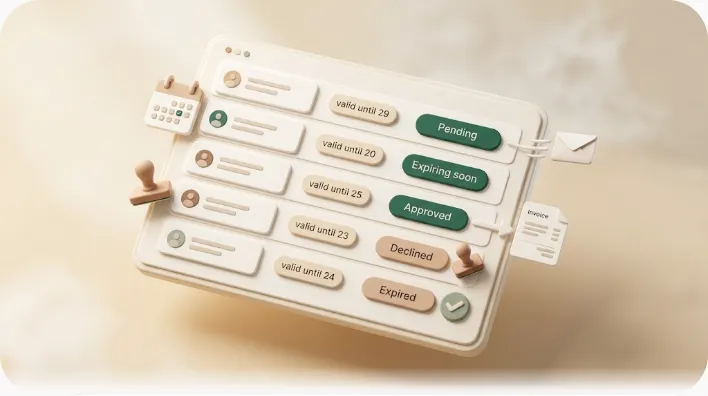
This is the safeguard that makes automated dunning feel safe rather than risky. Kapsel never sends to items marked completed or paid. Once an invoice's status is set to paid — whether you update it or the client confirms via the one-click button — no further reminder goes out for that row. The "don't email someone who already paid" rule isn't a filter you have to remember to build; it's built into how the tool decides what to send. For the full walkthrough of this specific workflow, see overdue invoice reminders from Notion.
Overdue follow-ups, recurring digests, and filtering which invoices get chased
The ladder needs different handling for different invoices, and a good system reflects that:
- Overdue follow-ups repeat the firmer nudges on a cadence for invoices that stay unpaid, so the sequence keeps going without manual calendar reminders.
- Recurring digests give you a periodic rollup of everything currently overdue across all clients — one summary email rather than hunting through rows — which is genuinely useful once you're past a few open invoices.
- Target filtering lets you chase only the invoices that qualify, based on the Notion properties you choose to key off, instead of blasting every overdue item identically. For the broader escalation strategy behind this, see how to chase late payments.
Together, these mean you're not manually re-sending emails or re-scanning every open invoice yourself — only the rows that still qualify get chased, and you get a single rollup instead of hunting client by client.
Merge fields, send log, and Pro's multi-workspace + sender branding
- Merge fields are exactly the
{{client}}/{{invoice_number}}/{{amount}}placeholders in the templates above. Kapsel pulls those values from each Notion row, so you maintain one template and every client gets an accurate, personalized message. - The send log records what was sent, to whom, and when — an always-on paper trail. If a client ever says "I never got a reminder," you have the record, without keeping a folder of forwarded emails.
- Pro adds multiple Notion workspaces and sender branding (company name, signature, logo), which matters for agencies running reminders across several client workspaces under their own identity.
| Need | Kapsel feature |
|---|---|
| Personalize each send | Merge fields |
| Repeat nudges on overdue items | Overdue follow-ups |
| One summary of everyone who owes | Recurring digests |
| Chase only certain invoices/clients | Target filtering |
| Prove what was sent and when | Send log |
| Multiple client workspaces + your branding | Pro plan |
Setting it up in a few minutes
- Build the tracker. One Notion row per invoice, with properties for invoice number, client name, a client email property, amount, due date, and a status (e.g.,
Sent,Overdue,Paid). - Connect the workspace once. Point Kapsel at the invoice database — you do this a single time, not per template. See the setup guide.
- Choose what to watch and who receives it. Tell Kapsel which properties to key off (due date and status) and which property holds the recipient's email.
- Write your templates with merge fields. Reuse the ones above; map
{{amount}},{{due_date}}, and the rest to your Notion properties. - Filter targets and test on yourself. Restrict sends to genuinely outstanding invoices, then send a reminder to your own address to watch the full loop — email out, one-click confirm, status back in Notion — before rolling it out to clients.
Once this is wired up, chasing an overdue invoice stops being a task you have to remember and becomes something that runs on its own schedule instead.
Try Kapsel free. Kapsel watches your Notion due dates, assignees, and status, then sends automatic email reminders — including to people without a Notion account — with one-click write-back. Free plan, no credit card required. → Start with Kapsel
FAQ
What is a dunning email?
A dunning email is a message a business sends to remind a customer to pay an outstanding or upcoming invoice. In practice it's usually a series of emails escalating in formality — a friendly pre-due heads-up, a due-date note, and progressively firmer overdue reminders — rather than a single message. The goal is to collect payment while keeping the relationship intact.
How many payment reminder emails should you send before an invoice is considered uncollectible?
There's no fixed number, but a common pattern is four to seven touches before you treat an invoice as seriously at risk: a pre-due heads-up, a due-date note, a first overdue reminder, one or two firmer follow-ups, and a formal final notice around 45–60 days late. If a documented sequence over 60–90 days gets no response, many businesses hand the debt to collections or write it off. Whether and when to write it off depends on the amount, the client, and your jurisdiction's rules.
What should you say in a first overdue payment reminder?
Keep it short, polite, and assume an oversight. State the invoice number, amount, and original due date, note that it's showing as unpaid, and include the payment link. A face-saving line like "no worries if it's already in progress" keeps it friendly, since most first-overdue invoices are simply forgotten, not refused.
How do you politely ask a client for overdue payment?
Lead with the assumption that it was an oversight, not bad faith. Give the specific facts (invoice number, amount, due date, days overdue), make paying frictionless with a direct link, and ask a clear, low-pressure question like "could you arrange payment by [date], or let me know if there's an issue I can help with?" Staying calm and factual — even when firm — is what keeps it professional.
What if a client disputes the invoice?
Pause the escalation and treat it as a support issue, not a payment issue, until it's sorted out. Ask specifically what looks wrong to them, and be ready to send a corrected invoice, a breakdown of hours or line items, or the original quote or agreement. Sending progressively firmer reminders while a genuine dispute is still open just damages trust and makes you look inflexible — resolve the disagreement first, then restart the reminder sequence from a fresh due date if one is agreed.
What is the difference between a payment reminder and a final demand letter?
A payment reminder is a routine, relatively warm nudge sent throughout the invoice cycle to prompt payment. A final demand letter is a formal, unemotional document sent as the last step before escalation, stating the total owed, a firm deadline, and the consequences of continued non-payment. Reminders aim to keep the relationship comfortable; a demand letter is written partly for a future reader like a collections agent or a court, and specifics vary by jurisdiction.
How soon before a due date should you send a payment reminder?
A pre-due heads-up is commonly sent 3–7 days before the due date. That's enough lead time for the client to schedule payment without feeling rushed, and it frames the message as a helpful convenience rather than a chase. Many businesses pair it with a neutral reminder on the due date itself.
Can you automate payment reminder emails without expensive invoicing software?
Yes. Mail merge from a spreadsheet, general automation tools (Zapier, Make, n8n, Google Apps Script), or a Notion-based reminder layer can all send scheduled reminders without dedicated AR software. If your invoices already live in Notion, a tool like Kapsel watches the due date and status and emails clients directly, including a free plan to test the workflow. The key thing to verify in any option is that it stops sending once an invoice is marked paid.
What happens if you send a payment reminder after the client already paid?
It's one of the most damaging mistakes in dunning — you've effectively accused a paying client of not paying, and it undermines trust more than a missed reminder ever would. The fix is systemic rather than relying on memory: tie your reminders to a source of truth that suppresses paid rows. Kapsel is built this way and never sends to items marked completed or paid, so once a status is updated, no further reminder goes out for that invoice.
How do you write a payment reminder email that doesn't sound aggressive?
Escalate the clarity and formality of your message over time, never the hostility. Keep early messages warm and assume good faith, always give the client an easy way to pay, and frame firmer follow-ups as consistent policy ("I follow up on invoices past [X] days") rather than a personal reaction. Concrete facts stated calmly read as professional; vague, emotional language reads as a threat.
What should a final notice for non-payment include?
A final notice should state the total amount owed (including any contractually agreed late fees), the invoice number and original due date, the days overdue, a firm final deadline, the accepted payment methods, and the consequences of continued non-payment. Keep the tone formal and unemotional, reference the earlier reminders you sent, and send it in a way that creates a record. Because requirements vary by jurisdiction, many people have a professional review a formal demand before sending.
How do you track which clients still owe money without spreadsheets?
A workspace tool like Notion works well as a lightweight invoice tracker: one row per invoice with amount, due date, and status, filtered to show what's outstanding. Layering a reminder tool on top means the same tracker also drives the emails — Kapsel watches the Notion status and due date, chases only unpaid rows, and updates the status when a client confirms payment with one click. That keeps a single source of truth without a separate spreadsheet or dedicated AR platform.
Do payment reminder emails actually improve on-time payment rates?
Sending clear, timely reminders is widely regarded as one of the simplest ways to reduce late payments, because many overdue invoices are genuine oversights that a well-timed nudge resolves. A consistent staged sequence — pre-due, due-date, and polite overdue follow-ups — tends to work better than a single message sent whenever you happen to remember. Results vary by client and industry, so treat reminders as one part of good billing hygiene alongside clear terms and prompt invoicing.
Notes
Published 2026-08-05. Features and pricing described in this article are current as of writing. Kapsel watches Notion due dates, assignees, and statuses and sends email reminders to recipients who do not need a Notion account; a one-click confirmation in each email writes the status back to Notion, and reminders are never sent to completed or paid items. Kapsel also supports overdue follow-ups, target filtering, recurring digests, a send log, and merge fields; the Pro plan adds multiple Notion workspaces and sender branding. Pricing referenced: Free $0, Standard $12, and Pro $29 per month (USD); see current pricing and the product overview for details. This article is general information, not legal advice — late-fee limits, interest rates, and formal-notice requirements vary by country and state and change over time; confirm current rules for your jurisdiction before acting.