Notion Client Onboarding: The Template That Actually Chases What Clients Owe You
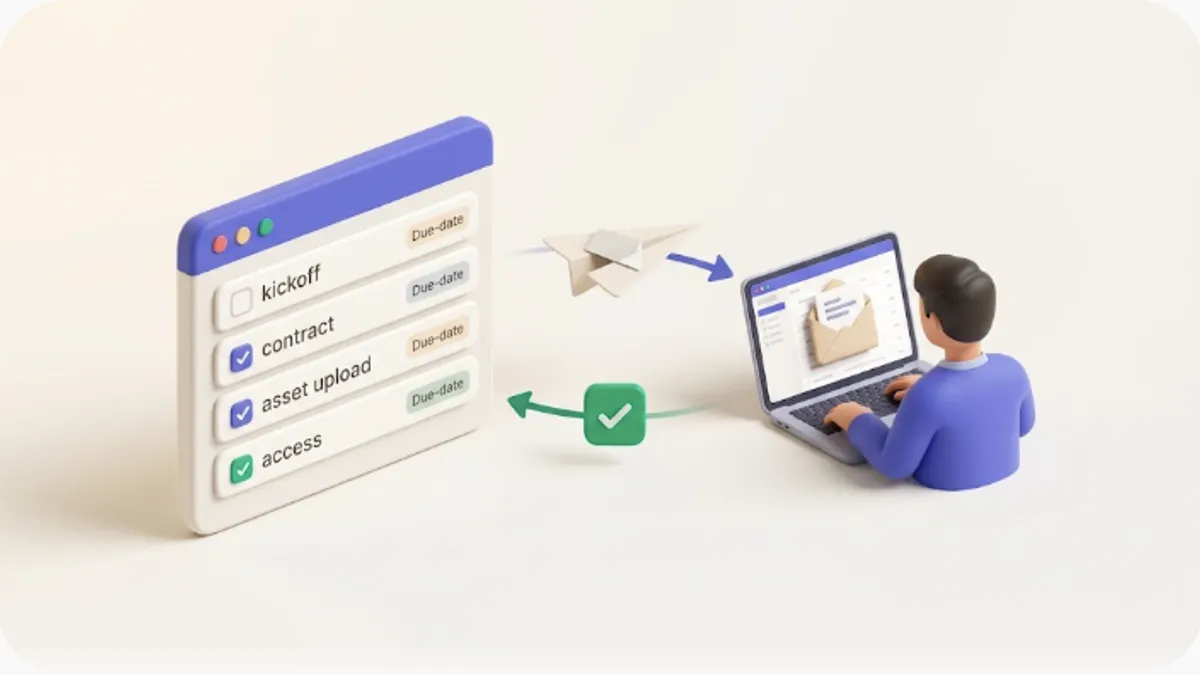
A week after kickoff you realize the client still hasn't sent the brand assets — and the first review is tomorrow. Onboarding stalls almost always trace back to the same gap: nobody owns "who sends what, by when." This article is for agencies, freelancers, and small SaaS or consulting teams who run projects in Notion; it shows how to standardize new-client onboarding (kickoff tasks, contract/NDA, asset and access requests, first meeting, initial setup) in a single Notion database, surface the tasks that are due or overdue, and stop chasing clients by hand. The payoff: a repeatable onboarding template that reminds the people who owe you something — including the client, who doesn't use Notion — automatically.
TL;DR
- Build onboarding as one Notion database with clear properties (task, owner, due date, status, client email) so every engagement runs the same checklist.
- A simple formula like
dateBetween(prop("Due"), now(), "days")turns passive dates into "due soon / overdue" views you actually watch.- The hard part isn't the database — it's getting clients who aren't in Notion to deliver assets and access on time, which plain Notion can't nudge.
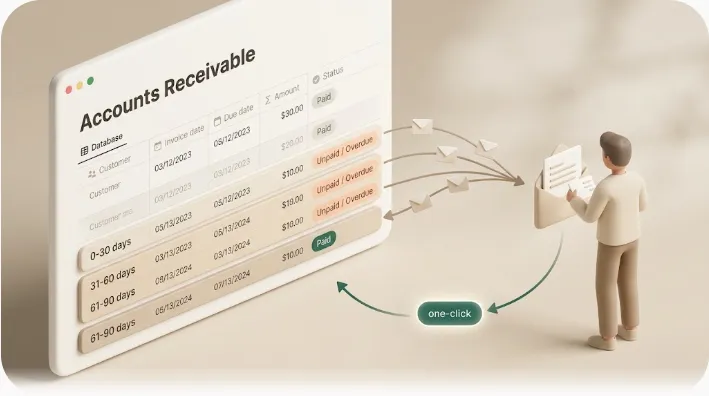
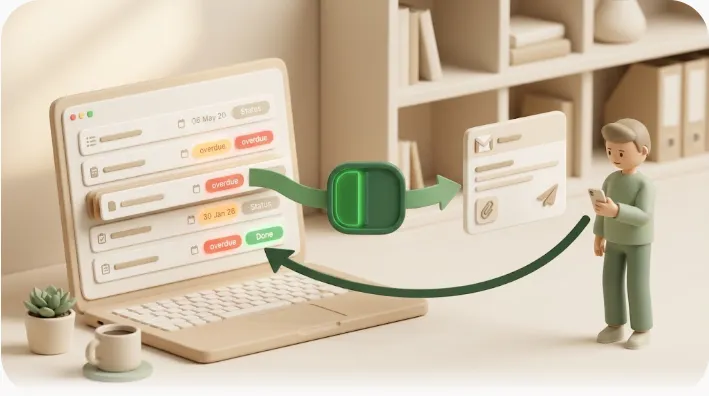
- What Kapsel is — a tool that watches your Notion due date, assignee, and status and sends automatic email reminders to the exact rows you choose (including clients with no Notion account), with a one-click reply that writes the status back into Notion.
What it means to systematize client onboarding
Systematizing onboarding means turning a fuzzy "let's get the client set up" into a fixed list of tasks, each with an owner and a deadline, that you reuse for every engagement. Instead of reinventing the sequence per client, you duplicate a template and fill in the names.
The benefit is predictability. When kickoff, NDA, asset collection, access provisioning, and the first meeting are all rows in one database, you can see at a glance what's outstanding and who's holding it up — including whether the holdup is on your side or the client's. For a deeper look at tracking the client relationship beyond onboarding, see how to design a Notion CRM.
Where onboarding stalls
Most onboarding delays aren't about effort. They're structural. Three failure modes repeat across almost every team:
- Late submissions from the client. You ask for logos, copy, logins, or a signed NDA — and then you wait. The client isn't ignoring you on purpose; the request just left your head and landed in an inbox that nobody is managing to a deadline.
- Dropped internal tasks. The access request, the shared-folder setup, the welcome email — small steps that fall between people because no single view shows what's due today.
- Tribal knowledge. The onboarding sequence lives in one person's memory. When they're out, or when a new hire runs it, steps get skipped and the client feels the inconsistency.
⚠️ The most expensive stall is the client-facing one. You can nudge a teammate in Notion; you cannot nudge a client who was never in your workspace.
Designing the onboarding database in Notion
Before automating anything, get the database right. Most people start from a Notion template — a reasonable first step — but a template hands you fields, not follow-through. Here's a field set that covers the whole onboarding arc:
| Property | Type | Why it's there |
|---|---|---|
| Task | Title | The onboarding step (e.g. "Send brand assets") |
| Client | Relation / Text | Which engagement this belongs to |
| Owner | Person / Select | Who's responsible — your team or the client |
| Client email | Where a reminder is sent when the owner is the client | |
| Due | Date | The deadline this step commits to |
| Status | Select | Not started / Waiting on client / In progress / Done |
| Category | Select | Kickoff / Legal / Assets / Access / Meeting / Setup |
The key move is a status like Waiting on client and an email property, so you can later filter to exactly the rows a client owes you.
To make dates actionable, add a formula property — call it Days left:
dateBetween(prop("Due"), now(), "days")
A negative number is overdue, 0 is due today, a small positive number is due soon. Now build two saved views:
- Due this week — filter
Days left≤ 7 andStatusis notDone. - Overdue — filter
Days left< 0 andStatusis notDone.
💡 Group the board view by Category so "what's left before we can start" reads top to bottom. For a head start on the layout, browse a Notion templates roundup.
The database is now the easy 20%. Watching those views every day and chasing the people behind each overdue row — that's the 80% Notion leaves to you.
Automating reminders before and after due dates with Kapsel
Kapsel is the layer that works those views for you. Connect it to the onboarding database, tell it what to watch, and it emails the right people — including clients who aren't in Notion — on the schedule you set.
Here's what each piece does for onboarding:
- Watch targets. Kapsel reads the Due date, Owner (assignee), and Status you built above. The benefit: your existing database is the single source of truth — no second checklist to maintain.
- Audience filtering. Point a rule at, say,
Status = Waiting on clientso only client-owed rows trigger a client email. The benefit: the client hears about their asset deadline, not your internal setup tasks. - Before and after due dates. Send a heads-up a few days before the Due date and a follow-up once it's overdue. The benefit: fewer "sorry, forgot" delays, without you watching the calendar.
- Recurring sends. Set the reminder to repeat on a cadence until the row is handled. The benefit: persistent, polite follow-up that doesn't depend on you remembering.
- Merge variables. Pull fields straight from Notion — for example
{ClientName}and the task name — into the email body. The benefit: each message reads as written for that client, not a blast. - Send log. Every reminder is recorded. The benefit: you can see exactly what went out and when, instead of guessing whether you already nudged someone.
- Never sends when done. Rows marked
Doneare excluded automatically. The benefit: no awkward reminder chasing an asset the client already sent.
- You scan the board every morning for overdue rows.
- You copy the client's email and write the chase by hand.
- Some clients get nudged twice, some not at all.
- Only matching rows (waiting / overdue) trigger an email.
- Clients are reminded before and after the due date, automatically.
- Zero manual sweeps — you check the send log, not the calendar.
Reaching clients who don't use Notion by email
This is the part plain Notion can't do. A Notion @mention or notification only reaches people with an account in your workspace — which a client almost never has. The common mistake is trying to onboard the client into Notion: you send an invite, they don't accept, and the asset request sits unseen.
Finish it over email instead, where the client already lives. Kapsel sends the reminder to the Client email property — no login, no account, nothing for them to learn. For the full pattern, see how to reach people who don't use Notion by email.
⚠️ Don't make onboarding depend on the client adopting your tools. Onboarding moves faster when it meets the client in their inbox, not inside a new login they have to create.
Recipient replies update Notion automatically (two-way)
The reminder email carries one-click action links. When the client (or a teammate) clicks "Done" — or marks that they've sent the assets — the Status in Notion updates automatically. No reply email for you to read and transcribe, no manual box-ticking.
The benefit for onboarding is a clean loop: the client confirms from their inbox, your "Waiting on client" row flips to Done, and because Kapsel never sends to Done rows, the follow-ups stop on their own. Agencies running many engagements at once can see this at the portfolio level in a client workflow setup.
Pricing
Kapsel is built by a solo developer, and the free plan stays free.
| Plan | Price | Who it's for |
|---|---|---|
| Free | $0 | Trying it out; a light onboarding list with a low send volume |
| Standard | $12/mo | Regular onboarding reminders across active engagements |
| Pro | $29/mo | Multiple Notion workspaces + sender branding (company name, signature, logo) |
Start with Kapsel — connect your onboarding database and let the reminders run.
FAQ
Can you manage client onboarding in Notion? Yes. A single database with task, owner, due date, status, and client email properties covers the whole onboarding arc — kickoff, NDA, asset and access requests, first meeting, and initial setup — in one reusable place.
How do I build an onboarding template in Notion?
Create the database with the properties above, add a dateBetween(prop("Due"), now(), "days") formula to compute days left, then save "Due this week" and "Overdue" views. Duplicate that database for each new client so every engagement follows the same checklist.
What if the client doesn't use Notion? Store their address in an Email property and let Kapsel email them directly. Clients don't need a Notion account or login — the reminder, and the one-click confirmation, happen entirely over email.
Can onboarding reminders be automated? Yes. Kapsel watches your Notion due date, assignee, and status and sends email reminders before and after each deadline, on a recurring cadence, to only the rows that match your conditions.
How do I stop reminders once a task is done? Nothing to do. Kapsel never sends to rows whose status is Done, and the recipient's one-click reply sets that status, so follow-ups stop automatically.
Can I send reminders only to the client, not my internal tasks? Yes. Filter a rule by status (for example "Waiting on client") or by assignee, so client-owed rows email the client while internal rows stay internal.
Will each email look personalized? Yes. Merge variables pull fields like the client's name and task directly from Notion, so each reminder reads as written for that client rather than a generic blast.
How do I keep a record of what was sent? Kapsel keeps a send log of every reminder, so you can confirm exactly what went out and when instead of guessing whether you already followed up.
Notes
Published 2026-10-16. Primary sources: the Notion help center and each vendor's official documentation. Kapsel's features and pricing described here are implemented as of writing; see the latest at getkapsel.com.