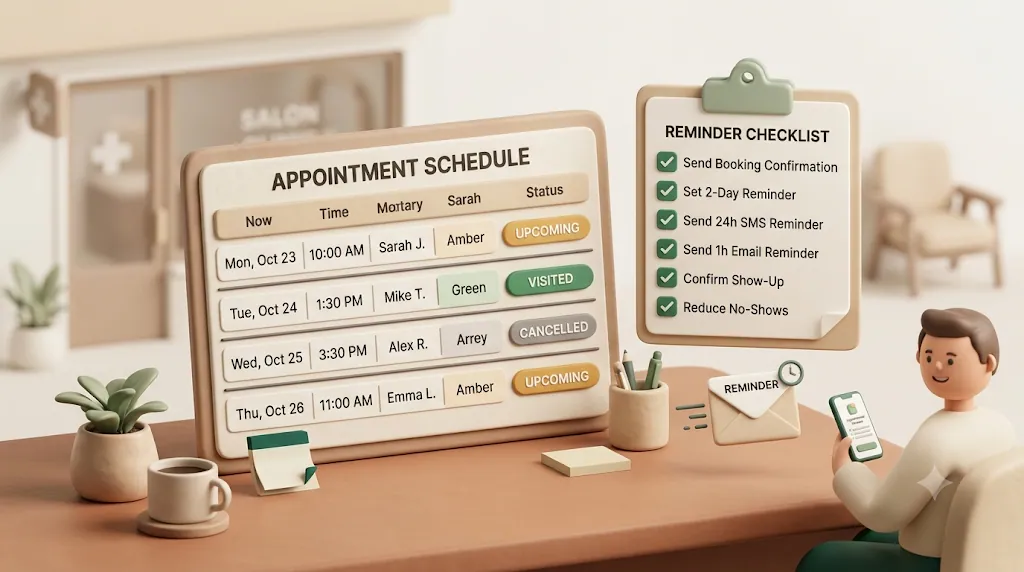
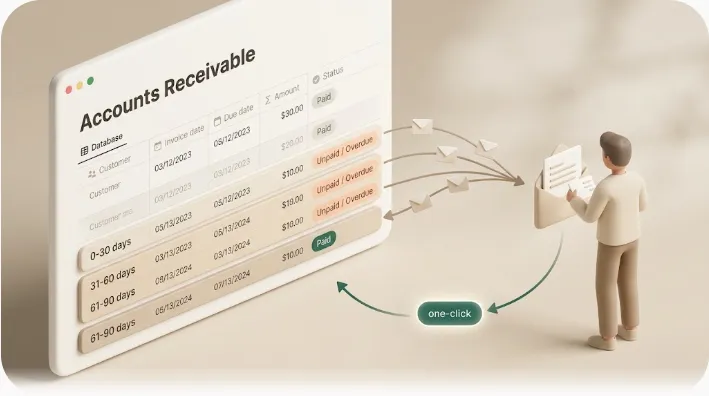
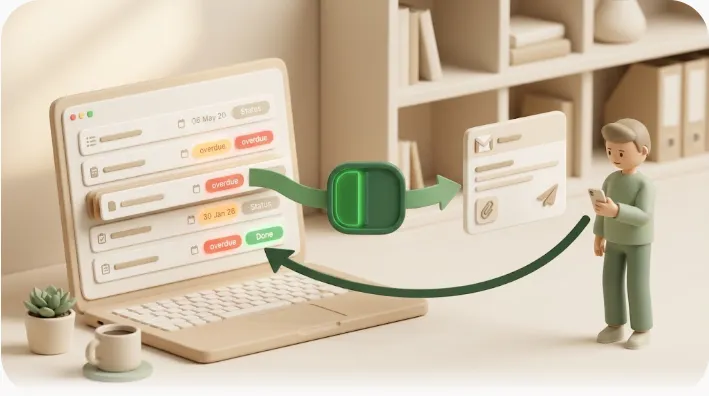
How to Automate Appointment Confirmation & Reminder Emails from Notion (and Cut No-Shows)
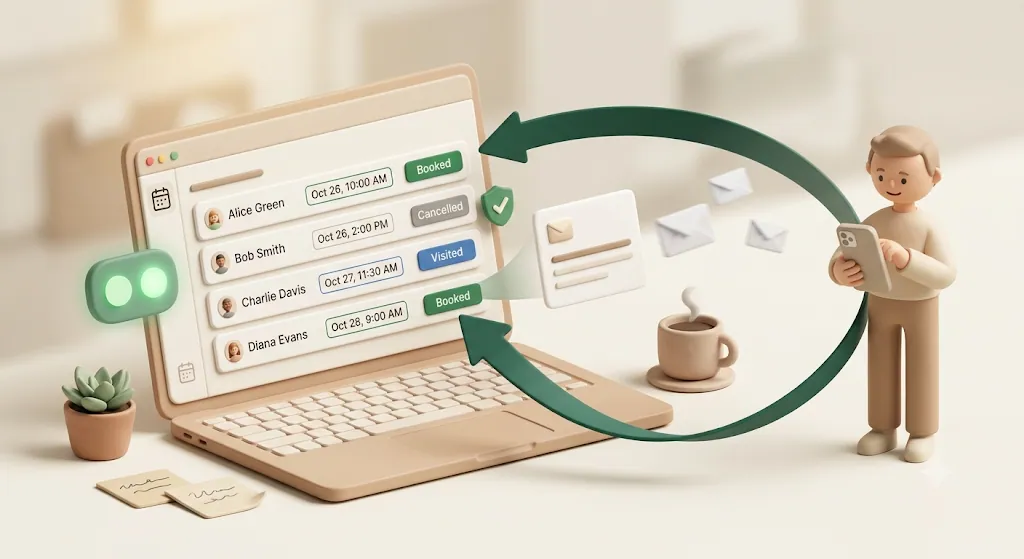
Small salons, studios, and clinics lose real money to no-shows — an empty chair, prepped product, and paid staff time with no revenue to cover them. More often than not, it's not that the client forgot; it's that nobody had a reliable, current answer to whether the booking was actually confirmed, so nobody followed up in time. Most advice assumes you already run a dedicated booking platform. But plenty of solo operators and small teams run their calendar as a Notion database and just want automatic confirmation and reminder emails on top of it. This article explains why no-shows happen, what an automated reminder actually needs to do, and how to set it up when your bookings live in Notion.
TL;DR
- No-shows are usually a data problem (no confirmed status, no follow-up) more than a memory problem — manual reminders don't scale past a handful of bookings a week.
- An effective reminder confirms the appointment as an action (the client confirms with a single tap), reaches people with no app account, and never re-sends once a booking is done, canceled, or paid.
- Kapsel watches your Notion booking database's date, assignee, and status and emails clients automatically, with a one-click confirm that writes back to Notion.
- You don't need enterprise salon software to reduce no-shows — a lightweight notification layer on your existing Notion database can be enough.
What Kapsel Is
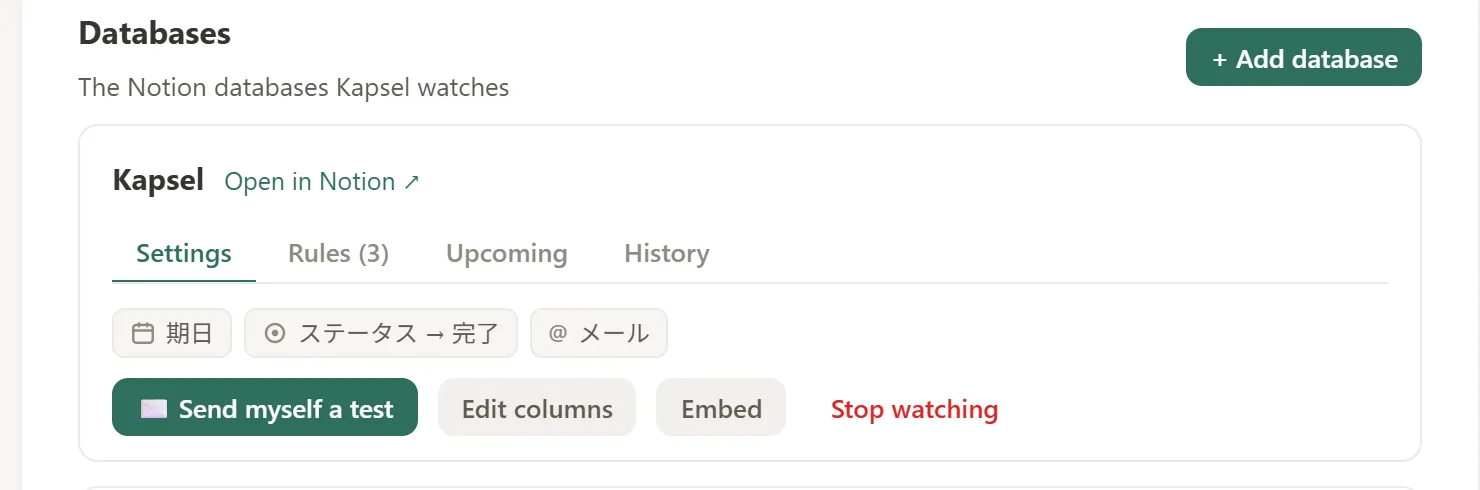
Kapsel is a Notion notification tool that watches your database's due dates, assignees, and statuses and automatically sends email reminders — including to clients who don't use Notion — with a one-click link that writes their confirmation back to Notion. It is an independent, solo-built product designed to do one thing well: get the right reminder to the right person and record what they did, without you re-keying anything by hand.
Why no-shows happen even when you 'remind' clients
No-shows rarely come from a single cause. Understanding the real drivers is what makes a reminder system work instead of just adding noise.
The empty chair has a concrete cost. When a client doesn't show, you lose the revenue for that slot, the product or room you prepped, and the staff time you're still paying for. For a solo operator, one weekly no-show can quietly erase a meaningful share of the month's margin.
The most common root causes are predictable:
| Root cause | What it looks like | What fixes it |
|---|---|---|
| Forgetfulness | Booked weeks ago, then life happened | A reminder timed close to the appointment |
| Unclear policy | Client didn't know cancellation cost anything | State the reschedule/cancel policy in the message |
| No financial commitment | Nothing at stake if they skip | A confirmation step that signals intent |
| Ambiguous confirmation | "Did they actually confirm?" is unknown | A one-tap confirm that updates your records |
The real cause is usually a missed status update, not a forgotten appointment
Most no-show tools treat the problem as a memory issue. Often the deeper issue is that nobody has a reliable, up-to-date answer to "is this booking confirmed?" If confirmations live in a reply thread, a text, or a staffer's head, the status in your calendar is stale. When the status is stale, you either over-remind confirmed clients or fail to chase the ones who never responded.
Manual reminders don't scale past a handful of bookings a week
Texting each client a day before works at five bookings a week. At twenty-five, it becomes a daily chore that's easy to skip on a busy day — and the days you skip are exactly when no-shows spike. Manual reminders also leave no record: you can't prove what went out or when, and confirmations have to be typed back into your calendar by hand.
💡 If your bookings already live in a Notion database, the "confirmed?" answer can be a status field that a client's own tap keeps current — so nobody re-enters anything.
What an automated reminder needs to actually do
A reminder that just says "you have an appointment" is a notice. To reduce no-shows, it needs to do four things.
Watch the booking's date, assignee/staff, and status — not just the calendar date
Timing off the calendar date alone isn't enough. A reminder system should watch the date (when to send), the assignee/staff (who the client is seeing, and who to filter by), and the status (booked, confirmed, done, canceled). Kapsel watches all three directly on your Notion database, so reminders fire on the appointment date and respect where each booking stands.
Reach people who don't use Notion (clients rarely have or want a Notion login)
Your clients are not going to open your Notion workspace, and they shouldn't have to. Kapsel sends reminders as plain email to any address — no account, no login, no app to install. This is the gap platform-locked tools leave open: the confirmation flow shouldn't require the client to live inside your software. In practice, that's one less barrier between a reminder going out and a client actually seeing it — and one less support question for you to answer. (For more on the mechanics of reaching people who don't have a Notion account, see Automatic Email Reminders from Notion.)
Let the recipient confirm with one click — and write that confirmation back to your database
Confirmation should be an action, not just a notice — ideally the client can confirm, cancel, or ask to reschedule without leaving the email. Kapsel's emails include a one-click confirm link; when the client taps it, the confirmation writes the status back to Notion. Staff never re-enter confirmations by hand, and your database stays the single source of truth for who's confirmed. Cancel and reschedule requests still come back to you directly (by reply, call, or however you normally handle them), so pair the one-tap confirm with clear cancel/reschedule instructions in the same message rather than relying on the tap alone.
💡 Because the confirmation updates your own Notion database — not a vendor's proprietary system — the record you rely on day to day is the record that stays current.
Never send to a booking that's already done, canceled, or paid
The fastest way to erode trust is to remind someone about an appointment they already completed, canceled, or paid for. Kapsel has this safeguard built in: it never sends reminders for items marked completed or paid. You don't hand-wire a fragile condition and hope it holds — "don't chase a resolved booking" is a built-in rule.
⚠️ This "never resend once resolved" behavior depends on your status field being current — which is exactly why one-click write-back matters. The confirm tap keeps the status honest, and the safeguard keeps you from over-messaging.
Setting this up when your bookings live in Notion
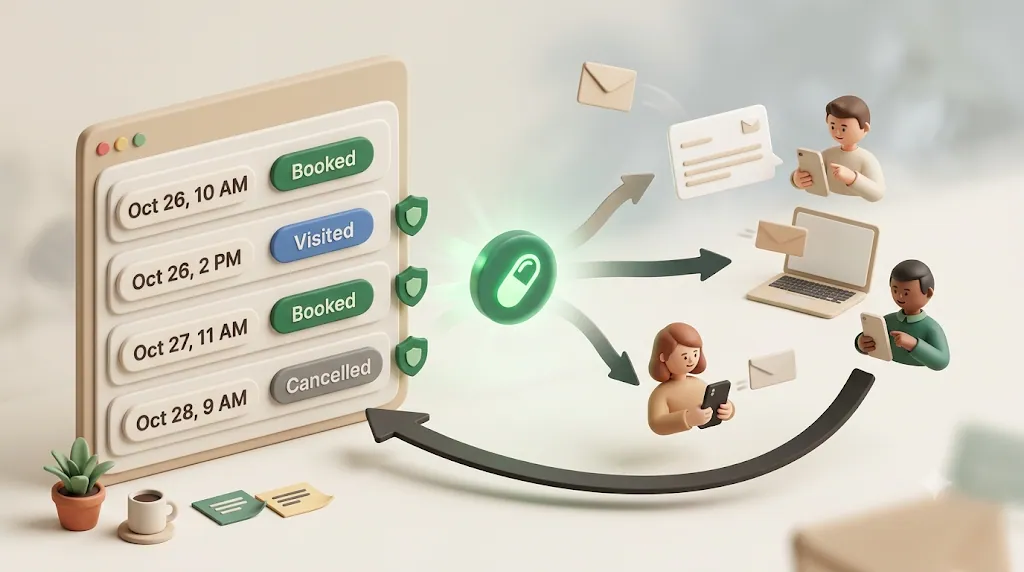
If your calendar is already a Notion database, you don't need to migrate anywhere. You add a notification layer on top.
Structure a simple bookings database (date, client, staff, status, contact email)
A workable bookings database needs only a handful of properties:
| Property | Type | Purpose |
|---|---|---|
| Appointment date/time | Date | When to send, and what to say |
| Client name | Text | Personalize the message |
| Contact email | Where the reminder goes | |
| Staff / provider | Person or Select | Who they're seeing; filter target |
| Service | Select | What was booked |
| Status | Status/Select | Booked → Confirmed → Done / Canceled |
Connect Kapsel to watch that database's due date/status fields
Sign in, connect the Notion workspace that holds the database, and point Kapsel at it. Choose the date field to time reminders and the status field so completed, canceled, or paid bookings are automatically skipped. There's no per-booking automation to hand-build — set it once and every booking that follows is covered automatically, instead of you rebuilding a reminder for each new entry.
Notion's own automation can send a confirmation, but that's as far as it goes
If all you need is a one-off confirmation the moment a booking is added, Notion's built-in database automations can already connect to a Gmail account and send that email when a new row lands in the database. That covers the confirmation-on-booking step without adding a separate tool. Where it stops is everything a reminder cadence needs after that: it can't watch a due date to time a message before the appointment, skip a booking automatically once it's marked done, canceled, or paid, or send a repeated follow-up when nobody confirms — which is the gap a notification layer like Kapsel fills.
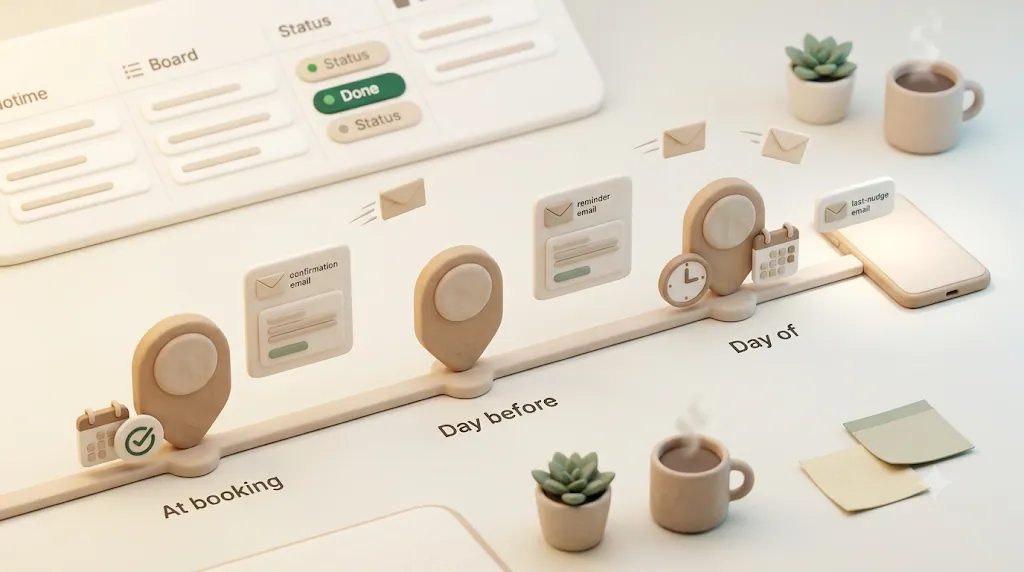
Send confirmation on booking, reminder before the appointment, and a follow-up if unconfirmed
Here's the flow most small operators want, in order:
- On booking — send a confirmation email so the client can confirm the details right away.
- Before the appointment — send a reminder 24–48 hours out with the specifics.
- If still unconfirmed — trigger an overdue follow-up so bookings nobody confirmed get a nudge instead of silently becoming no-shows.
See the setup guide for the full walkthrough.
Reminder cadence and message content that reduce no-shows
Timing and wording do most of the work. The goal is enough touchpoints to be helpful without becoming spam.
A simple 2-3 touch cadence (booked, 24-48h before, same-day)
Multiple light touches beat a single reminder. A practical cadence:
| Touch | Timing | Job of the message |
|---|---|---|
| Confirmation | At booking | Lock in details; invite one-tap confirm |
| Reminder | 24–48h before | Jog memory; last easy chance to reschedule |
| Same-day nudge | Morning of | Reduce day-of forgetting |
You don't need all three for every service — a longer lead time may warrant a 48-hour touch, while a same-day nudge helps most for early-morning slots.
What to include: service, staff name, time, location, reschedule/cancel option
Every reminder should be self-contained. Include:
- Date and exact time (with time zone if you serve clients remotely)
- Provider / stylist / clinician name
- Service booked
- Location (address, room, or video link)
- How to reschedule or cancel, and the policy that applies
- A clear confirm action
⚠️ Bury the reschedule instructions and a client who can't make it just won't show. Make canceling or rescheduling as easy as confirming — it protects the slot.
Personalize with merge fields instead of generic blasts
Generic "reminder: you have an appointment" messages get ignored. Kapsel supports merge fields that pull values straight from the Notion booking — client name, service, date, provider — so each email reads as a tailored message. Personalization improves open and response rates, and it reassures the client the details are correct.
Deliverability basics: subject lines, sender reputation, and spam triggers
A reminder that never reaches the inbox can't reduce no-shows. A few habits keep deliverability healthy regardless of which tool sends the email:
- Write a specific subject line — include the date or service ("Your haircut, Thu 2pm") rather than a generic "Reminder" that looks like bulk mail.
- Keep a consistent, recognizable sender name so clients learn to trust and open your messages instead of flagging them.
- Avoid spam-trigger language — excessive exclamation points, ALL CAPS, or aggressive sales phrasing in a transactional appointment email.
- Send at a steady, predictable pace rather than large irregular bursts, which is friendlier to spam filters over time.
- Keep the email mostly text with one clear link (the confirm action) instead of image-heavy layouts, which are more likely to get filtered.
None of this requires special setup on your end — it's just good hygiene for any transactional email, including the ones Kapsel sends on your behalf.
Handling overdue confirmations and no-replies
The clients who never respond are the ones most likely to no-show. Chasing them is where automation earns its keep.
Automatic follow-up for bookings nobody confirmed
Kapsel's overdue follow-ups send a repeated nudge the longer a booking sits unresolved — for example, if it isn't confirmed by a set point before the appointment. Because it's tied to the status field, a booking that flips to Confirmed (whether the client tapped confirm or a staffer set it) drops out of the follow-up automatically. It's a configurable rule tied to your data, not a fixed built-in cadence you can't adjust. That means the clients most likely to no-show — the ones who never responded — get chased automatically, without you keeping a mental list of who still needs a nudge.
Filtering reminders by staff, location, or service type
Not every reminder should go to every client. Kapsel's target filtering lets you narrow by assignee (staff/provider) or by property values, so you can run different cadences per stylist, per location, or per service — without building a separate automation for each case. That keeps each client's message relevant to their own booking instead of a one-size-fits-all blast, and saves you from maintaining a separate setup per stylist or location.
Keeping a record without extra admin work
Solo operators need proof of what went out without opening a separate CRM. Two features cover that.
Recurring digest of upcoming appointments for your team
Most tools only message clients. Kapsel can also send recurring digests — a periodic summary email such as "tomorrow's bookings" — generated from the same Notion database. That gives you or your staff a morning recap without anyone building a report by hand.
Send log — see what went out and when
Kapsel keeps a send log showing what was sent, to whom, and when. For a solo studio or clinic, that's the audit trail you'd otherwise be missing — proof a client was reminded, without a separate system to check.
Do you need dedicated booking software, or does your Notion setup already work?
This is the real decision for a small service business. Both answers are legitimate; it depends on your setup.
A quick checklist for evaluating any reminder tool
Whatever you choose — a dedicated platform or a lightweight layer — the same questions apply (our appointment reminder checklist turns these into a step-by-step list):
- Does it watch the actual appointment date, not just send on a fixed schedule?
- Can it filter by staff, location, or service so the right person gets the right message?
- Does it reach clients with no account or app install required?
- Is confirming the appointment a one-tap action, and does that action update your records automatically?
- Does it automatically skip appointments that are already done, canceled, or paid?
- Can messages be personalized with the client's name and booking details?
- Is there a log of what was sent and when, so you can check without asking staff?
When a full salon/clinic platform makes sense
Dedicated platforms (Phorest, SimplyBook, Apptoto, and similar) are worth it when you need an all-in-one system: public online booking pages, integrated payments and deposits, POS, inventory, staff scheduling, and SMS at scale. If clients self-book through a website and you want everything under one roof, a purpose-built platform earns its subscription.
When a lightweight notification layer on top of Notion is enough
If you already run bookings in a Notion database, book clients yourself (by DM, phone, or form), and mainly want to stop manual reminders and reduce no-shows, a notification layer is often enough — at a fraction of the cost.
| Dedicated booking platform | Notion database + Kapsel | |
|---|---|---|
| System of record | The vendor's system | Your own Notion database |
| Best for | Chains, high volume, self-serve booking | Solo / small teams already in Notion |
| Confirmation write-back | Inside the vendor's app | Into your own Notion status field |
| Reaches clients without an account | Usually via SMS/portal | Plain email, no login needed |
| Skip completed/paid automatically | Varies | Built-in |
| Setup | New platform to adopt | Add on top of existing database |
Getting started with Kapsel for appointment reminders
Getting started is three steps: connect your Notion workspace, point Kapsel at your bookings database and choose the date and status fields to watch, then send a test reminder and check the send log. From there, set your confirmation-on-booking, before-appointment, and overdue-follow-up sends. Full details are on the product page.
Free plan to try it, Standard and Pro for growing teams
| Plan | Price (USD / month) | Who it's for |
|---|---|---|
| Free | $0 | Trying it out; light, ongoing use |
| Standard | $12 | Solo operators and small teams running regular reminders |
| Pro | $29 | Multiple Notion workspaces + sender branding (business name, signature, logo) |
Free is free indefinitely — it's not a time-limited trial. Pro adds multiple Notion workspaces and sender branding, so client-facing emails carry your business name, signature, and logo. See the pricing page for details.
Try Kapsel free. Kapsel watches your Notion due dates, assignees, and status, then sends automatic email reminders — including to people without a Notion account — with one-click write-back. Free plan, no credit card required. → Start with Kapsel
FAQ
How do automated appointment reminders reduce no-shows?
They address the most common causes at once: forgetting, unclear policies, and unconfirmed intent. A timely reminder jogs memory, states the reschedule/cancel policy, and — when confirmation is one tap — turns a passive notice into a small commitment. Consistency matters too: automation sends every reminder even on your busiest days, when manual ones tend to get skipped.
What should an appointment confirmation or reminder email include?
Date and exact time, the provider or staff member's name, the service booked, and the location (or video link). Add clear reschedule and cancel instructions plus the policy that applies, and a single, obvious confirm action. Keep it self-contained so the client doesn't have to look anything up.
How far in advance should you send appointment reminder emails?
A common, effective pattern is a confirmation at the time of booking, a reminder 24–48 hours before, and an optional same-day nudge. Longer lead times favor an earlier touch so there's still time to reschedule; same-day slots benefit from a morning-of reminder. Multiple light touchpoints generally outperform a single reminder.
Is email, text, or a phone call better for appointment reminders?
Each channel trades off detail against urgency. A phone call gets the most attention and works well for high-value or already-late bookings, but it doesn't scale — someone has to make the call, and it's easy to miss or screen. SMS gets opened fast and suits short, day-of nudges, but has little room for detail and a higher per-message cost. Email carries the full details — service, location, policy, a confirm link, and personalization — and costs nothing per send, which makes it well suited to confirmations and reminders where the client needs the specifics rather than just a nudge.
Can I send appointment reminders automatically from Notion?
Yes. Notion's native "Send mail to" automation can email a client when an event fires, but it has no true due-date trigger and no built-in recurring or overdue logic. Kapsel is built for this case: it watches your bookings database's date and status and sends confirmations, reminders, and overdue follow-ups automatically, with a one-click confirm that writes back to Notion.
How do I stop sending reminders for canceled or completed appointments?
Tie reminders to your status field so resolved bookings drop out. Native automations don't include a ready-made "skip resolved items" rule, so you'd have to build and maintain conditional logic yourself. Kapsel has this safeguard built in — it never sends reminders for items marked completed or paid — and one-click confirmations keep the status current so the safeguard works.
Can clients confirm an appointment without creating an account?
Yes. With Kapsel, each email includes a one-click confirm link; tapping it records the confirmation with no account, login, or app required. The confirmation writes the status back into your Notion database, so your records stay current without staff re-entering anything.
What's a good free option for a small salon or studio to automate reminders?
If your bookings already live in Notion, Kapsel's Free plan ($0) lets you automate reminders on top of your existing database without adopting a full booking platform. It's free indefinitely rather than a time-limited trial, so it's a low-risk way to see whether an email reminder layer reduces your no-shows before paying for anything.
How do I follow up automatically if a client doesn't confirm?
Set an overdue follow-up tied to the booking's status. Kapsel sends a repeated nudge the longer a booking sits unconfirmed — for example, if it isn't confirmed by a set point before the appointment — and stops automatically once the status flips to confirmed. It's a configurable rule tied to your data rather than a fixed cadence.
Do I need separate booking software, or can I run this from a Notion database?
You can run it from Notion if you already track bookings there and mainly want automatic confirmations, reminders, and fewer no-shows. A dedicated platform makes more sense when you need public self-serve booking, integrated payments, POS, and SMS at scale. For solo and small teams living in Notion, a notification layer like Kapsel adds automated reminders without a new system to adopt.
Related reading
- Automatic Email Reminders from Notion: How to Reach People Who Don't Use Notion — the mechanics of emailing clients and collaborators who don't have a Notion account.
- Kapsel product overview and pricing — what's included on each plan.
- Setup guide — step-by-step walkthrough with screenshots.
Notes
Published 2026-08-03. Features and pricing described here — including Kapsel's Free ($0), Standard ($12/month), and Pro ($29/month) plans — are current as of the publish date and may change over time. Third-party booking platforms are named only for comparison, and their capabilities reflect general market positioning as of writing.